

To collect Trustpilot reviews on Shopify, install the official Trustpilot Reviews app, connect your Trustpilot business account, and enable automated post-purchase review invitations. That is the fastest and most reliable method for most merchants in 2026, especially if you want verified service reviews, simple setup, and widgets you can add without custom code.
As a Shopify app developer, I have seen merchants overcomplicate review collection far too often. They spend weeks tweaking email flows, testing popups, and chasing manual testimonials, when the better option is usually to connect the official integration, set sensible invite timing, and focus on delivering a good customer experience that naturally earns positive feedback.
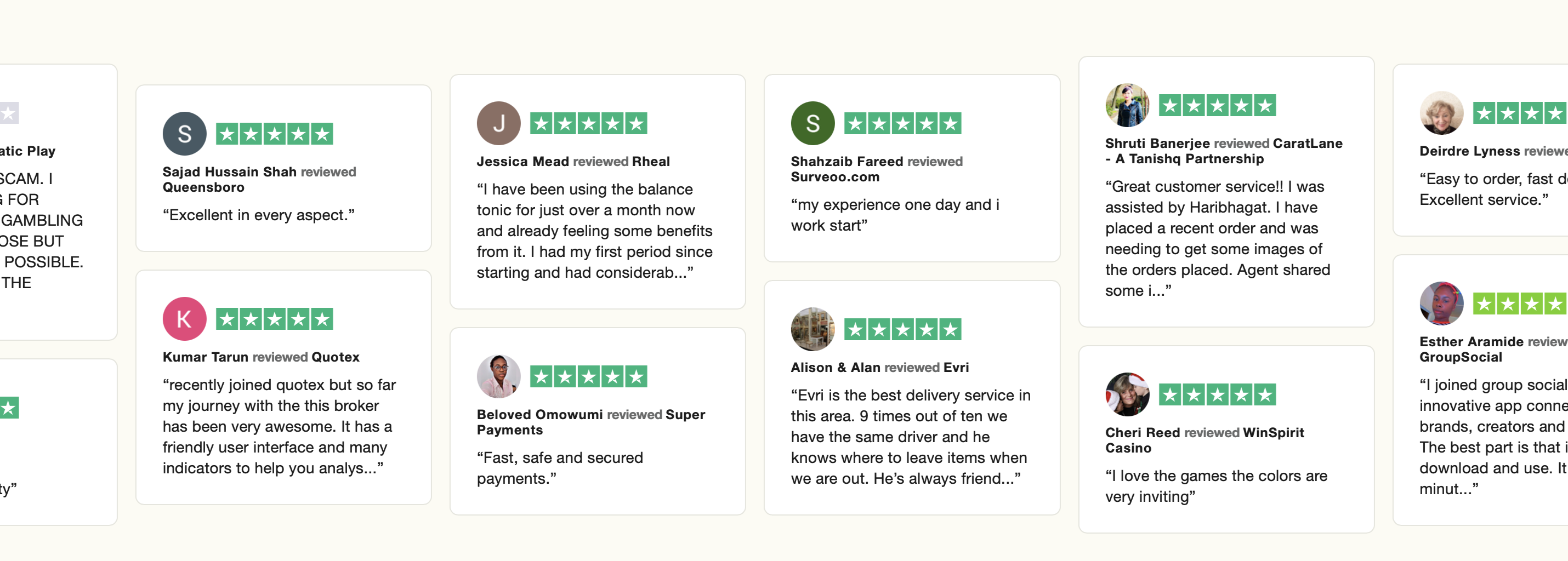
Trustpilot still carries weight because shoppers recognise it instantly. If a potential buyer sees your store has a healthy number of recent reviews, a solid star rating, and visible proof across your site, that can reduce hesitation fast. It will not fix a weak product or poor fulfilment, but it can absolutely improve trust, click-through rate, and conversion confidence.
In this guide, I will walk through how to collect Trustpilot reviews on Shopify step by step, what the official app actually does, where merchants get stuck, and when it makes sense to use a separate display tool alongside Trustpilot.
How do I collect Trustpilot reviews on Shopify?
You collect Trustpilot reviews on Shopify by installing the official Trustpilot app, connecting your business account, and configuring automated email invitations after an order is placed or fulfilled. For most stores, this takes less than 20 minutes to get live.
The current search intent for this topic is very practical. Merchants are not looking for theory. They want the shortest path from Shopify order to review request to published Trustpilot review. The official integration is designed exactly for that.
According to current app listing and integration information, Trustpilot's Shopify app includes a free plan and supports 50 free review invites per month. It also includes onsite widgets, review management tools, and support for Google Seller Ratings eligibility, which is one of the main reasons merchants choose it over patchwork solutions.
If your goal is review collection rather than just adding a Trustpilot-style badge, start with the official app first. If your goal is purely visual social proof, there are alternatives, but they are not the same as collecting verified reviews directly through Trustpilot.
Why are Trustpilot reviews important for Shopify stores?
Trustpilot reviews matter because they provide third-party social proof that can increase trust before a customer buys. They are especially useful for newer stores, high-ticket products, and brands that need to overcome scepticism quickly.
When I work on Shopify apps and merchant stores, I consistently see the same pattern: stores with visible trust signals convert better than stores that leave customers guessing. Reviews are one of the easiest trust signals to understand. A visitor does not need to learn your brand story in depth to understand 4.5 stars from real buyers.
Trustpilot also helps beyond the product page. Reviews can support brand credibility, improve ad performance through Google Seller Ratings, and give you a stream of customer feedback to analyse. If you are also working on broader conversion improvements, I would pair review collection with stronger upsell and product page strategy using guides like How to Maximize Revenue from Your Shopify Product Pages and How to Create Shopify Cart Drawer Upsells That Boost AOV.
One point worth stressing: reviews amplify what is already true about your business. If shipping is slow, packaging is poor, or support is inconsistent, Trustpilot will surface that. That is uncomfortable, but useful. Honest review collection forces operational clarity.
What makes Trustpilot different from product review apps?
Trustpilot is primarily known for service and business reviews, while many Shopify review apps focus on product-specific reviews. You can use both together if you want broad brand trust and detailed product proof.
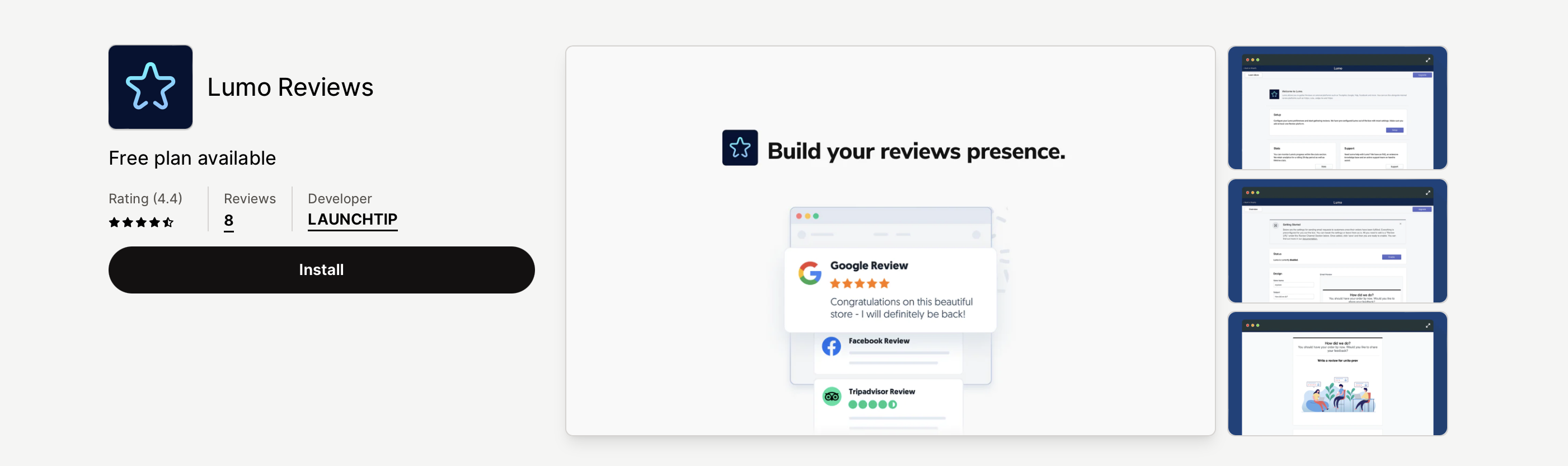
This is where some merchants get confused. Apps like Lumo Reviews or other Shopify review tools are often better for product review collection, photo reviews, and tighter integration with product templates. Trustpilot is stronger for brand-level trust and external credibility.
In practice, plenty of stores use a hybrid setup. They collect Trustpilot service reviews to build overall brand confidence, then use a dedicated product review app onsite for SKU-level proof. That setup can work very well if you manage it cleanly.
What is the best way to set up Trustpilot on Shopify?
The best way to set up Trustpilot on Shopify is through the official Trustpilot Reviews app and your Trustpilot business account. It is the most direct route for automated invitations, verified review collection, and native widget support.
There is a small but important detail here. Some older documentation refers to setup through the Trustpilot Business dashboard rather than a standard App Store installation flow. In practice today, merchants usually discover the app through the Shopify App Store listing and then complete authentication and account connection during setup.
The app is easy enough for beginners, but there are still a few settings worth getting right from the start. Here is the process I recommend.
Step 1: Install the official Trustpilot Reviews app
Go to Shopify Admin, open the Shopify App Store, search for Trustpilot Reviews, and install the app. Look for the official listing from Trustpilot with the green star branding.
You can install it directly here: Trustpilot Reviews app. At the time of writing, the listing shows a free plan available, which makes it accessible for smaller stores testing the platform.
Be aware that app ratings can fluctuate. I always tell merchants to read recent reviews and support responses, not just the headline score. Sometimes a lower app rating reflects onboarding friction rather than the core value of the platform.

Step 2: Connect your Trustpilot business account
After installation, log in to your Trustpilot business account or create one if you do not already have it. You will then verify ownership and connect the correct Trustpilot domain to your Shopify store.
This part matters more than it sounds. Some merchants manage multiple domains, regional storefronts, or historical Trustpilot profiles. Make sure you connect the right business unit, otherwise your invites and widgets can end up tied to the wrong profile.
Once connected, you should land in the Trustpilot app area within Shopify where you can manage invitation settings, review status, and widgets.
Step 3: Turn on automated review invitations
Automated invitations are the core feature for collecting Trustpilot reviews on Shopify. They trigger review request emails after a customer places or receives an order, depending on your settings.
In my experience, automation beats manual outreach almost every time. Manual requests are inconsistent, easy to forget, and usually sent only when the team has spare time. Automated invites create a repeatable review pipeline.
Set your invite timing based on the customer experience. If you sell digital products, a shorter delay can work. If you sell physical products, wait until the customer has had enough time to receive and use the item. For many stores, 7 to 14 days after fulfilment is a sensible starting point.
Step 4: Configure timing, branding, and delivery settings
The best invitation settings depend on what you sell, how long delivery takes, and how quickly customers can judge the experience. There is no universal perfect delay.
Here is the rule I use: ask for a review when the customer can give a fair answer. If you request feedback too early, you get vague reviews or frustration about delivery. If you ask too late, response rates drop because the purchase is no longer top of mind.
- Fast shipping consumer goods: 5 to 10 days after fulfilment
- High-consideration products: 10 to 21 days
- Subscription or repeat purchase products: after first successful delivery or first reorder point
- Custom or made-to-order items: after confirmed delivery plus a short usage window
If you sell personalised products or custom orders, your review timing should reflect that extra complexity. I would also recommend reading How to Track Customized Orders in Shopify and How to Add a Rush Order or Production Option to Your Shopify Store if your fulfilment process is not standard.
Step 5: Add Trustpilot widgets to your storefront
Once you start collecting reviews, add Trustpilot widgets to high-visibility pages so shoppers actually see them. The homepage, product pages, collection pages, and cart are the best starting points.
The official app supports drag-and-drop widgets in Shopify's theme editor. That means you can usually add social proof blocks without editing Liquid. For most merchants, that is enough.
I would prioritise these placements first:
- Homepage for broad brand trust
- Product pages near the buy box or below product details
- Collection pages if you need trust earlier in the browsing journey
- Cart or pre-checkout areas to reduce final hesitation
If your theme is heavily customised, test widget rendering carefully on mobile. A trust badge that breaks layout or pushes key content below the fold can hurt more than it helps.
Step 6: Monitor results and optimise your invite flow
Do not treat review collection as a one-off setup task. Review volume, response rate, rating trend, and review recency all need checking over time.
When I test review flows, I look at three things first: invite send rate, review conversion rate, and average rating trend. If invites are sending but reviews are not coming in, your timing may be off. If ratings are slipping, the problem is probably operational rather than technical.
This is where reviews become genuinely useful. They can show recurring complaints about delivery, packaging, sizing, returns, or support quality. That feedback can guide fixes far more effectively than staring at analytics dashboards alone.
What settings should I use to get more Trustpilot reviews?
The best way to get more Trustpilot reviews is to improve timing, keep the request simple, and only ask after a genuinely good customer experience. Volume comes from consistency, not from aggressive tactics.
Merchants often ask me for a trick to get more reviews. Usually there is no trick. There are just a handful of reliable levers that improve response rate without damaging trust.
- Send invites automatically rather than manually
- Ask after delivery, not immediately after payment
- Use recognisable sender branding so customers trust the email
- Keep customer support responsive before the invite lands
- Resolve issues quickly so unhappy buyers are not caught mid-problem
- Maintain a steady order flow so reviews stay recent
One point I feel strongly about: do not try to game review platforms. Do not selectively invite only happy customers if that breaches platform rules. Do not offer incentives that violate policy. It is short-term thinking and tends to backfire.
If you are trying to improve conversion more broadly, reviews should sit alongside better merchandising, upsells, and customer data hygiene. These guides may help: How to upsell on Shopify in 2026, How to upsell on Shopify leveraging AI, and How to Manage Shopify Customer Data Without Losing Sales.
Can I import or display Trustpilot reviews on Shopify without the official app?
Yes, you can display Trustpilot reviews on Shopify using third-party tools, but that is not the same as collecting verified Trustpilot reviews through Shopify orders. If collection is your goal, the official app is still the best option.
This distinction matters because the search results mix two different intents. Some pages rank for this keyword by showing how to embed Trustpilot-style widgets or import reviews visually. That can be useful, but it does not replace the official invitation workflow.
If you want alternative display options, these are the main routes merchants look at.
| Tool | Best for | Key features | Main limitation |
|---|---|---|---|
| Trustpilot Reviews | Collecting verified reviews | Automated invites, widgets, review management, Google Seller Ratings support | App experience depends on Trustpilot account setup and plan limits |
| Trustview | Displaying Trustpilot reviews | Drag-and-drop widgets, real-time sync, theme compatibility | Focused more on display than first-party collection workflow |
| Senja | Importing testimonials visually | Import reviews, create widgets, embed on site | Not a native Trustpilot collection system through Shopify orders |
If your priority is onsite design flexibility, a display tool may help. If your priority is authentic review collection at scale, stick with the official app and add a display layer only if needed.
Where should I show Trustpilot reviews on my Shopify store?
The best places to show Trustpilot reviews are the homepage, product pages, collection pages, and near checkout decision points. Put them where they reduce doubt, not where they clutter the page.
I have seen merchants place review widgets in odd locations simply because the app made it possible. More widgets does not automatically mean more trust. Usually, a few well-placed blocks work better than review overload.
Here is how I think about placement:
| Page | Why it works | Best format |
|---|---|---|
| Homepage | Builds instant brand credibility for first-time visitors | Star summary, carousel, trust badge |
| Product page | Reassures shoppers before Add to Cart | Compact review block near buy box |
| Collection page | Supports trust earlier in the browsing journey | Header strip or small widget |
| Cart drawer or cart page | Reduces hesitation before checkout | Short trust statement with star rating |
If you are actively testing conversion improvements, combine review placement with stronger cart and upsell experiences. My own bias as an app builder is that trust proof works best when paired with relevant offers, not in isolation. You might also find How to Cross-Sell Matching Variants and AI-powered upsells: the future of ecommerce conversion useful here.
What are the common problems when collecting Trustpilot reviews on Shopify?
The most common problems are invite timing mistakes, connecting the wrong Trustpilot account, low review response rates, and confusing service reviews with product reviews. Most issues are fixable once you know where to look.
Here are the problems I see most often in real stores:
- Invites sent too early before the order arrives
- Invites sent too late when the purchase is forgotten
- Wrong business unit connected in Trustpilot
- Merchant expects product reviews but has only enabled service review flow
- Widgets added badly causing layout or speed issues
- Negative feedback spikes because fulfilment problems were never fixed
There is also a strategic issue: some merchants obsess over collecting reviews before they have fixed the basics. If your support inbox is slow, your delivery estimates are unrealistic, or your returns process is messy, reviews will expose that. In that case, improving operations is the real conversion optimisation work.
For stores worried about technical bloat, be careful with too many third-party widgets. Shopify speed matters, but so does avoiding bad advice. I would strongly recommend reading The Hidden Truth About Shopify Speed Optimization Scams before making drastic theme changes in the name of performance.
How can I respond to negative Trustpilot reviews without hurting my brand?
The best way to handle negative Trustpilot reviews is to respond quickly, stay calm, and focus on solving the issue publicly and professionally. A thoughtful response often builds more trust than a perfect score.
In my experience, shoppers do not expect every brand to have only glowing reviews. What they do notice is whether the business replies like a real team that cares. A defensive or robotic response can do more damage than the original complaint.
My basic framework is simple:
- Acknowledge the problem without arguing
- Apologise clearly if the store fell short
- Offer a path to resolution with a real contact point
- Fix the root cause so the same complaint does not repeat
If the same complaint appears multiple times, that is not a review problem. It is an operations problem. Reviews are just the messenger.
Is Trustpilot worth it for small Shopify stores?
Yes, Trustpilot can be worth it for small Shopify stores if you need external trust proof and can consistently generate orders. It is most valuable when your brand is still unknown and every trust signal matters.
For very early-stage stores with little traffic, I would be realistic. If you only have a handful of monthly orders, you may not collect reviews quickly enough for Trustpilot to make a visible difference straight away. In that situation, focus first on product-market fit, fulfilment quality, and getting your first real customers.
Once orders are coming through consistently, Trustpilot becomes more useful. Even the free plan with 50 invites per month can be enough to start building momentum. For many small stores, that is a sensible entry point.
If you are comparing review systems more broadly, I would think of Trustpilot as your brand trust layer, not necessarily your entire review stack. A lot of merchants benefit from pairing it with a dedicated onsite review app depending on how much product-specific detail they need.
What is my recommended setup for collecting Trustpilot reviews on Shopify?
My recommended setup is the official Trustpilot Reviews app for collection, a sensible post-fulfilment invite delay, and selective widget placement on homepage, product pages, and cart. Keep it simple and optimise from there.
If I were setting this up for a typical Shopify merchant today, I would do the following:
- Install Trustpilot Reviews
- Connect the correct Trustpilot business account
- Enable automated service review invitations
- Set the delay based on real delivery time, usually 7 to 14 days after fulfilment
- Add a compact trust widget to the homepage and product template
- Review response rate and review quality after the first 30 days
- Adjust operations if recurring complaints appear
If you need extra onsite review functionality, compare whether a second app is truly necessary. More apps can mean more complexity, more support overhead, and more theme clutter. As someone who builds Shopify apps, I am very aware that every installed app has a cost beyond the subscription price.
The best review strategy is rarely the most complicated one. It is the one that runs automatically, reflects a genuinely good customer experience, and shows social proof where it helps shoppers decide.
And if you are also preparing your store for the way people discover brands now, it is worth thinking beyond traditional search too. I would recommend reading How to Get Your Shopify Store into ChatGPT and How to Optimize Your Shopify Store for AI Shopping Agents. Reviews, trust signals, and structured proof are becoming more important there as well.