
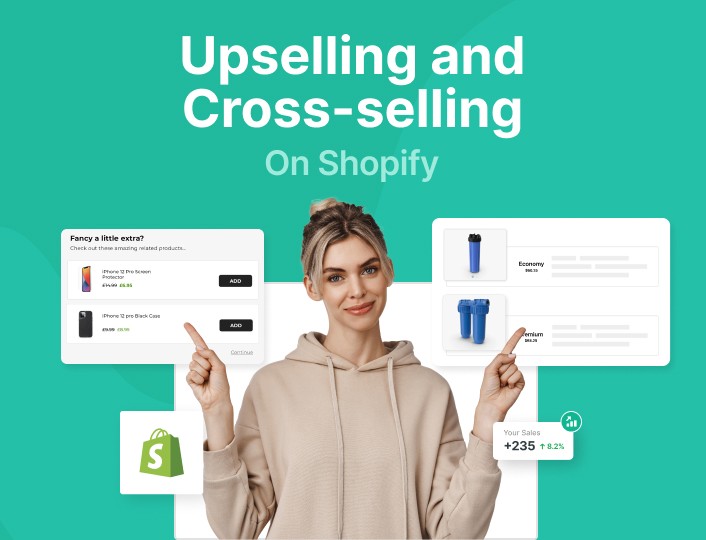
Upsell per variant on Shopify means showing a different upsell or cross-sell depending on the exact variant a shopper selects, such as size, color, material, or pack size. This is one of the most common merchant requests I hear because a generic upsell often feels wrong, while a variant-matched offer feels helpful and converts much better.
In my experience building Shopify apps, this problem shows up most in stores selling apparel, jewelry, personalized products, phone accessories, bundles, and anything with multiple sizes or designs. If a shopper picks a Small / Black shirt, they do not want to see a random add-on in Large / White. They want the matching version, the upgraded version, or the complementary version that actually fits what they just chose.
If you have ever tried to do this natively in Shopify, you have probably discovered the limitation quickly. Shopify does not support conditional upsells by variant out of the box, so merchants usually end up choosing between custom code, complex app setups, or a simpler app that already handles the logic.
What is upsell per variant on Shopify?
Upsell per variant on Shopify is a setup where the offer changes based on the exact variant the customer selects. Instead of showing the same upsell for the whole product, you show a variant-specific recommendation that matches the shopper's choice.
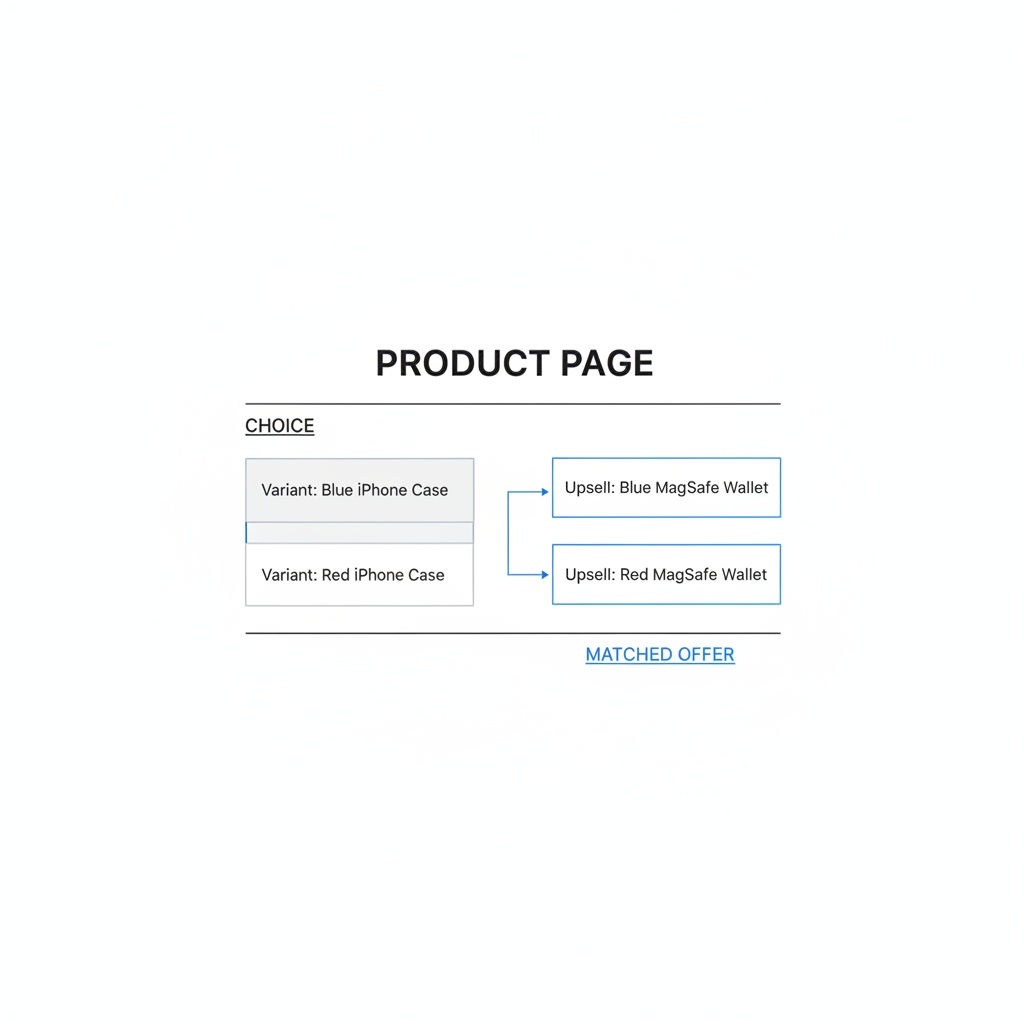
For example, if someone selects a blue iPhone case, you can upsell a blue MagSafe wallet instead of a random color. If they select a 1-pack protein powder, you can upsell the 3-pack of that same flavor. That is the core idea: more relevance, less friction, higher average order value.
This matters because Shopify variants are where customer intent becomes clear. Before the variant is chosen, the shopper is still browsing. After they pick a specific size, color, or design, you have a much better signal for what to offer next.
Why do merchants need upsell per variant on Shopify?
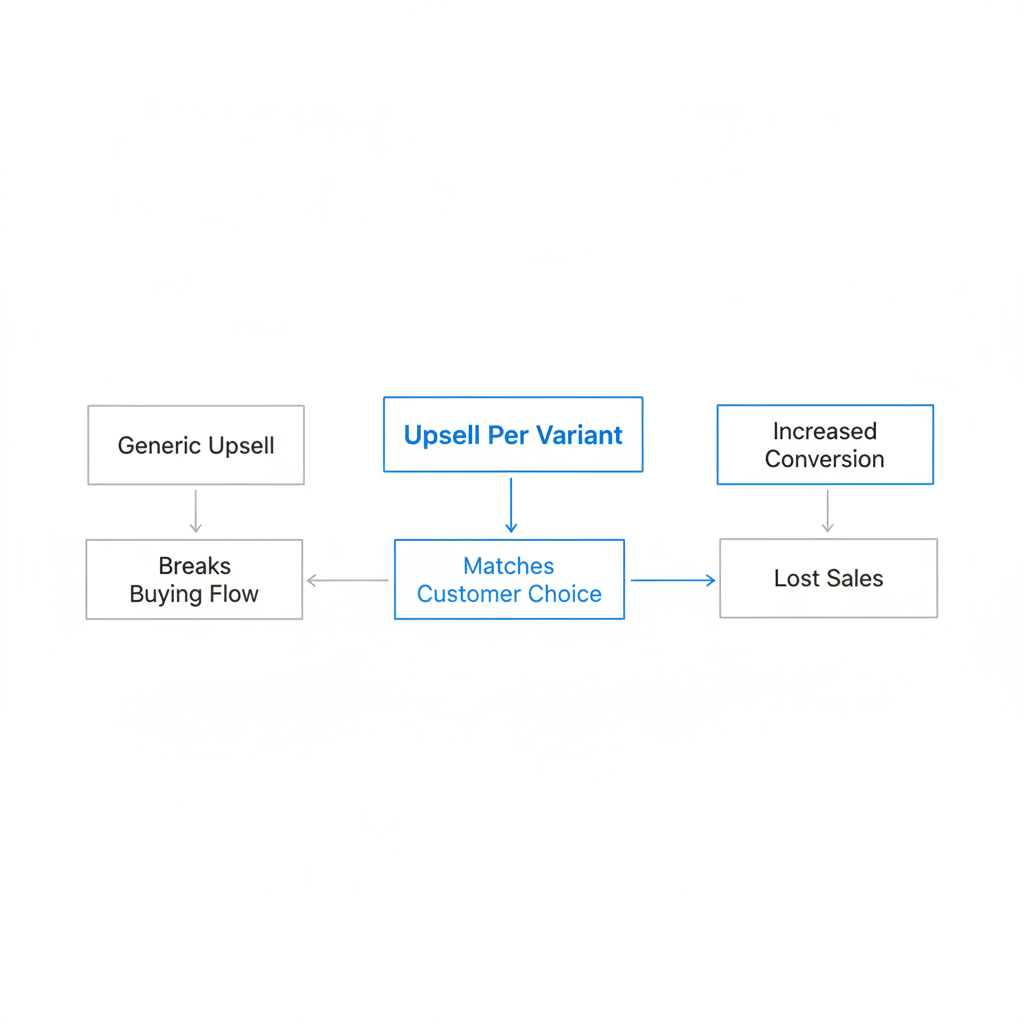
Merchants need variant-based upsells because generic offers often break the buying flow. A customer who has carefully chosen a size, finish, or design expects the add-on to align with that choice.
I have seen this pain point repeatedly in stores with visual products and fit-sensitive products. If the upsell does not match, shoppers hesitate, abandon the offer, or worse, add the wrong item and create support issues later. Relevance is not just a conversion issue - it is also a customer experience issue.
- Apparel: Match the same size across tops, bottoms, and accessories.
- Jewelry: Match metal color, stone type, or chain length.
- Print on demand: Match design, size, and color across related products.
- Electronics: Match device model, storage option, or finish.
- Food and supplements: Upsell larger pack sizes or subscriptions for the same flavor.
When merchants ask for an "Apple-like" upsell experience, this is usually what they mean. They want the offer to feel like a natural next step, not a disconnected popup.
What pain points does variant-based upselling solve?
Variant-based upselling solves the problem of showing the wrong product to the right buyer. It keeps the upsell aligned with the customer's actual selection, which reduces confusion and improves acceptance rates.
Here are the biggest issues it fixes that I see in real Shopify stores:
- Mismatched sizes: A shopper buys a medium shirt and gets offered a large add-on.
- Mismatched colors: A customer selects rose gold and sees a silver accessory.
- Mismatched designs: A printed product gets paired with the wrong artwork or style.
- Clunky upgrade flows: A customer wants to upgrade from 1-pack to 3-pack, but the store adds both to cart instead of replacing one.
- Support tickets: Wrong accessory combinations create exchanges, refunds, and "I ordered the wrong one" emails.
In my experience, the more customizable the catalog, the more important this gets. Stores with a single product and no variants can get away with broad recommendations. Stores with many variant combinations usually cannot.
How much can upsell per variant on Shopify improve results?
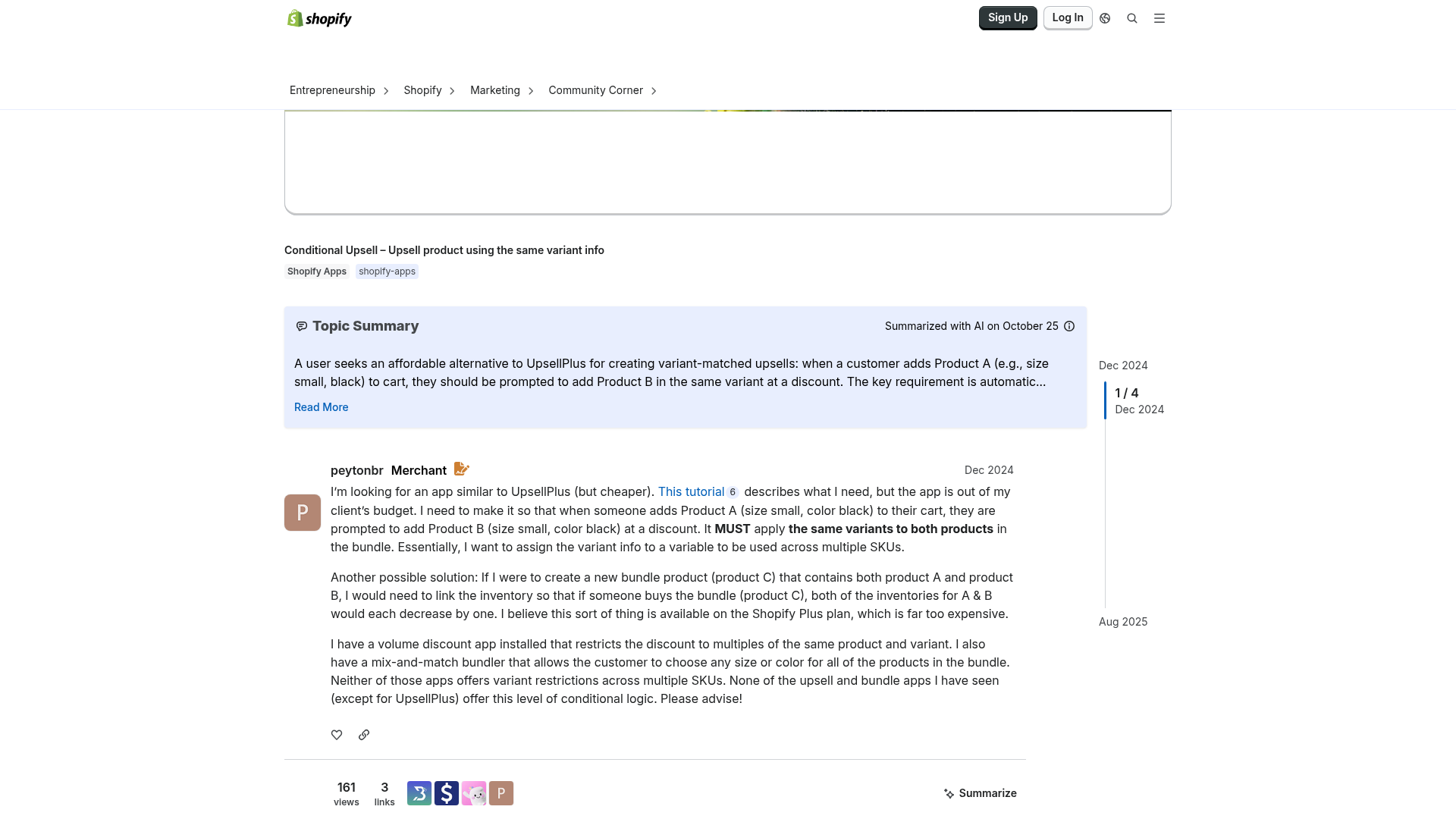
Variant-matched upsells usually perform better than generic upsells because they are more relevant to what the customer already wants. While results vary by niche, the logic is straightforward: a better-matched offer gets more clicks and more accepts.
Across Shopify, upselling is one of the most reliable ways to grow average order value. In practice, I often advise merchants to test offers priced at around 20 to 30 percent of the main item value, because that range tends to feel like a reasonable add-on rather than a second major purchase.
For direct upgrades, a 10 to 20 percent incentive can also work well, especially post-purchase or in-cart. If you want more ideas on offer structure, I have covered broader strategy in How to Upsell on Shopify in 2026 and more tactical product page ideas in Shopify Upsell on the Product Page.
| Upsell type | Example | Why it works |
|---|---|---|
| Variant-matched cross-sell | Blue phone case - blue wallet | Maintains visual consistency and reduces choice friction |
| Variant upgrade | 1-pack coffee - 2-pack coffee same roast | Builds on existing intent with a simple step up |
| Same-size add-on | Medium leggings - medium sports bra | Removes sizing uncertainty |
| Same-design add-on | Monogram towel - matching monogram robe | Feels curated and premium |
How do I set up upsell per variant on Shopify?
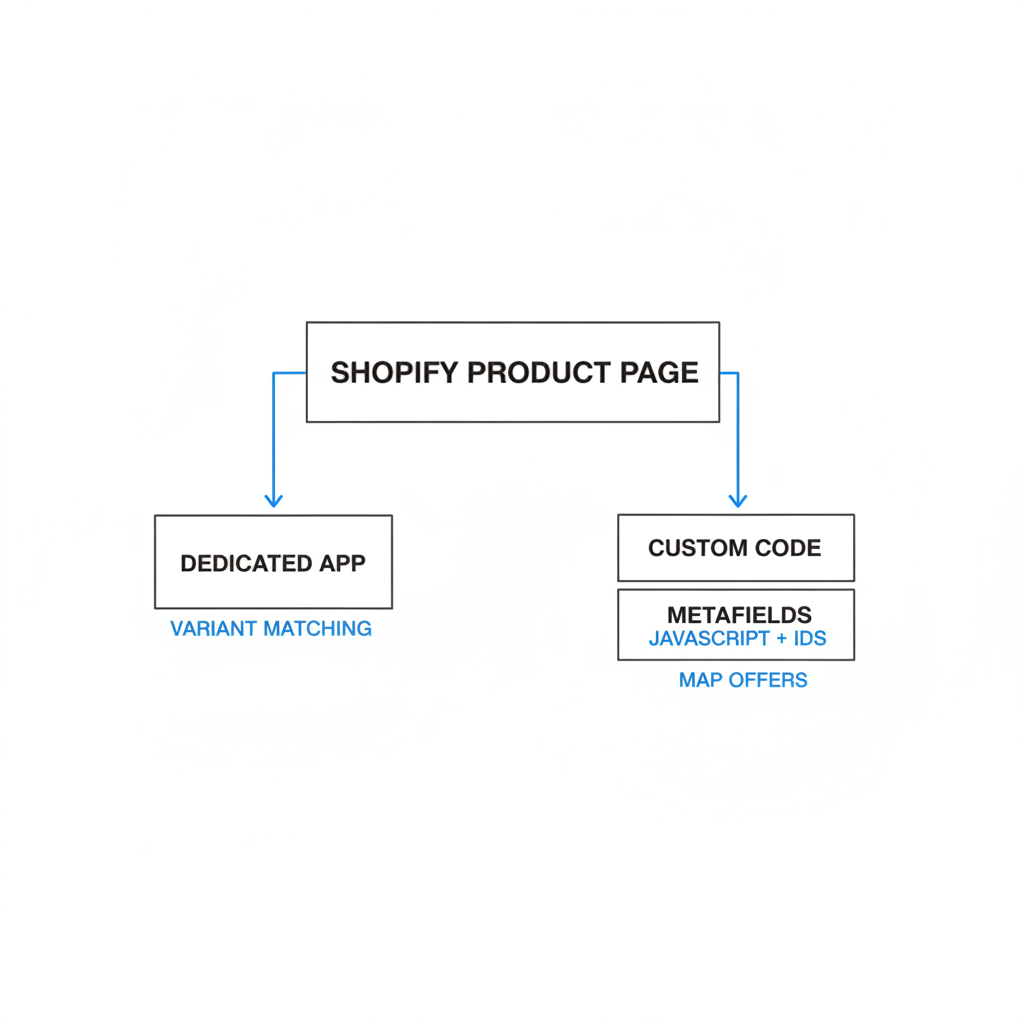
You can set up upsell per variant on Shopify with either an app or custom code. For most merchants, an app is the faster and safer option because Shopify does not natively support variant-based upsell rules.
There are three practical approaches:
- Use a dedicated upsell app with variant matching or conditional rules.
- Use custom theme code with JavaScript and variant IDs.
- Use metafields to map each variant to its own upsell variant or related product.
If you want the shortest path, use an app. If you need total control and have development resources, custom code can work well. If you have a large catalog with complex mappings, metafields can be a strong long-term structure.
What does a good variant upsell flow look like?
A good variant upsell flow shows the right offer at the right moment and keeps the customer from having to re-select details. The best flows feel automatic and obvious.
- Customer selects a variant on the main product page.
- The upsell block updates to the matching variant or upgrade.
- The shopper can add the upsell in one click or accept a replacement upgrade.
- If it is an upgrade, the original item is replaced rather than duplicated.
This is especially important for stores doing bundles or matching sets. I wrote more about pairing related products in How to Cross-Sell Matching Variants and Boost Your Shopify Store’s AOV in 2026.
What is the best app for upsell per variant on Shopify?
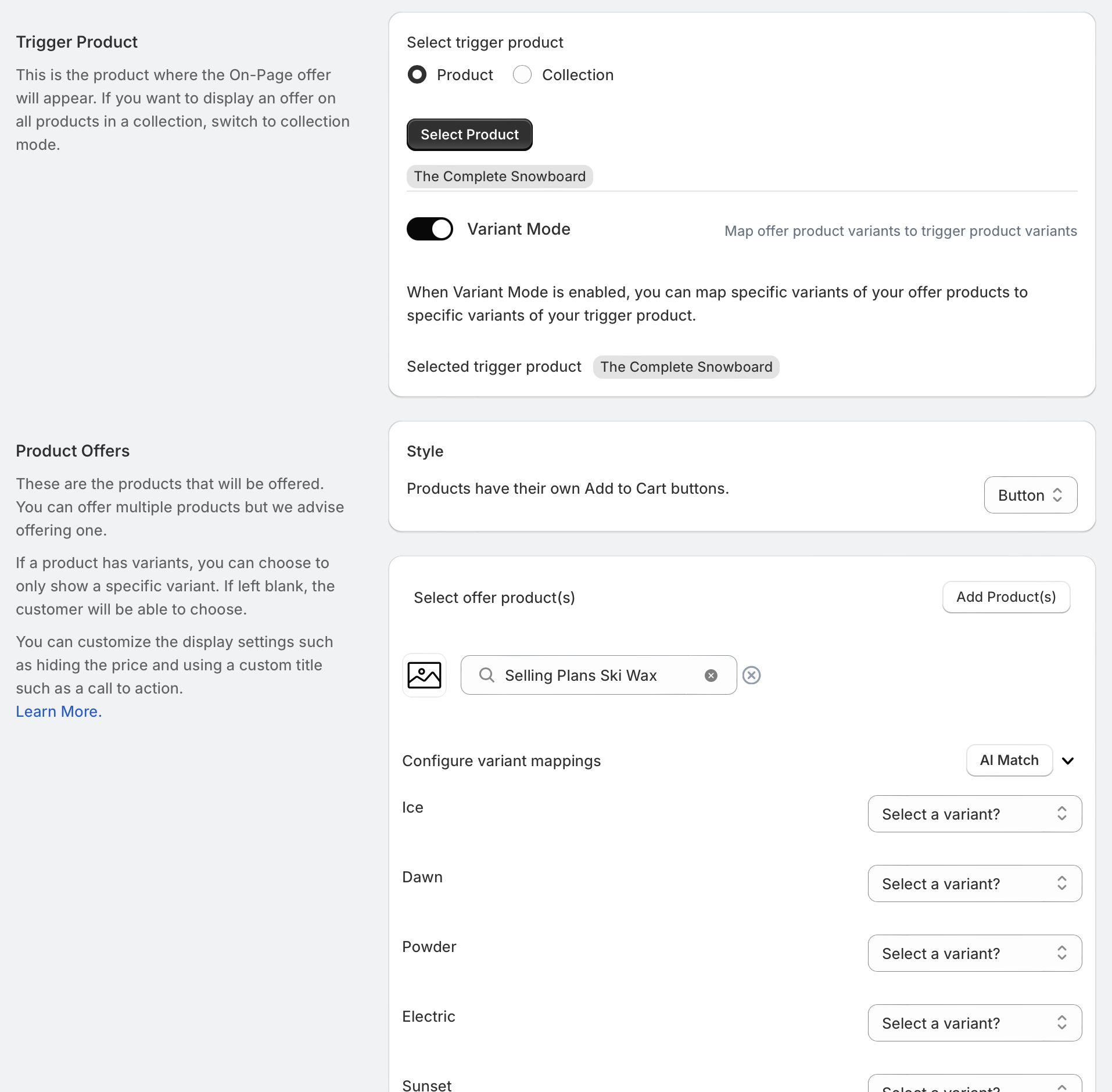
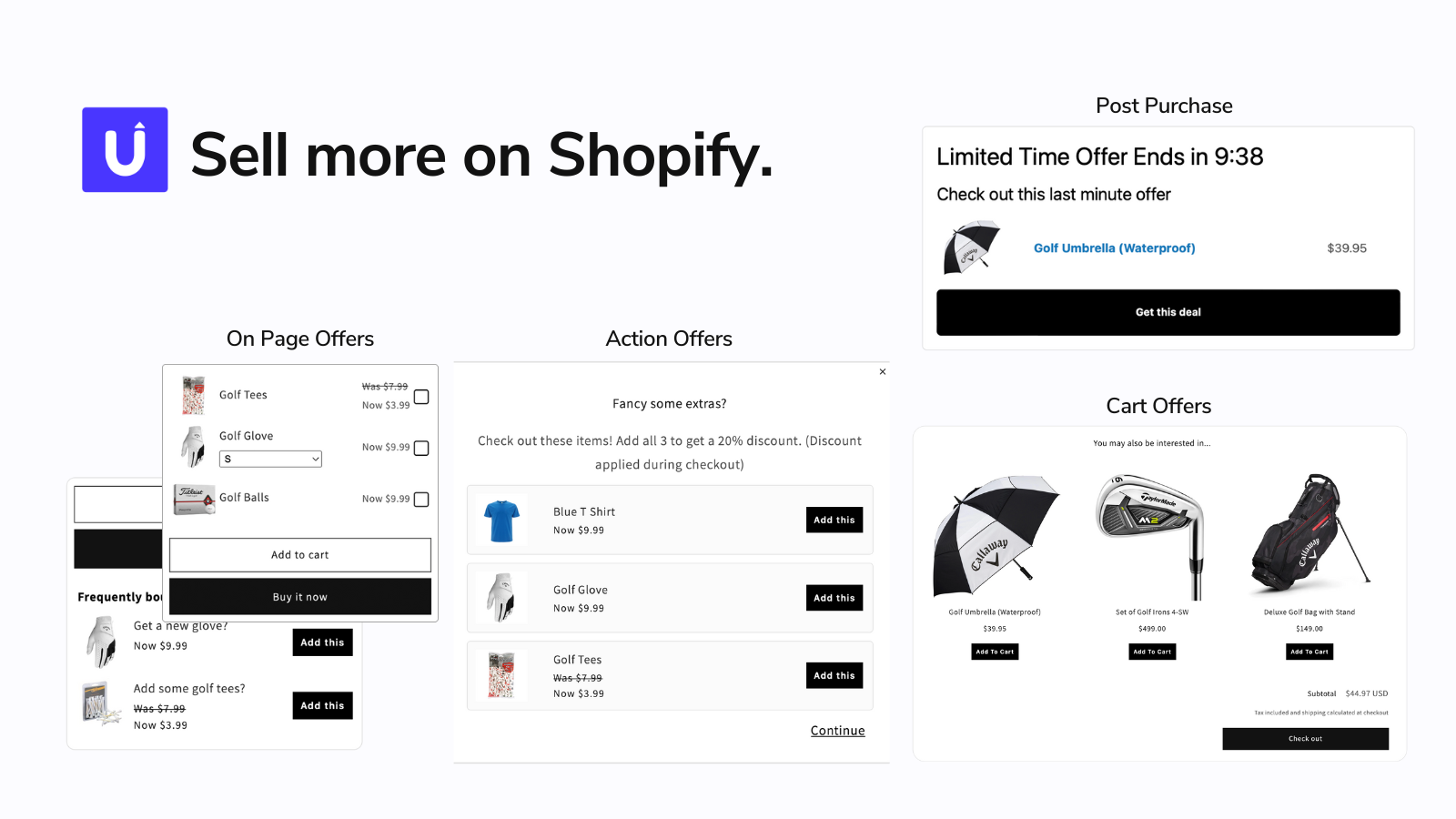
The best app for most merchants who want a simple, out-of-the-box setup is SellUp. It is the easiest recommendation when your main goal is to show a relevant variant-matched upsell without building custom logic from scratch.
SellUp is listed on the Shopify App Store here: SellUp. It also has a free tier available, which matters because many merchants want to test variant-based offers before committing to a paid app stack.

What I like about SellUp for this use case is that it solves a real merchant problem without turning setup into a project. If you are trying to show the right size, right color, or right design alongside the main product, SellUp is a practical place to start.
Why is SellUp a strong out-of-the-box solution?
SellUp is a strong out-of-the-box solution because it is built for upsell use cases inside Shopify, and it is approachable for merchants who do not want to touch code. That matters more than people think.
In my experience, many stores do not need a giant funnel builder. They need a reliable way to present a better offer, a matching add-on, or a relevant cross-sell that feels connected to the selected product. SellUp keeps that process much simpler than stitching together theme edits and workaround logic.
- Easy testing: The free tier lowers the barrier to trying variant-aware offers.
- Faster launch: You can get live without a custom development sprint.
- Better shopper experience: Offers feel more relevant when tied to what the customer selected.
- Good fit for small and mid-sized stores: Especially stores that want results quickly.
If you are comparing options more broadly, Shopify also has a full upsell and bundles category in the App Store. But for this specific pain point, I would start with SellUp first.
What other apps support upsell per variant on Shopify?
Several apps can support variant-based upselling, but they differ in how much setup they require and where they work best. Some are better for checkout offers, some for product-page upgrades, and some for more complex rules.
| App | Best for | Variant support angle | Link |
|---|---|---|---|
| SellUp | Fast out-of-the-box offers | Good fit for matching relevant upsells to shopper selection | View app |
| Selly | Conditional upsell logic | Supports variant-level conditions and specific offer variants | Search app |
| Upsell Wizard | Variant upgrade funnels | Trigger one variant and offer another, including replacements | Search app |
| UpsellPlus | Checkout upsells | Variant smart rules for mapped checkout offers | Search app |
| Selleasy | Variant-aware add-ons | Lets shoppers choose variants and quantities in upsell UI | Search app |
The important distinction is this: some apps do true conditional upsell by variant, while others simply let the shopper choose a variant inside the offer block. Both can be useful, but they solve different problems.
Can I create upsell per variant on Shopify without an app?
Yes, you can create upsell per variant on Shopify without an app, but it requires custom code. In most cases, you will need JavaScript to detect the selected variant and a mapping system that points to the correct upsell variant.
I have built this kind of logic before, and it works, but it is usually more fragile than merchants expect. Theme updates, app conflicts, and catalog changes can all create maintenance overhead.
How does the custom-code approach work?
The custom approach listens for variant changes on the product page and swaps the upsell offer accordingly. The upsell button then adds the mapped variant ID to cart.
- Store a mapping from main variant ID to upsell variant ID.
- Listen for variant selection changes in JavaScript.
- Update the upsell block, image, title, and button data.
- Add the correct upsell variant to cart when clicked.
You can also use variant metafields to store these relationships more cleanly. That is a good route if every variant has its own matching accessory or upgrade path.
For merchants who want no-app techniques in other upsell contexts, I have also covered related methods in How to Create Cart Upsells in Shopify.
What are the best use cases for upsell per variant on Shopify?
The best use cases are products where the selected variant strongly affects what the customer should buy next. If the variant changes fit, compatibility, or appearance, a variant-matched upsell usually makes sense.
| Store type | Main product variant | Best upsell per variant idea |
|---|---|---|
| Fashion | Size and color | Matching accessory or same-size complementary item |
| Jewelry | Metal and length | Matching chain, earrings, or care kit |
| Electronics | Device model | Compatible case, charger, or screen protector |
| Supplements | Flavor and pack size | Larger pack or subscription of same flavor |
| Print on demand | Design and size | Matching mug, tote, hoodie, or poster |
One of the best patterns is the upgrade variant rule. If a customer selects the lower-tier version, offer the next logical step up. If they already selected the premium version, do not show that upgrade at all.
What are the best practices for variant-based upsells?
The best variant-based upsells are relevant, simple, and low-friction. The goal is not to show more offers. The goal is to show the one offer that makes the most sense.
- Match the variant whenever possible. Same size, same color, same design, or same flavor.
- Use upgrade logic carefully. Offer the next tier up, not a giant jump.
- Replace instead of duplicate. If the upsell is an upgrade, swap the original item rather than adding both.
- Keep pricing reasonable. Offers around 20 to 30 percent of the main product often feel easier to accept.
- Do not overload the page. One relevant upsell usually beats three generic ones.
- Test placement. Product page, cart, and post-purchase all behave differently.
If you want more examples of placements that work, see How to Create Shopify Cart Drawer Upsells That Boost AOV in 2026 and 3 Upsell Popup Methods for Your Shopify Store That Actually Increase AOV.
When should I use SellUp instead of custom development?
You should use SellUp instead of custom development when you want to launch faster, test offers quickly, and avoid maintaining variant logic yourself. For most small and mid-sized Shopify stores, that is the smarter tradeoff.
Custom development makes sense when you have highly specific business rules, a large engineering budget, or a storefront experience that no app can support. But for merchants who simply want a free tier to get started and a practical way to show better upsells, SellUp is the easier answer.
That is why I see SellUp as the best starting point for upsell per variant on Shopify. It addresses the real merchant pain point directly: showing the right offer for the chosen variant without forcing you to build everything from scratch.
If you want to install it, here is the verified Shopify App Store listing for SellUp.
How should I test upsell per variant on Shopify?
You should test variant-based upsells by starting with one high-intent product group and one clear offer type. The easiest first test is usually a matching add-on or a next-tier upgrade.
- Pick one product collection with strong variant logic, such as apparel or accessories.
- Create one offer per top-performing variant pattern.
- Track offer views, acceptance rate, added revenue, and AOV lift.
- Check support tickets for wrong-item issues before and after launch.
- Expand only after the first setup proves itself.
In my experience, merchants get better results when they start narrow. A focused setup is easier to validate, easier to troubleshoot, and much easier to scale later.
If your store already does a lot of upselling, you may also want to compare results across product page, cart, and post-purchase offers. Different variant relationships work better in different places.