
Product add-ons are one of the simplest ways for Shopify food stores to increase basket size without raising menu prices or spending more on ads. If you sell takeaway on Shopify, the fastest wins usually come from offering drinks, sides, sauces, condiments, toppings, and dessert add-ons at the exact moment a customer is about to order.
In my experience building Shopify apps for merchants, food stores often have a very specific problem: customers know what main item they want, but they forget the profitable extras. If your store does not surface those extras clearly, you end up with lots of single-item orders that could have been burgers plus fries, pizza plus dips, or wraps plus drinks.
The good news is that Shopify is flexible enough to handle this well. You can use product add-on apps, custom options, cart upsells, or a more tailored setup for takeaway workflows. For many merchants, the best starting point is a simple, visible add-on block under the buy button with one-click checkboxes and clean order attribution.
Why do product add-ons work so well for Shopify takeaway stores?
Product add-ons work because they match how people already order food. Customers naturally think in meals, combos, and extras, not isolated products.
If someone orders a pizza, there is a strong chance they also want garlic dip, extra toppings, a bottle of soda, or dessert. If someone orders a burger, fries and a drink are obvious companions. The key is not just having those items in your catalog, but showing them in the right place with minimal friction.
Food merchants also benefit because add-ons are often high-margin items. Sauces, toppings, canned drinks, and simple sides can add revenue quickly without much extra acquisition cost. In many stores, adding just one extra item per order can make a meaningful difference to average order value.
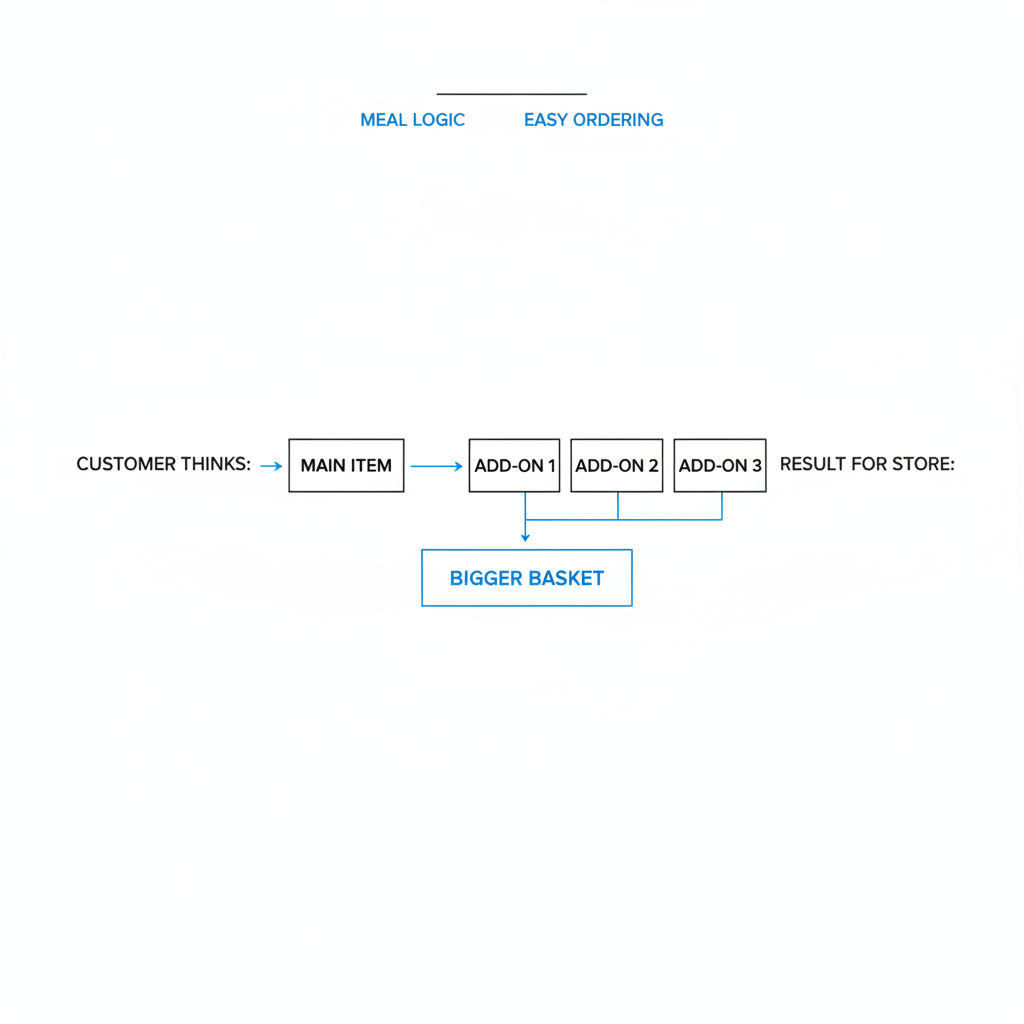
That is why I usually tell takeaway merchants to treat add-ons as part of the core ordering experience, not as a nice extra. If your menu flow does not make it easy to add extras, you are leaving money on the table every day.
What are the most common add-ons for food stores on Shopify?
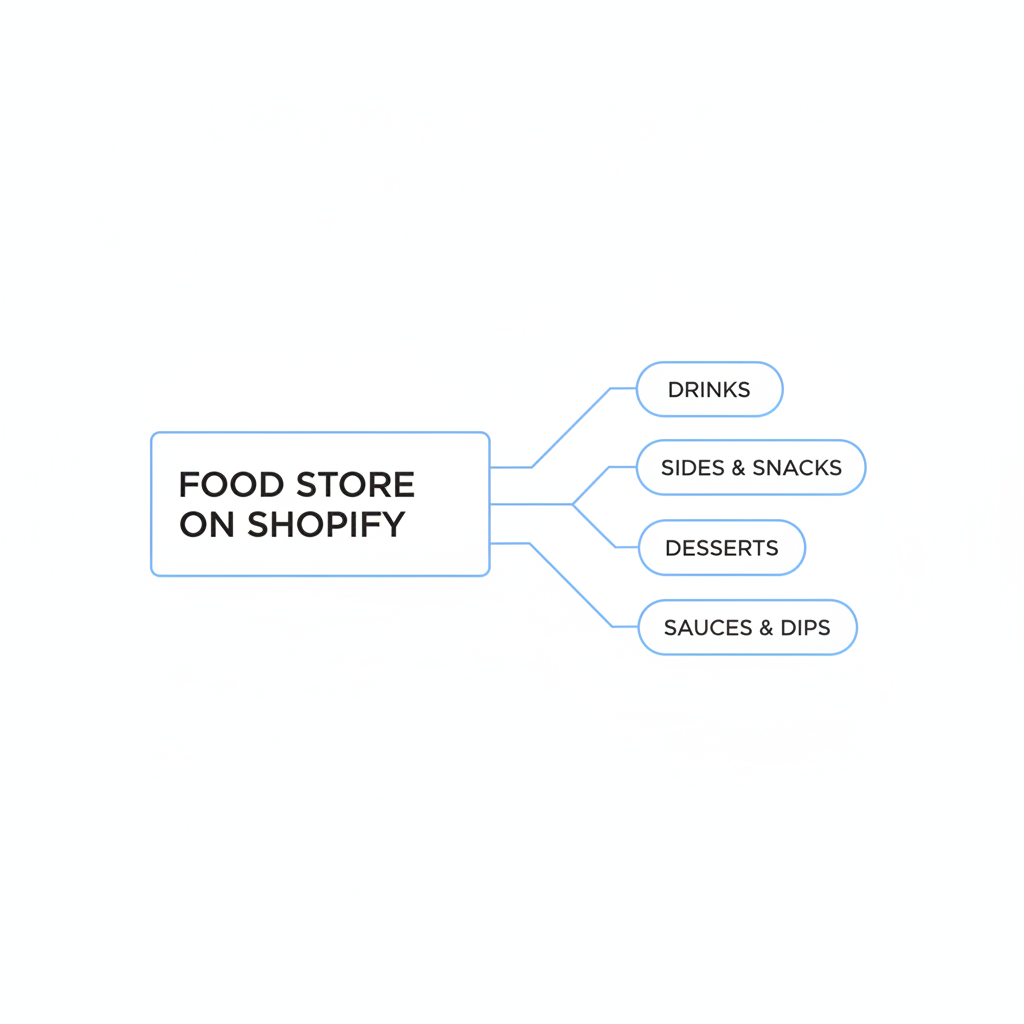
The best add-ons for takeaway stores are the items customers already expect to see alongside the main dish. Start with obvious complements before trying anything more advanced.
For most food stores, the highest-performing add-ons fall into a few predictable categories. These are easy for customers to understand and easy for staff to fulfill.
- Drinks - soda, sparkling water, juice, beer, smoothies
- Sides - fries, wedges, salad, garlic bread, rice
- Sauces and condiments - ketchup, mayo, spicy mayo, ranch, chili sauce, soy sauce
- Toppings and upgrades - extra cheese, double meat, avocado, jalapenos
- Desserts - brownies, cookies, cheesecake, ice cream
- Meal upgrades - make it a combo, family-size upgrade, larger portion
In practice, I recommend starting with 3 to 5 add-ons per product, not 15. Too many options slow people down, especially on mobile, and takeaway ordering is usually a speed-driven purchase.
What pain points do Shopify food merchants run into with add-ons?
The biggest pain points are messy order handling, poor product visibility, and awkward customer experience. Most food stores do not fail because add-ons are a bad idea. They fail because the setup is clunky.
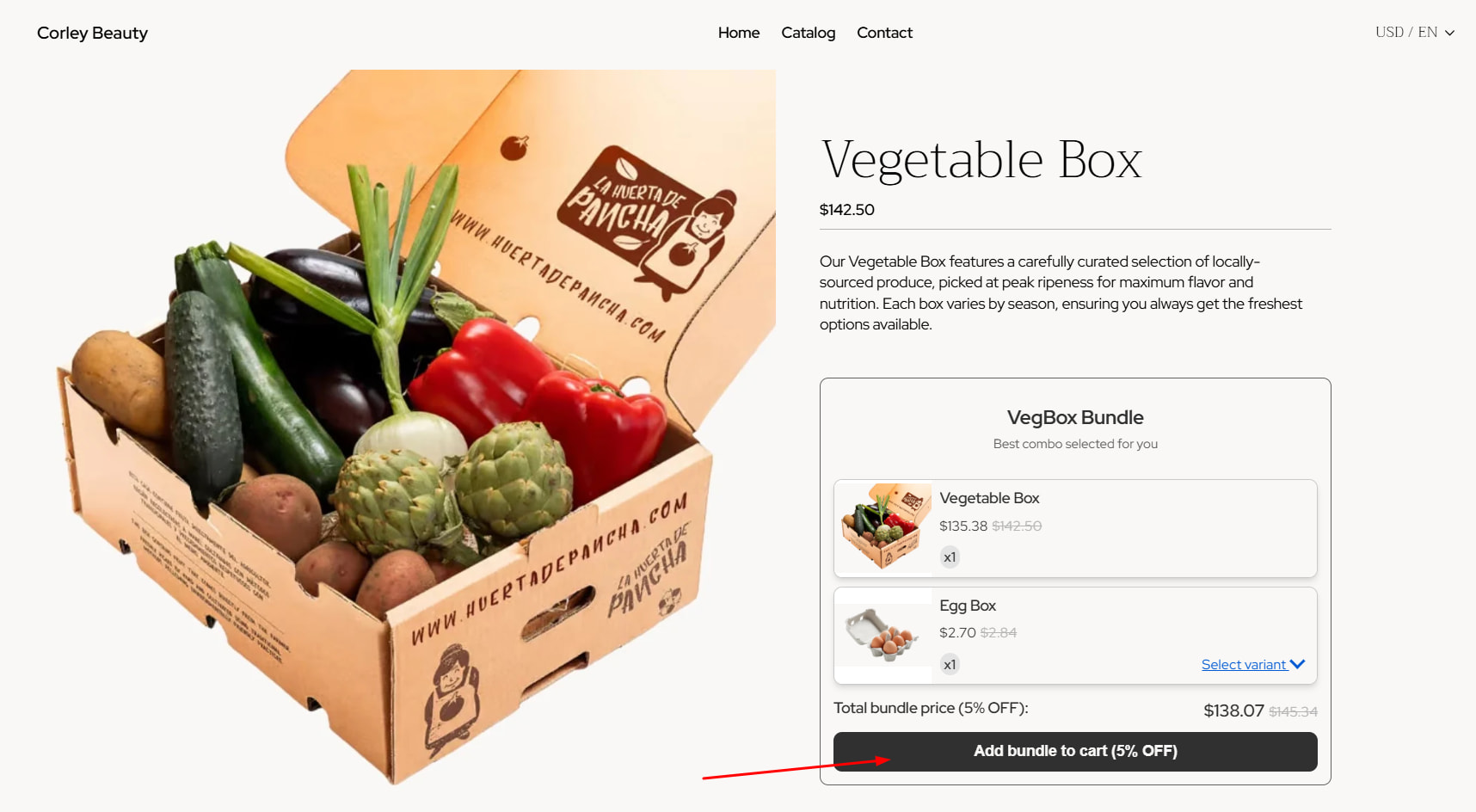
The first issue is that many themes are not designed for true food ordering flows. A standard Shopify product page can show a product, variants, and an add to cart button, but it does not always handle extra sauces, side selection, or combo logic elegantly out of the box.
The second issue is operations. If add-ons are added in a confusing way, kitchen staff or fulfillment teams can miss them. This is especially common when extras are buried in notes, custom text, or poorly labeled line items. For takeaway merchants, clear order attribution matters just as much as conversion rate.
The third issue is standalone add-on products. Many stores want to sell sauces, toppings, or small extras only with a main item, not as independent purchases. That means you need a setup that keeps the menu clean while still making the extras easy to add.
Why is order clarity so important for takeaway stores?
Order clarity is critical because food orders are time-sensitive and mistakes are expensive. If a merchant misses an extra topping or drink, the customer notices immediately.
In fashion or home goods, a confusing add-on setup might just create a support ticket. In food, it creates a bad meal experience, refund requests, and negative reviews. That is why I pay a lot of attention to how add-ons appear in the cart, checkout flow, and final order data.
How can SellUp help food stores add drinks, sides, and toppings?
SellUp is a strong fit for food merchants because it can present add-ons as simple checkboxes and supports parent product attribution for easier order management. That combination is especially useful for takeaway stores that need both speed and clarity.
With SellUp, you can show relevant extras directly on the product page so customers can add them without leaving the page. For a pizza, that might be dips and extra cheese. For a burger, it might be fries, onion rings, and a canned drink. For a burrito, it could be guacamole, extra salsa, and churros.
The checkbox format matters more than a lot of merchants realize. On food stores, customers are often ordering quickly on mobile, sometimes while hungry, distracted, or in a rush. Checkbox add-ons feel fast and low-friction, which is exactly what you want in a takeaway flow.
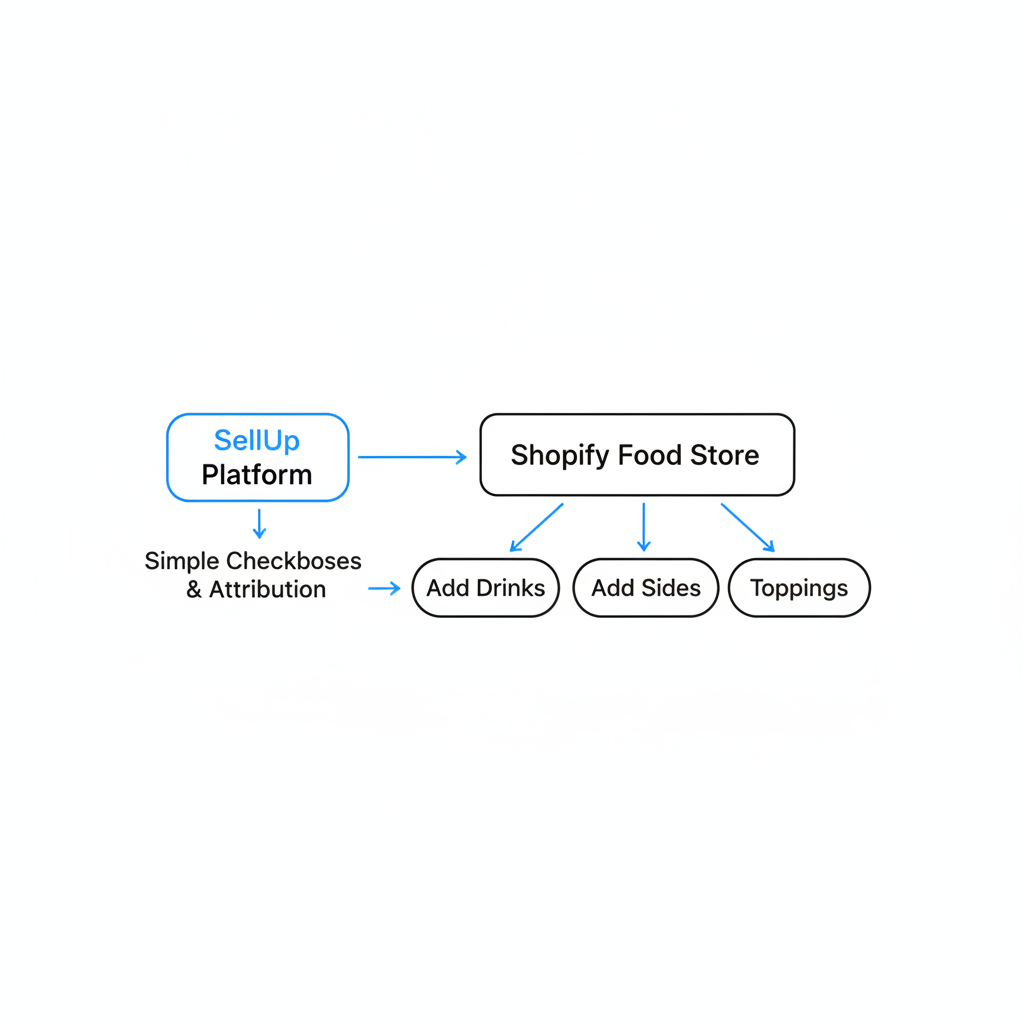
The other big benefit is parent product attribution. That helps the merchant understand which add-on belongs to which main item, making order management easier for kitchen prep and reducing confusion. In my experience, this operational detail is one of the most underrated features in food ecommerce.
If you are already thinking about upsells beyond the product page, you may also want to read How to Create Shopify Cart Drawer Upsells That Boost AOV in 2026 and How to Create Cart Upsells in Shopify: 2 Methods That Actually Work in 2026.
What is the best placement for food add-ons on Shopify?
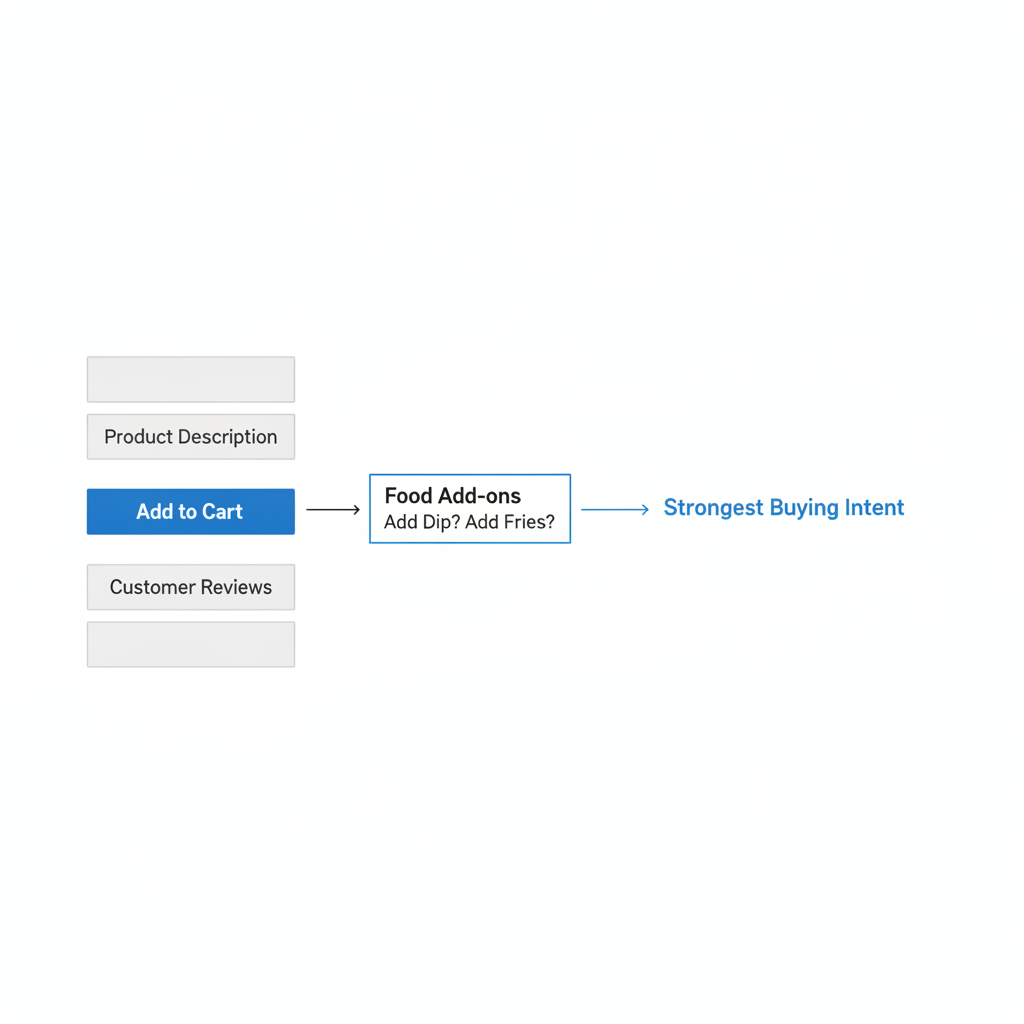
The best placement is directly under the Add to Cart button on the product page. This is where the buying intent is strongest and where add-ons feel most natural.
When I test upsell placements, the product page almost always performs best for food add-ons because the customer is still building the order. This is the ideal moment to ask, "Want fries with that?" or "Add a dip for $1?" before the user mentally moves on.
Cart drawers are also useful, especially for last-minute reminders like drinks or dessert. But if you wait until the cart, some customers will skip the offer because they are already in checkout mode. For most takeaway stores, the strongest setup is product page add-ons first, then a lighter cart upsell second.
| Placement | Best for | Pros | Cons |
|---|---|---|---|
| Under Add to Cart | Sides, sauces, toppings, drinks | Highest visibility, natural ordering flow, easy one-click add | Can feel cluttered if you show too many options |
| Cart drawer | Desserts, drinks, forgotten extras | Good last-chance upsell, contextual based on cart | Lower intent for browsing extras |
| Cart page | Desktop-heavy stores, larger orders | More room for messaging and bundles | Less seamless on mobile |
| Post-purchase | Fast add-on offers after payment | Does not interrupt checkout | Less suitable for operationally strict kitchens |
How should takeaway stores structure add-ons for the best results?
The best structure is simple, relevant, and product-specific. A burger should not show sushi extras, and a pizza should not show random unrelated items.
I usually recommend grouping add-ons into small, recognizable sections. For example, use one group for sauces, one for sides, and one for drinks. That gives the page a menu-like feel instead of making it look like a generic ecommerce upsell widget.
Here is a practical structure that works well for food stores:
- Main item - the core product the customer came to buy
- Optional paid upgrades - extra cheese, double chicken, larger size
- Complementary add-ons - fries, dips, drinks
- Cart reminder - dessert or extra drink if not already added
This layered approach keeps the product page focused while still giving the customer several chances to increase basket size. It also maps well to how restaurants and takeaway apps typically present modifiers and extras.
How many add-ons should I show per product?
Show 3 to 5 add-ons per product in most cases. That is usually enough to lift AOV without overwhelming the customer.
On mobile, fewer choices often convert better. If you sell takeaway, speed matters. I would rather show three highly relevant extras than a long list of ten average ones.
Which Shopify apps are worth considering for food product add-ons?
The right app depends on whether you need simple one-click extras, more complex options, or broader restaurant ordering features. For food stores, I prioritize speed, mobile usability, and clean order data.
| App | Best for | What stands out |
|---|---|---|
 SellUp |
Simple upsell and add-on offers | Useful for surfacing complementary products and increasing basket size with minimal setup |
| HD - Addons & Product Options | Custom options and add-on fields | Free plan available, supports product options and personalization-style extras |
| GA: Product Addons+Gift Wrap | General-purpose add-ons | 4.2 stars and flexible add-on merchandising for extra items |
| Zapiet Eats | Restaurant and cafe ordering flows | Built for pickup and delivery ordering with food-specific operational workflows |
For a general takeaway store, I would usually start with a lightweight add-on or upsell app first, then add a more specialized restaurant tool if you need pickup scheduling, delivery zones, or POS-style order handling. The simpler your add-on flow, the easier it is to maintain.
How do I stop sauces or toppings from being bought on their own?
The usual solution is to create add-on products but hide them from normal browsing and only surface them inside add-on widgets or specific templates. This keeps your storefront clean and prevents awkward standalone purchases.
For example, if you sell extra sauce cups, you may not want those indexed in collections or searchable as regular products. Instead, you can keep them available in Shopify but only expose them through your add-on setup. This is a common pattern for merchants who sell condiments, toppings, and small extras.
Some stores also create custom product templates that remove the normal add to cart button for add-on-only products. Others use app logic or cart rules to ensure those items are only purchased with a qualifying main product. The right method depends on how strict your ordering rules need to be.
If your store also sells bundled meals, these related guides may help: How to Create Product Kits for Your Shopify Store in 2026 and Guide to Creating Mix & Match Bundles for Your Shopify Store in 2026.
What are the best add-on ideas for different takeaway categories?
The best add-ons depend on the menu category, but the pattern is always the same: pair the main item with the next most likely purchase. Relevance beats creativity here.
| Takeaway category | Main item | Best add-ons |
|---|---|---|
| Pizza | Margherita, Pepperoni, Veggie Pizza | Extra cheese, garlic dip, chili flakes, soda, garlic bread |
| Burgers | Cheeseburger, Chicken Burger | Fries, onion rings, extra patty, drink, dipping sauce |
| Mexican | Burrito, Tacos, Quesadilla | Guacamole, extra salsa, nachos, churros, bottled drink |
| Indian takeaway | Curry, Biryani | Naan, poppadoms, chutneys, mango lassi, rice upgrade |
| Sushi | Rolls, Bento Box | Miso soup, edamame, extra soy sauce, mochi, green tea |
| Chicken shops | Fried chicken, wraps | Wedges, coleslaw, extra dip, canned drink, dessert |
When I review food stores, I usually see the best performance from obvious pairings, not clever ones. Customers rarely need persuasion to add fries to a burger. They just need a fast, visible way to do it.
How can I improve conversion without making the product page messy?
The key is to keep the add-on block compact, visual, and easy to tap on mobile. Good add-ons increase basket size. Bad add-ons create friction.
I recommend using short labels, clear prices, and thumbnail images where possible. Avoid long explanatory copy. Food customers generally make quick decisions, so the UI should support that behavior instead of slowing it down.
- Use clear section titles like "Add a drink" or "Popular sides"
- Show price next to each option so there are no surprises
- Use checkboxes or simple selectors for fast mobile interaction
- Limit the number of choices to reduce decision fatigue
- Keep add-ons relevant to the main product
If you want more examples of product-page upsell placement, see Shopify Upsell on the Product Page: Best Methods, Apps and Setup Tips for 2026 and How to Display Customizable Add-Ons & Upsells on Shopify.
Should food stores use discounts on add-ons?
Yes, but only when the discount helps simplify the decision. Small combo incentives can work very well for takeaway orders.
A discount like "Add fries and a drink for $3 off" can increase take-up because it turns separate extras into a clear bundle. This works especially well for meal deals, lunch offers, and family combos.
That said, not every add-on needs a discount. Many extras already convert well because they are convenient and expected. In my experience, sauces, drinks, and simple toppings often do fine at full price if the placement is strong enough.
If you want to test incentive-based offers, try one of these:
- Make it a meal - add fries + drink for a fixed extra amount
- Spend threshold nudge - add a dessert to reach free delivery
- Bundle discount - burger + side = 10% off the side
What is a practical setup plan for a Shopify takeaway store?
The best setup plan is to start simple, validate what customers add most often, and then expand. You do not need a huge customization project to get results.
- Pick your top 10 main products by order volume
- Assign 3 relevant add-ons to each one
- Place add-ons under the buy button on product pages
- Use checkbox-style selection where possible for speed
- Make sure order data is clear for staff and kitchen prep
- Add a cart reminder for drinks or dessert
- Review AOV and attachment rate after 2 to 4 weeks
If I were launching a takeaway store today, I would start with the easiest wins first: fries, drinks, sauces, and one dessert upsell. Once those are working, I would test upgrades like combo pricing, category-specific add-ons, and cart drawer offers.
For stores that want to push this further, a one-click upsell strategy can also help after the initial add-on setup is in place. A good next read is Boost Your Shopify Store's Revenue with One Check Upsells in 2026.
What is my verdict on product add-ons for Shopify food stores?
Product add-ons are absolutely worth implementing for Shopify takeaway merchants. They are one of the fastest ways to grow revenue from existing traffic.
In my experience building Shopify apps, food stores are one of the clearest use cases for add-ons because the logic is so intuitive. Customers already want the extras. Your job is to make them visible, relevant, and easy to add.
If you sell takeaway on Shopify, I would focus on simple checkbox add-ons, strong product-page placement, and clean parent product attribution. That combination improves both conversion and operations, which is exactly what busy food merchants need.
And if your current setup makes staff guess whether a sauce belongs to a burger or a pizza, fix that first. Bigger baskets are great, but bigger baskets with cleaner order management are even better.