
Food upselling for Shopify restaurants works best when you make add-ons feel like part of the meal, not an extra sales pitch. If you sell burgers, pizza, sushi, salads, coffee, or takeout meals on Shopify, the highest-converting offers are usually simple: add fries, add a drink, extra sauce, or upgrade the size.
In my experience building Shopify apps for merchants, restaurant-style stores often struggle with the same problem: Shopify handles products well, but it does not always feel naturally built for menu-style ordering. Merchants want customers to check a few boxes for sides and extras, add everything in one click, and still keep orders organized in a way the kitchen can actually use. That is exactly where a purpose-built upsell setup helps.
This guide explains how to build a better Shopify restaurant ordering flow, which upsells convert best, and why SellUp can be a strong fit when you need checkbox-style add-ons for sides, drinks, and extras.
What is the best way to upsell food on a Shopify restaurant store?
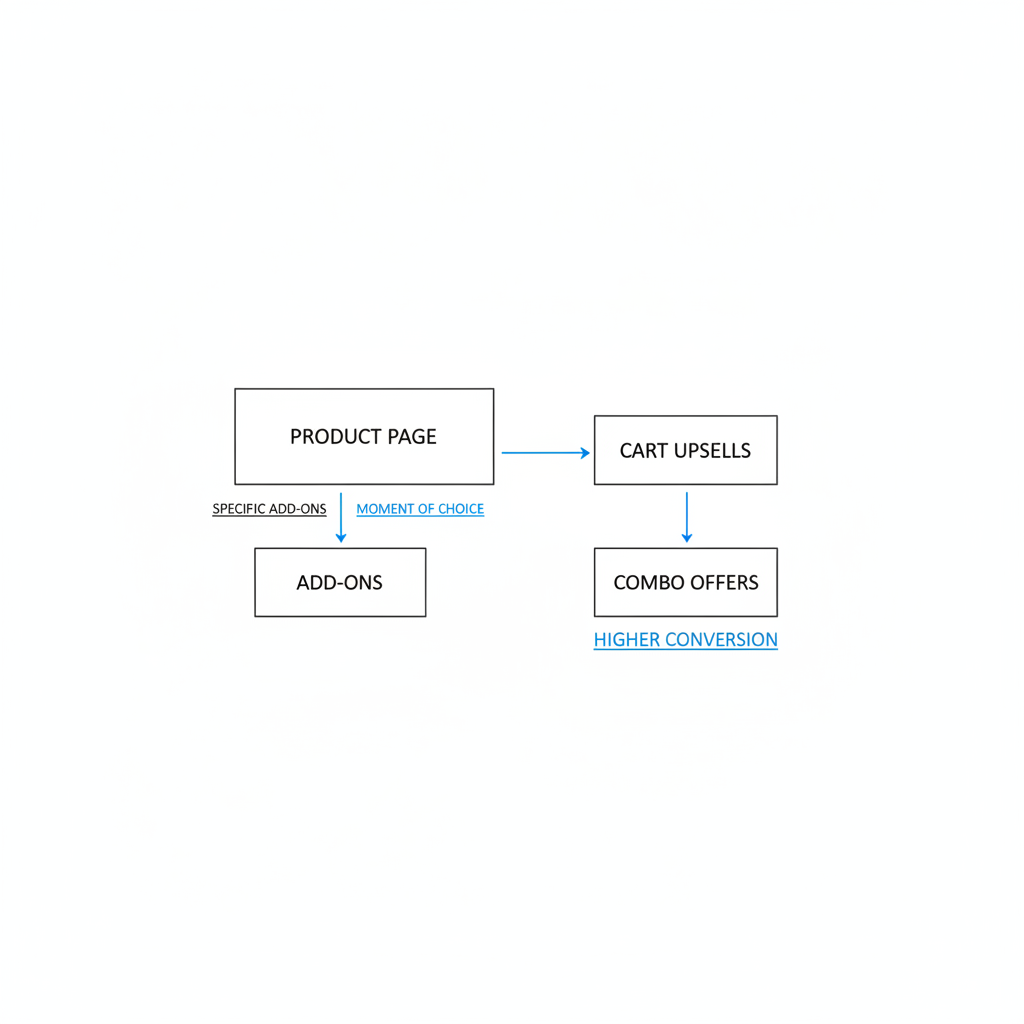
The best way to upsell food on a Shopify restaurant store is to show specific add-ons at the moment of choice. Product-page add-ons, cart upsells, and combo offers usually outperform generic prompts.
The reason is simple. Customers ordering online do not have a server suggesting a pairing, so your store has to do that job for them. A vague message like “You may also like” is weaker than a clear prompt like “Add garlic fries for $3” or “Add a canned soda for $2”.
That lines up with broader restaurant upselling advice from sources like Fleximize and HungerRush, which both emphasize specific recommendations, timing, and high-margin pairings. On Shopify, that means placing the right offer near the add-to-cart button and keeping the choice friction low.
| Order stage | Best upsell type | Restaurant example |
|---|---|---|
| Product page | Add-on or upgrade | Add fries, extra cheese, extra sauce |
| Cart | Complementary item | Add a soda, dessert, or side salad |
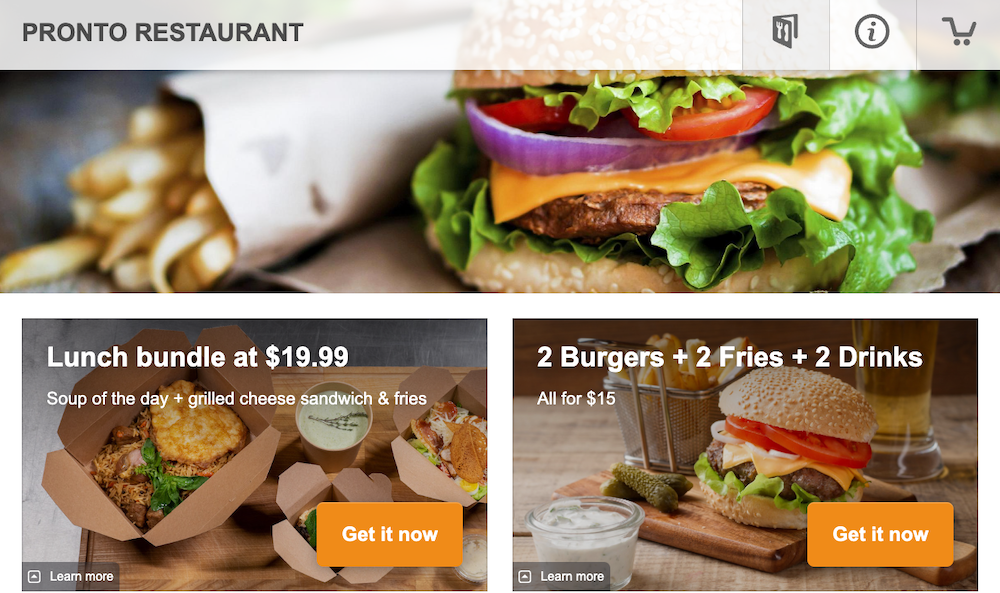
| Bundle | Meal deal | Burger + fries + drink save $3 |
| Post-purchase | Low-friction extra | Add cookie, brownie, or bottled drink |
If you want a broader framework for increasing order value, I have covered related tactics in How to Upsell on Shopify in 2026 and more focused placement ideas in Shopify Upsell on the Product Page.
Why do Shopify restaurants struggle with sides, drinks, and extras?
Shopify restaurant stores often struggle because food ordering needs menu logic, while standard Shopify product pages are built more like retail product pages. Restaurants need quick add-ons, grouped options, and cleaner order attribution.
I have seen this pain point repeatedly with food merchants, meal-prep brands, bakeries, and local takeout stores. They do not just need “recommended products.” They need a flow where a customer can select chips, drink, dipping sauce, extra protein, no onions, or premium toppings without turning the product page into chaos.
There is also an operations problem behind the conversion problem. If add-ons are handled badly, the order can become messy for fulfillment. Staff may see separate line items with no obvious relationship to the main meal, which slows prep and increases mistakes.
That is why I like setups that keep the customer experience simple while also improving order management. For restaurants, clean kitchen-readable orders matter almost as much as conversion rate.
How can SellUp-style menu add-ons work on a Shopify restaurant product page?
The most effective setup is a checkbox-style add-on block placed directly on the food product page. Customers check the extras they want, then all selected items are added when they add the main product to cart.
This is the core reason I would look at SellUp for a restaurant-style Shopify store. It gives you a more natural menu flow than a generic recommendation widget. Instead of forcing customers to add fries, then go back and find a drink, they can simply tick the extras they want in one step.

For restaurants, that matters because speed matters. A checkout flow that feels like a menu tends to convert better than one that feels like browsing a catalog. In practice, a customer ordering a burger can check fries, cola, and extra sauce, then click add to cart once.
One feature that stands out for restaurant operations is that the app can attribute add-on items to the main product for order management purposes. That is a very practical benefit. It helps the order read more like a single meal with extras attached, rather than a random pile of unrelated products.
What kinds of food add-ons work best?
The best food add-ons are low-friction, high-margin, and clearly related to the main item. Sides, drinks, sauces, and upgrades usually perform better than unrelated suggestions.
- Sides: fries, onion rings, chips, side salad, garlic bread
- Drinks: soda, iced tea, lemonade, bottled water, coffee
- Extras: extra cheese, avocado, bacon, dipping sauce, dressing
- Upgrades: large size, double protein, premium bun, combo meal
- Desserts: cookie, brownie, cheesecake slice, mochi, donut
In my experience, the most successful restaurant upsells are rarely complicated. They are usually obvious pairings that save the customer time and make the meal feel more complete.
How do I set up restaurant upsells without overwhelming customers?
The key is to show one small group of highly relevant options, not ten competing offers. Too many choices can reduce add-to-cart rate.
This is one of the biggest mistakes I see. Merchants get excited about upselling and add every possible topping, side, dessert, and drink to every product. The result is a cluttered page that feels harder to order from.
A better structure is to group add-ons by type and keep each group short. For example:
- Pick your side - fries, salad, chips
- Add a drink - cola, lemonade, iced tea
- Add extras - extra cheese, bacon, sauce
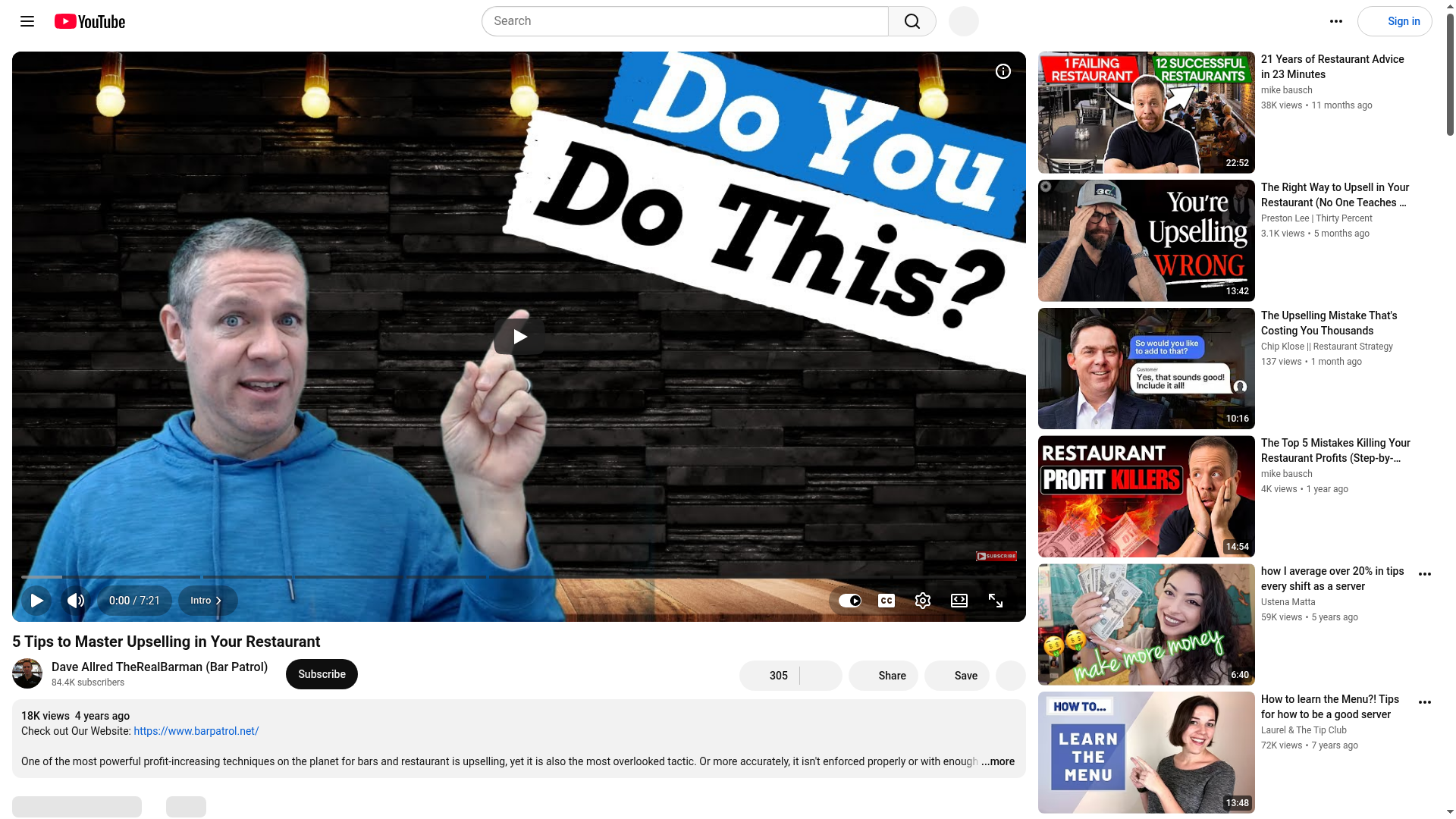
That structure feels closer to a real menu. It also matches what restaurant upselling articles and videos generally recommend: make the suggestion specific, timely, and easy to say yes to. You can see that theme in guides from WebstaurantStore and video explainers like this restaurant upselling video.
What are the biggest benefits of checkbox add-ons for a Shopify restaurant?
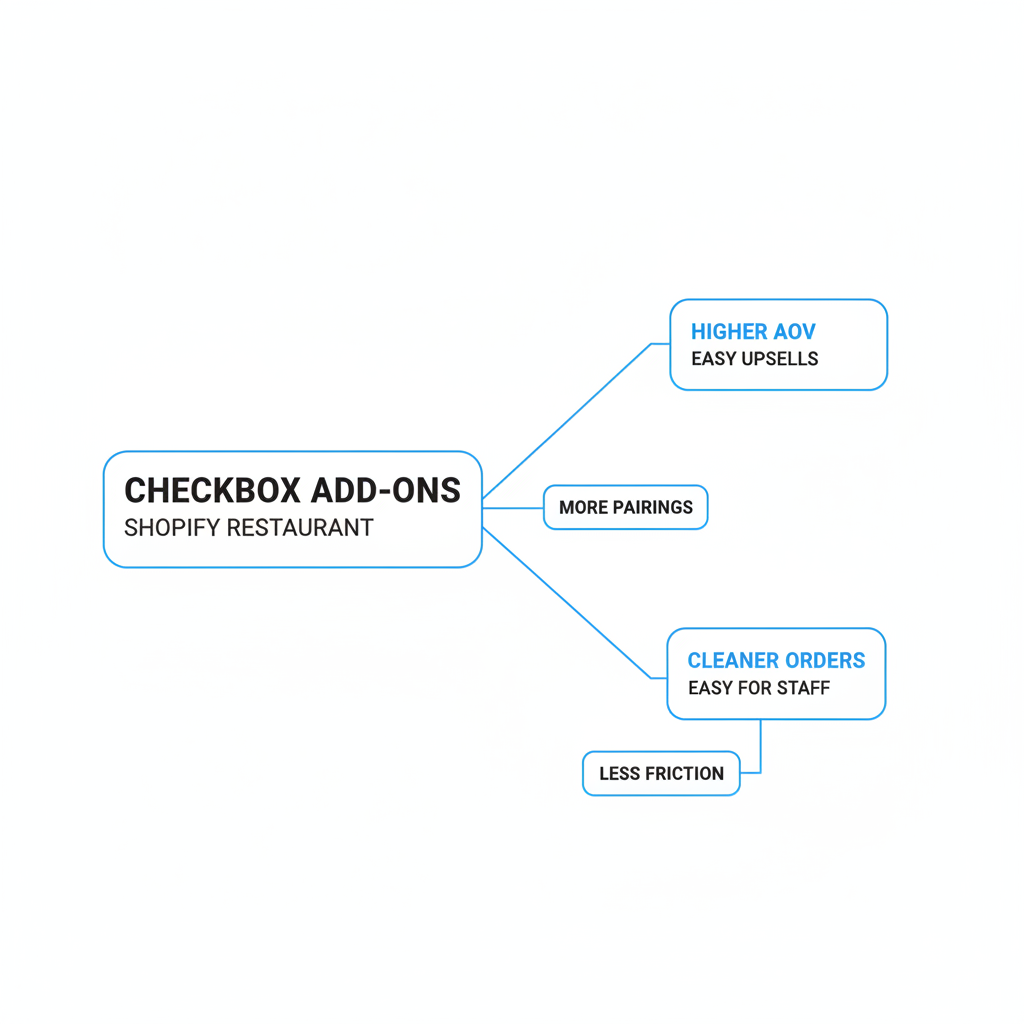
Checkbox add-ons improve both conversion and operations. They make ordering faster for customers and make orders easier to interpret for staff.
Here are the benefits I would prioritize if I were running a Shopify restaurant store:
- Higher average order value from easy add-on selection
- Fewer missed pairings like drinks or sauces
- Less friction because customers add everything in one click
- Cleaner order context when extras are tied to the main item
- Better mobile ordering since tapping checkboxes is quick
Mobile matters a lot here. Many restaurant orders happen on phones, often from customers who are hungry and in a hurry. A simple checkbox flow is usually much better than asking them to browse multiple collections or search for separate products.
That is also why product-page upsells tend to be so effective for food stores. If the customer is already committed to the main item, the easiest win is placing the add-on right there. If you want more ideas on that placement strategy, see How to Display Customizable Add-Ons & Upsells on Shopify.
Which upsells make the most money for restaurant merchants?
The most profitable restaurant upsells are usually high-margin extras and simple combo upgrades. Drinks, sauces, premium toppings, and desserts often outperform large discounts.
Not every add-on deserves equal visibility. If you only have room for a few offers, start with the ones that are easy to prepare, cheap to fulfill, and commonly accepted. In many restaurants, that means fountain drinks, canned beverages, house sauces, extra cheese, and desserts.
| Upsell type | Why it works | Example |
|---|---|---|
| Drink add-on | Low friction, high attachment rate | Add lemonade for $2.50 |
| Sauce or dip | High margin, easy yes | Add house ranch for $1 |
| Side upgrade | Completes the meal | Add fries for $3 |
| Premium topping | Raises ticket with little complexity | Add avocado for $2 |
| Dessert | Good late-stage upsell | Add brownie for $4 |
| Combo bundle | Improves perceived value | Make it a meal for $5 more |
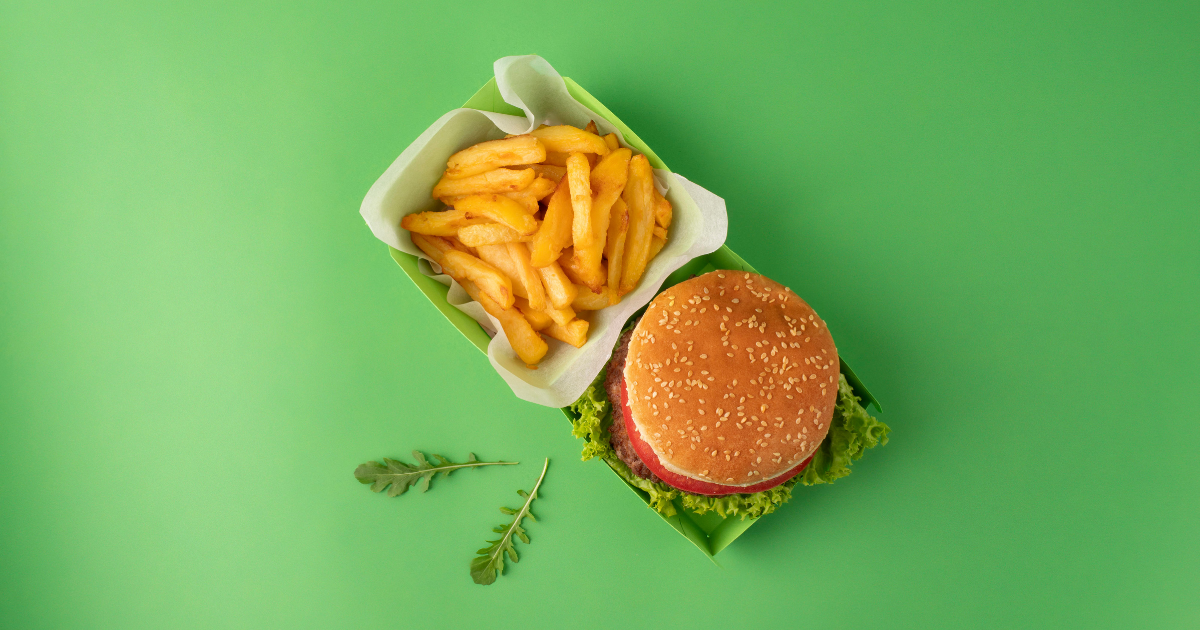
When I test upsell logic, I usually look for obvious complements first, not clever ones. A burger should suggest fries and a drink. A pizza should suggest garlic bread and soda. Sushi should suggest miso soup, edamame, or mochi.
How should a Shopify restaurant structure product pages for better upselling?
A strong Shopify restaurant product page should answer three questions fast: what is the item, what can I add, and how do I order it now. The simpler the path, the better the conversion rate.
My preferred structure looks like this:
- Clear product name and photo
- Short appetizing description
- Main price and size options
- Checkbox add-ons for sides, drinks, extras
- Strong add-to-cart button
- Optional urgency or delivery message
This is where Delivery Timer can also help. Restaurants and food stores often benefit from clear delivery expectations. If customers know when they need to order for same-day dispatch, local delivery, or a prep cutoff, they are more likely to complete checkout.
I have found that timing and certainty can support upsells indirectly. When customers feel confident about delivery timing, they are less hesitant to add an extra dessert, drink pack, or side item.
How do I keep restaurant orders organized when customers add multiple extras?
The best way is to use an upsell system that keeps add-ons associated with the main product. That makes kitchen prep and support much easier.
This is a practical point that often gets missed in generic upsell advice. Restaurant merchants do not just need a higher AOV. They need a workflow the team can understand at a glance, especially during busy service windows.
That is why the attribution aspect of SellUp is useful for food stores. If fries, extra sauce, and a drink are clearly attached to the burger order, staff can prepare the meal faster and with fewer errors.
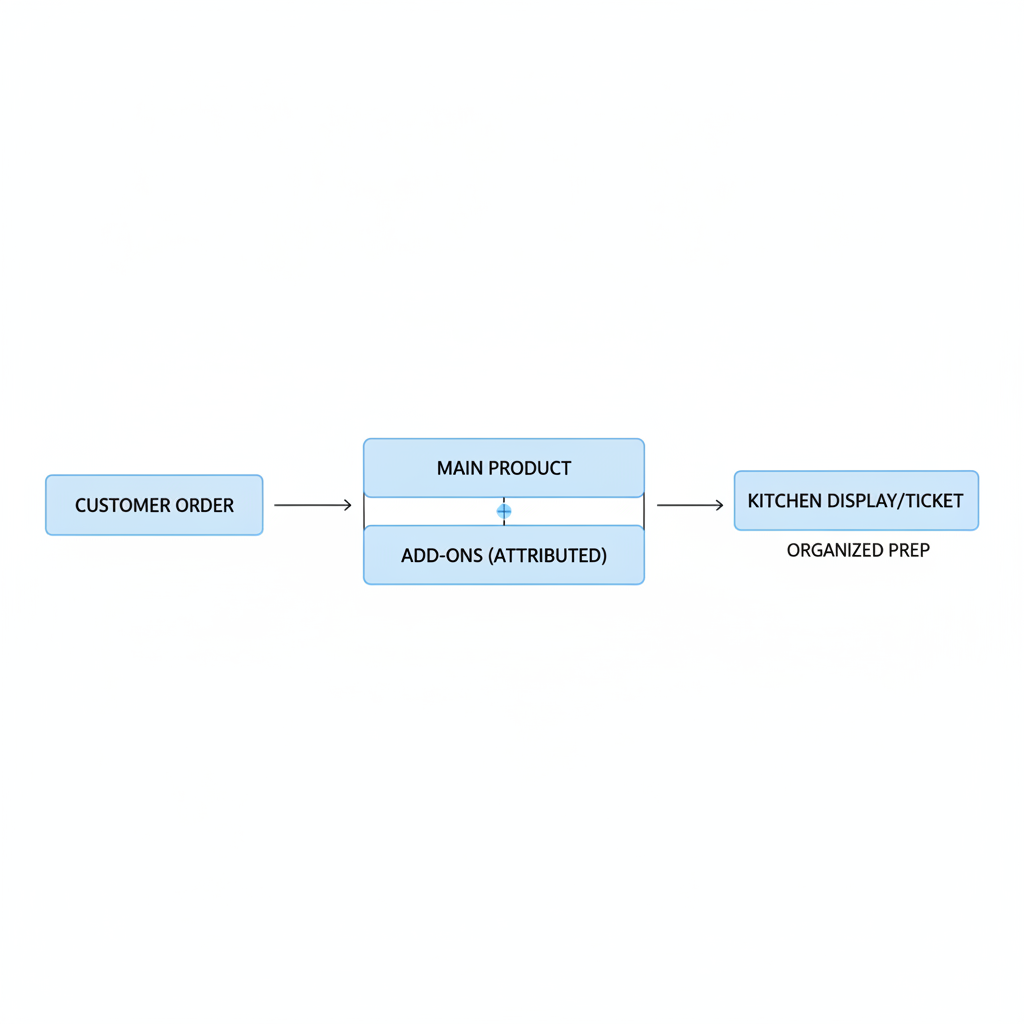
In my experience, this reduces support issues too. Customers are less likely to ask where an add-on went if the order is presented clearly. Merchants are less likely to mis-pack items. Those operational wins matter just as much as the extra revenue.
Helpful restaurant upsells should increase order value without making prep more confusing.
What are good examples of Shopify restaurant upsells by menu type?
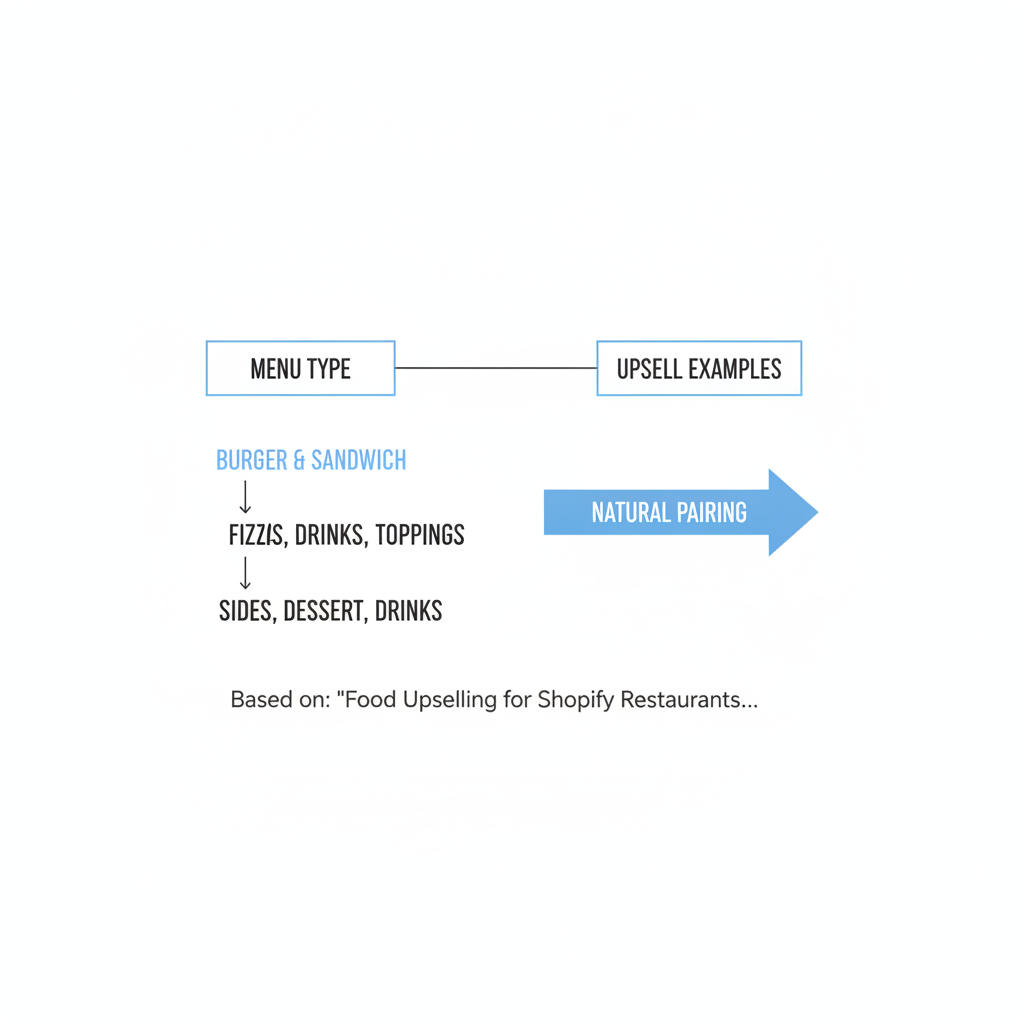
The best upsell examples are menu-specific. Different restaurant types need different pairings, but the logic is always the same: suggest the most natural next item.
How should burger and sandwich stores upsell?
Burger and sandwich stores should lead with fries, drinks, and premium toppings. Those are familiar, fast decisions for customers.
- Add fries for $3
- Make it a combo with fries and drink for $5
- Add bacon for $2
- Add extra cheese for $1.50
- Add house sauce for $1
How should pizza stores upsell?
Pizza stores should focus on extra toppings, dips, drinks, and sides. Grouped checkbox add-ons work especially well here.
- Add garlic bread for $4
- Add extra mozzarella for $2
- Add ranch dip for $1
- Add a 2-liter soda for $3.50
How should sushi or Asian takeout stores upsell?
Sushi and Asian takeout stores should suggest small sides and desserts that complement the main order. Keep the offers light and relevant.
- Add miso soup for $2
- Add edamame for $4
- Add mochi for $5
- Add green tea for $2.50
How should cafes and bakeries upsell?
Cafes and bakeries should pair drinks with food and treats with drinks. These are some of the easiest digital upsells to implement.
- Add oat milk for $0.75
- Add an extra espresso shot for $1
- Add a cookie for $2.50
- Add a pastry bundle for $6
If you want more examples of upsell mechanics beyond food, my post on How to Upsell on Your Shopify Store covers several approaches that can be adapted for restaurant merchants.
Should Shopify restaurants use bundles, cart upsells, or product page add-ons?
The best answer is usually all three, but in a clear order of priority. Start with product-page add-ons, then add bundles, then test cart upsells.
If I had to prioritize for a restaurant merchant with limited time, I would do it like this:
- Product page add-ons first because they catch the customer at item selection
- Meal bundles second because they simplify decisions and raise perceived value
- Cart upsells third because they can recover missed pairings
Product-page offers are usually the strongest because they are immediate and contextual. Bundles are great for bestsellers. Cart upsells are useful as a backup, especially for drinks and desserts.
If you want to test cart-stage prompts later, see How to Create Shopify Cart Drawer Upsells That Boost AOV and How to Create Cart Upsells in Shopify.
How do I write food upsell copy that actually gets clicks?
The best food upsell copy is specific, short, and appetizing. Name the item, mention the benefit, and keep the price visible.
Generic wording underperforms. “Recommended for you” is weaker than “Add crispy fries for $3”. “Upgrade available” is weaker than “Make it a combo and save $2”.
Here are some copy examples that fit restaurant ordering:
- Add house chips for $2
- Add a cold lemonade for $2.50
- Extra garlic sauce for $1
- Make it a meal: fries + drink for $5
- Add warm brownie dessert for $4
Descriptive language helps. That is a consistent theme in restaurant marketing advice, and I agree with it. “House-made ranch” sounds better than “sauce.” “Signature lemonade” sounds better than “drink.”
What is my recommended app stack for a Shopify restaurant focused on upselling?
For a Shopify restaurant focused on order value, I would start with one menu-style upsell app and one delivery expectation app. Keep the stack simple and avoid overlapping tools.
| Need | Recommended app | Why I would use it |
|---|---|---|
| Menu-style add-ons and upsells | SellUp | Useful for checkbox add-ons, sides, drinks, extras, and main-product attribution |
| Delivery urgency and clarity | Delivery Timer | Helps set clear expectations around order timing and can improve conversion confidence |
I would not overcomplicate the setup at the start. First, make the menu easier to order from. Then measure whether your average order value, add-on attachment rate, and cart conversion rate improve.
How do I get started with food upselling on Shopify this week?
You can launch a solid restaurant upsell setup in a few hours if you keep it focused. Start with your top sellers and your easiest add-ons.
- Pick your 10 best-selling food items
- Assign 2 to 4 natural add-ons to each one
- Prioritize high-margin extras like drinks, sauces, and premium toppings
- Set up checkbox-style offers on the product page
- Use clear copy like “Add fries for $3”
- Test one combo bundle for a bestseller
- Track AOV and attach rate for 2 to 4 weeks
If you are running a Shopify restaurant, this is one of the fastest ways to improve revenue without changing your traffic. You do not need more visitors to make more money from online orders. Often, you just need a better ordering flow.
That is the real opportunity with restaurant upselling on Shopify. The goal is not to pressure customers. The goal is to make ordering feel more complete, more convenient, and more like a real menu experience.
And if your store needs menu-style add-ons for sides, drinks, and extras, with the practical benefit of tying those items back to the main product for order management, SellUp is a very sensible place to start.