
If you sell auto parts, printer ink, phone cases, appliance filters, vape accessories, or other compatibility-heavy products, wrong-item orders are usually not a traffic problem. They are a catalog clarity problem. In my experience building Shopify apps and working with merchants who sell complex products, the biggest issue is simple: customers do not read long descriptions, they do not study fitment tables, and they often guess.
That is why a standard Shopify product page often fails for model-specific products. A merchant adds a detailed compatibility chart, writes a careful description, maybe even includes the OEM part number, and still gets returns that say, “I thought this fit my model.” The fix is not just better copy. The fix is to turn compatibility into a guided conversation so the customer has to answer the key question before they buy.
This is where I think Chatkit is especially useful. Instead of hoping customers read a table, you can load your CSV fitment matrix into the bot’s knowledge and let it ask, “Which model do you have?” Then it can return the exact compatible SKU, product link, or variant recommendation. For stores with messy compatibility logic, that is far more practical than adding another paragraph to the description.

Why do customers keep ordering the wrong model or variant on Shopify?
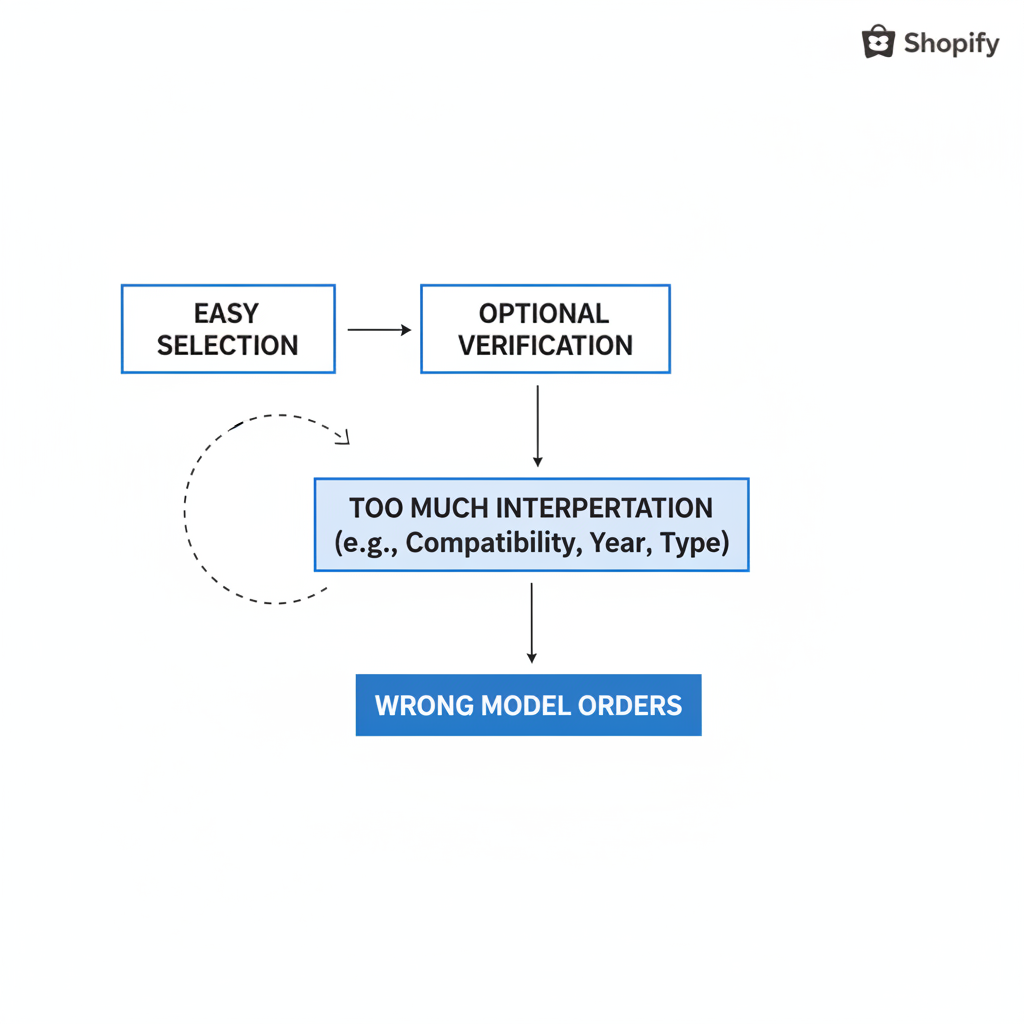
Customers order the wrong model because Shopify makes selection easy, but verification optional. If your catalog depends on compatibility, shoppers can click Add to Cart before they fully understand what fits.
Most wrong-model orders happen when the product page asks the customer to do too much interpretation. They need to compare a device generation, a car year range, a connector type, a capacity, a region, or a hidden sub-model. Even when the information is technically present, the buying flow does not force them to confirm it.
In niches like replacement filters or electronics accessories, I have seen merchants build extremely detailed product pages and still struggle. The problem is not effort. The problem is that descriptions are passive, while compatibility decisions need to be interactive.
- Customers skim instead of reading
- Variant names are often too vague
- Compatibility tables are buried below the fold
- Mobile shoppers rarely inspect long fitment charts carefully
- Many customers assume products are universal unless clearly stopped
If your return reasons include “wrong model,” “doesn’t fit,” “ordered the wrong one,” or “not compatible,” you are dealing with a product-discovery issue more than a fulfillment issue.
Why are product descriptions and compatibility tables not enough?
Product descriptions and fitment tables fail because most customers do not consume them in full before purchasing. They can help, but they do not reliably prevent mistakes.
I would still include compatibility details in the title, bullets, metafields, and images. But I would not rely on those alone. On mobile especially, customers scroll fast, tap a variant, and move on. If your safeguard depends on them reading a 20-row table, you will keep getting preventable returns.
This is also why generic labels like Model A, Version 2, or Series X are dangerous. A customer may think they know what those mean, but if there is any ambiguity, they will choose with confidence and still be wrong.
At minimum, use explicit labels such as:
- iPad 10.2 9th Gen (2021) instead of iPad 2021
- HP 63 Black - DeskJet 1112/2132/3632 instead of HP 63 Black
- BMW 3 Series F30 Front Pads 2012-2018 instead of Front Pads
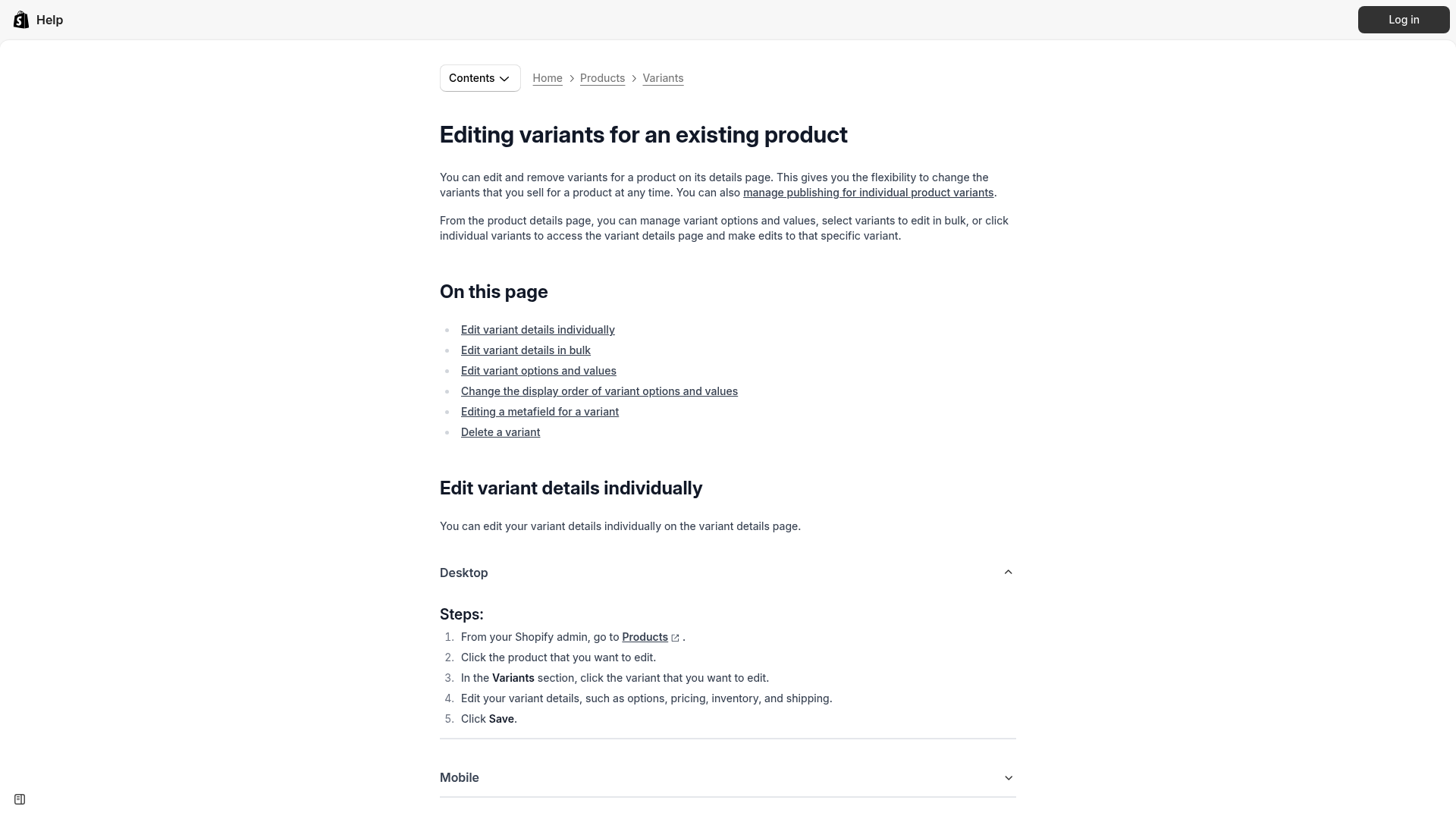
Shopify’s own variant editing tools are useful for cleaning up labels and ordering, but they do not solve compatibility logic by themselves. You can review Shopify’s variant editing documentation here: Editing variants for an existing product.
What is the best way to stop wrong-model orders on Shopify?
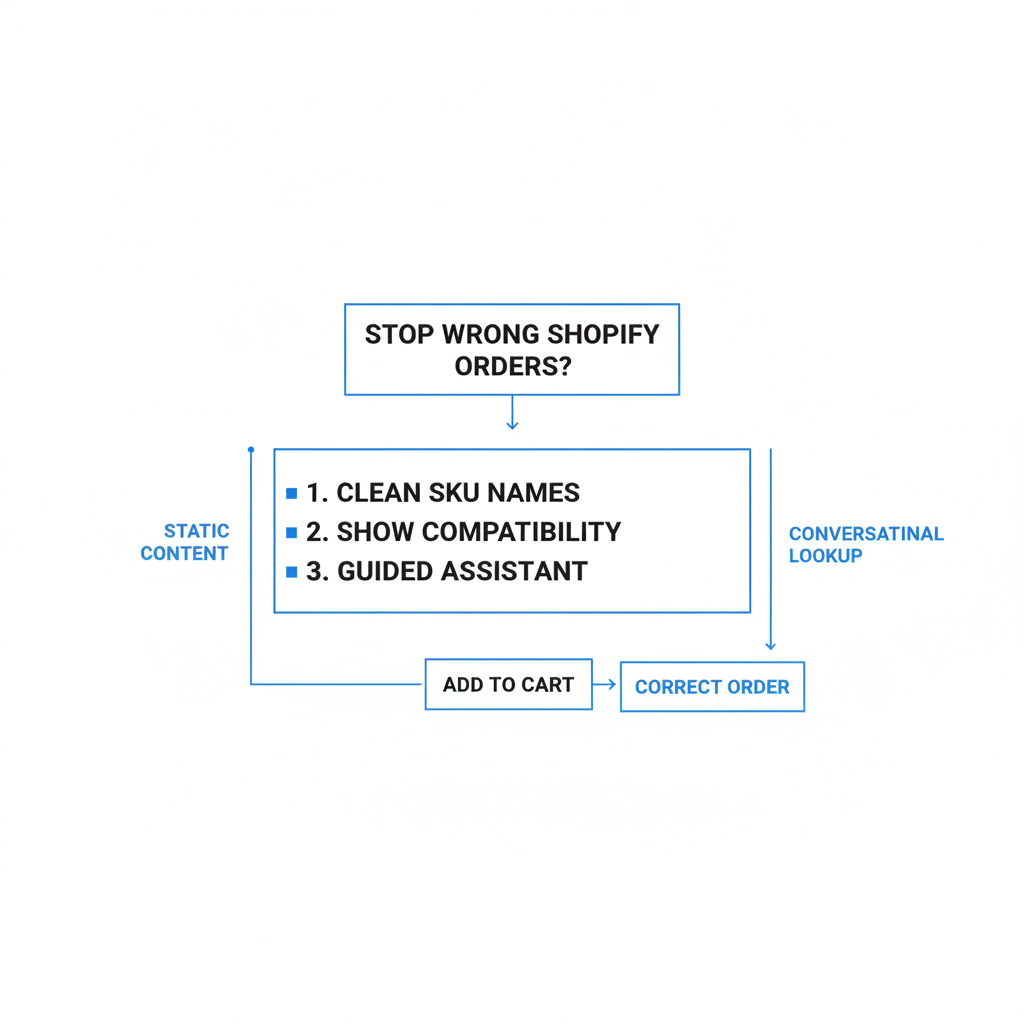
The best way is to guide the customer to the correct SKU before they add to cart. For compatibility-heavy catalogs, a conversational lookup works better than static content.
My preferred setup is a combination of three layers. First, clean up product and variant naming. Second, add visible compatibility info near the buy box. Third, use a guided assistant like Chatkit to turn your fitment data into a question-and-answer flow.
This matters because the bot can ask the missing question the product page never asks. Instead of the customer guessing between similar variants, the assistant can say: “What printer model do you have?” or “What year and trim is your vehicle?” That one step can remove a huge amount of ambiguity.
How does the CSV-powered approach work?
The CSV-powered approach means uploading your compatibility matrix so the bot can match customer answers to the right SKU. It turns hidden catalog logic into a usable buying assistant.
Think of your spreadsheet as the source of truth. If you already have a CSV with columns like make, model, year, part number, SKU, and product URL, you already have what you need. Instead of only publishing that as a table on the page, you feed it into your support and pre-sales workflow.
With Chatkit, the goal is to make the bot answer with precision, not generic reassurance. You want it to ask follow-up questions, narrow the match, and give the customer the exact item to buy. That is a much better experience than “Please check the description for compatibility.”
How do I set up a compatibility bot for Shopify?
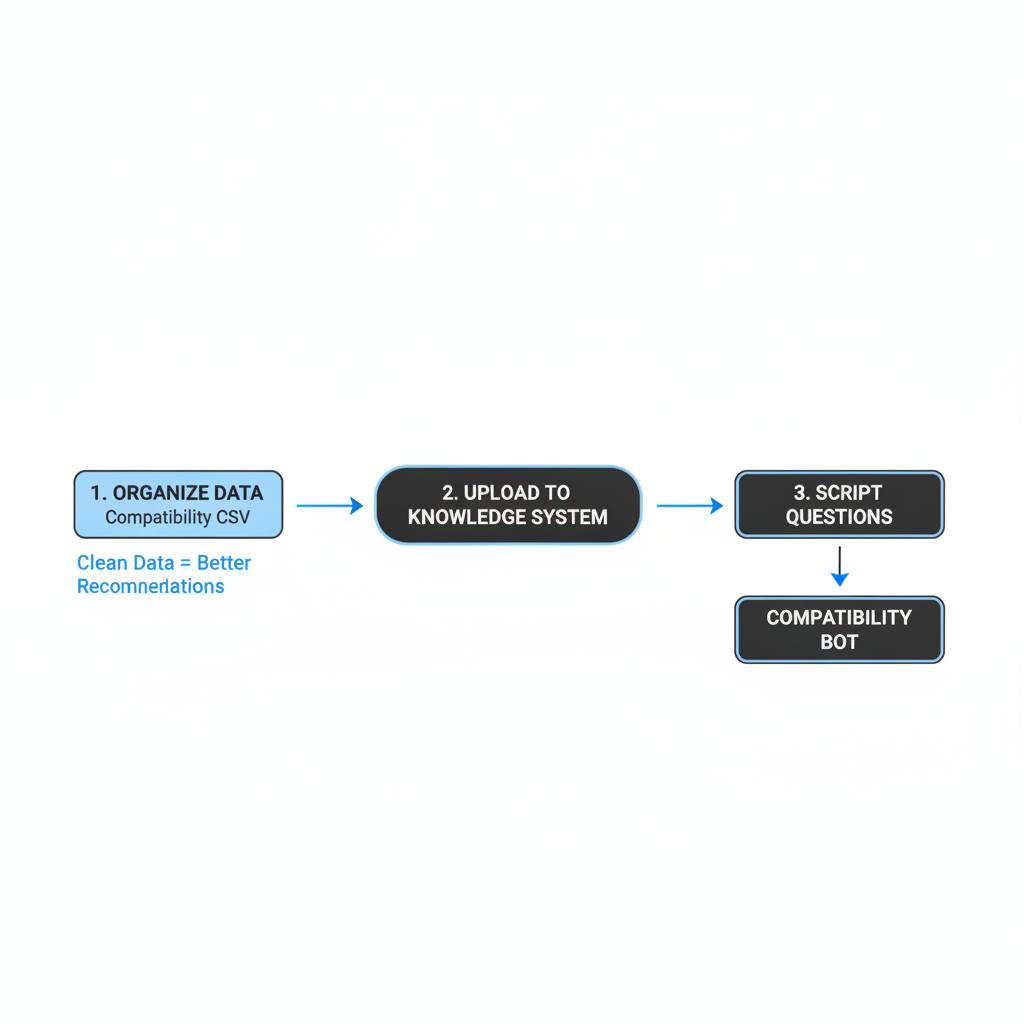
Set up the bot by organizing your compatibility data, uploading it into the knowledge system, and scripting the questions it should ask. The cleaner your data, the better the recommendations.
Here is the process I would use for a store selling model-specific products.
- Export or create a compatibility CSV with one row per supported model-to-SKU relationship.
- Include plain-language model names, not just internal codes.
- Add the exact SKU and product URL the customer should be sent to.
- Upload that data into your knowledge source for Chatkit.
- Define the bot behavior so it asks clarifying questions before recommending a product.
- Test edge cases like similar model names, overlapping years, and regional variants.
A simple CSV might look like this:
| Category | Brand | Model | Year | Variant/Trim | Compatible SKU | Product URL |
|---|---|---|---|---|---|---|
| Phone case | Apple | iPhone 14 | 2022 | Standard | CASE-IP14-BLK | https://yourstore.com/products/iphone-14-case |
| Phone case | Apple | iPhone 14 Plus | 2022 | Plus | CASE-IP14PLUS-BLK | https://yourstore.com/products/iphone-14-plus-case |
| Printer ink | HP | DeskJet 3632 | HP63-BLK | https://yourstore.com/products/hp-63-black |
The key is that your bot should not just search for keywords. It should be instructed to verify compatibility in steps. For example:
- Ask for the model first
- If the model is ambiguous, ask for year or generation
- If multiple SKUs fit, explain the difference clearly
- Return the exact product link and SKU
- If no confident match exists, escalate to support
What does a worked example look like for an auto parts store?
A worked example makes this much easier to picture. Let’s say you sell cabin air filters for multiple Toyota models and years.
On a standard product page, you might have one product called Toyota Cabin Air Filter with a long description listing Corolla, Camry, RAV4, year ranges, and engine notes. That looks comprehensive, but it still invites mistakes because the customer has to interpret the chart correctly.
Now let’s turn that into a guided flow using a compatibility matrix and Chatkit.
Step 1: Build the compatibility CSV
The CSV should map the customer’s real-world model details to the correct Shopify SKU. This is your decision engine.
| Make | Model | Year From | Year To | Engine | SKU | Product |
|---|---|---|---|---|---|---|
| Toyota | Corolla | 2014 | 2019 | 1.8L | CAF-TY-COR-1419 | Toyota Corolla Cabin Air Filter 2014-2019 |
| Toyota | Camry | 2012 | 2017 | 2.5L | CAF-TY-CAM-1217 | Toyota Camry Cabin Air Filter 2012-2017 |
| Toyota | RAV4 | 2013 | 2018 | 2.5L | CAF-TY-RAV-1318 | Toyota RAV4 Cabin Air Filter 2013-2018 |
Step 2: Tell the bot how to behave
The bot should ask narrowing questions, not guess. That is what makes it useful for fitment-heavy stores.
Your guidance might be: “When a customer asks whether a part fits, ask for make, model, year, and engine if needed. Only recommend a SKU when there is a confident match in the uploaded compatibility data. If there are multiple matches or no match, ask another clarifying question or direct them to support.”
Step 3: Customer conversation example
This is what the buying experience should feel like. Short, direct, and confidence-building.
Customer: I need a cabin air filter for my Toyota.
Bot: Sure - which Toyota model do you have?
Customer: Corolla.
Bot: What year is your Corolla?
Customer: 2017.
Bot: Thanks. For a 2017 Toyota Corolla, the compatible filter is SKU CAF-TY-COR-1419. Here is the product: Toyota Corolla Cabin Air Filter 2014-2019.
That flow is dramatically better than making the customer scan a fitment table manually. It also reduces support tickets because the bot handles the repetitive pre-sales questions automatically.
What should I fix on the product page before using a bot?
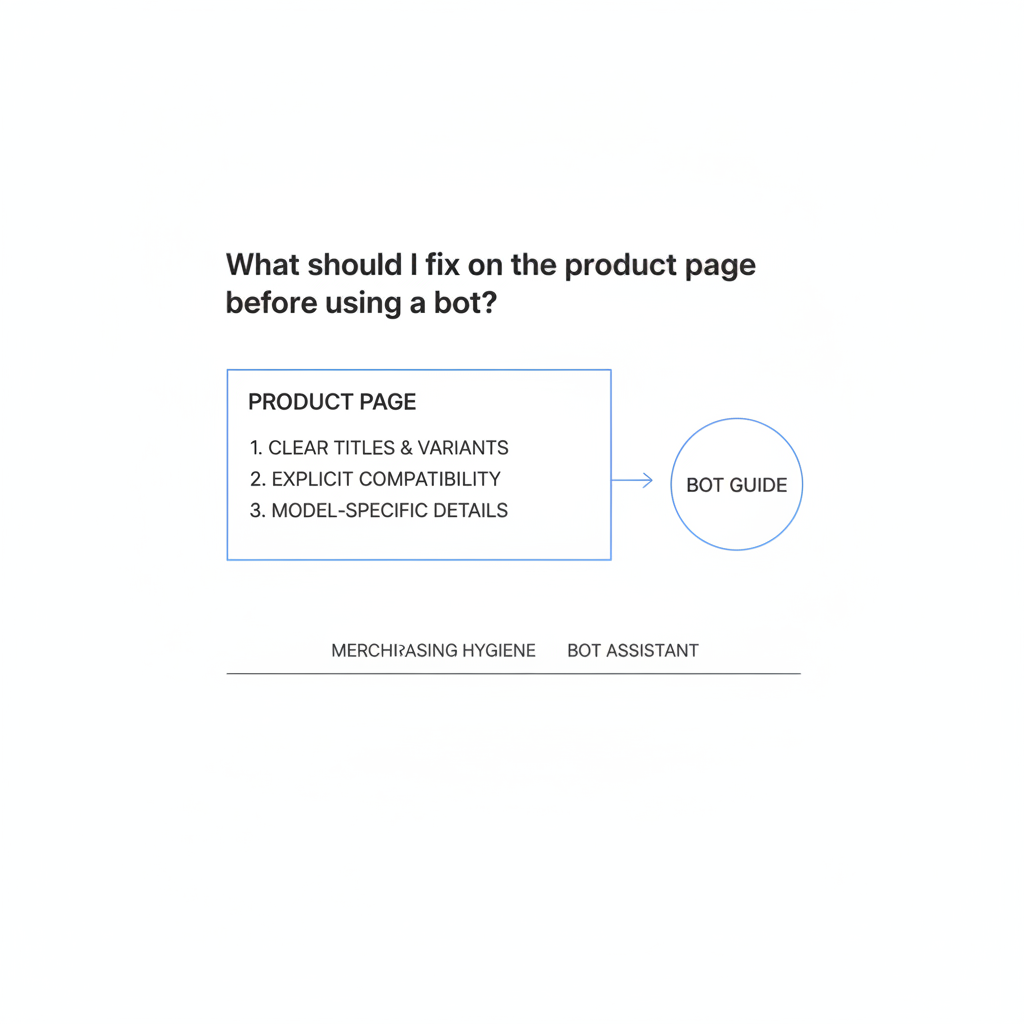
You should still improve the product page because the bot works best when the catalog itself is clear. Think of the bot as a guide, not a substitute for basic merchandising hygiene.
Start with your product titles and variant labels. Use explicit compatibility details and repeat them near the Add to Cart button. If a product is model-specific, say so in the first visible lines, not halfway down the page.
- Add compatibility to the product title
- Repeat fitment in the first line of the description
- Assign images to each variant so visual changes reinforce selection
- Use metafields for make, model, year, part number, voltage, connector, or generation
- Add a warning near Add to Cart such as “This item is not universal”
If your issue is also variant overload, these LaunchTip guides may help: How to Remove the 100-Variant Limit on Shopify, How to Hide Product Variants Without Deleting Them in Shopify, and How to Turn Automatic Selection Off for Product Variants on a Shopify Product Page in 2026.
Should I use compatibility checkers, required fields, or cart warnings too?
Yes - for high-error products, you should use multiple safeguards. The best setup is layered, not dependent on a single fix.
A compatibility bot is excellent for pre-sales guidance, but some stores also need required line-item properties, confirmation checkboxes, and manual review workflows. This is especially true for expensive parts, regulated categories, or products with many near-identical versions.
| Method | Best for | Strength | Limitation |
|---|---|---|---|
| Clear variant naming | All stores | Quick win | Still relies on customer attention |
| Compatibility bot | Complex fitment catalogs | Guided selection | Needs clean data |
| Required line-item fields | Technical or custom products | Collects model info before order | Adds friction |
| Confirmation checkbox | Model-specific products | Forces acknowledgment | Does not verify truth |
| Manual order review | High-value risky SKUs | Catches edge cases | Slower operations |
In my experience, the sweet spot for many stores is clear catalog structure + bot guidance + manual review on risky SKUs. That gives you prevention without making the whole store feel hard to buy from.
How do I reduce wrong orders after checkout?
You cannot stop every mistake before checkout, so you also need a post-order process. Fast intervention can turn a return into a simple order edit.
Use Shopify Flow if available to tag orders containing high-risk products for review before fulfillment. For example, tag products with needs_compat_check, then tag incoming orders with compat_review and notify staff. Shopify Flow documentation is worth reviewing here: Shopify Flow.
If a customer contacts you quickly, edit the order before shipping. We have a full guide on that here: Editing Customer Orders in Shopify: A Step-by-Step Guide for 2026. For stores that need customer records and better prioritization, this is also relevant: How to Build a Shopify Customer Database for Smarter Order Prioritization in 2026.
For operationally messy catalogs, I also recommend tracking the exact reason code for returns. Separate wrong model ordered from damaged, changed mind, and shipping issue. If you cannot measure wrong-model returns specifically, you will not know whether your compatibility improvements are working.
What results should I expect from a compatibility-first setup?
You should expect fewer wrong-item orders, fewer pre-sales tickets, and higher buying confidence. The exact lift depends on how messy your catalog is today.
When I test stores with compatibility complexity, the biggest gains usually come from removing ambiguity early. If customers can self-identify the right product in under 30 seconds, support load drops and conversion quality improves. You may even see conversion rate improve because confidence goes up, not just accuracy.
That said, the biggest win is often operational. Fewer wrong-model orders means fewer exchanges, fewer frustrated emails, fewer manual edits, and fewer avoidable return labels. For merchants with thin margins on accessories or replacement parts, that matters a lot.
Is Chatkit worth it for preventing wrong-model orders?
Yes - if your catalog has real compatibility complexity, Chatkit is worth serious consideration. It is especially useful when customers need help choosing among similar products, models, or variants.
I would not position Chatkit as a generic chatbot here. The real value is using it as a product-matching assistant. If you feed it a clean CSV of model-to-SKU relationships and instruct it to ask clarifying questions, it becomes a practical layer of pre-purchase validation.
Best for compatibility-heavy stores is my honest take. If you sell simple apparel with obvious sizing, this may be overkill. But if one wrong click means a returned car part, the wrong printer cartridge, or a phone case that does not fit, a guided assistant can pay for itself quickly.
Install it here: Chatkit on the Shopify App Store.

How do I get started this week?
Start with one high-return product family and build a small compatibility workflow around it. You do not need to rebuild your entire catalog at once.
- Pick the top 10 products causing wrong-model returns
- Rewrite titles and variant names with explicit compatibility details
- Create a CSV that maps model details to the exact SKU
- Load that data into Chatkit
- Train the bot to ask “Which model do you have?” before recommending anything
- Add a visible compatibility warning near Add to Cart
- Track wrong-model orders for 30 days before and after rollout
If you do just that, you will already be ahead of most stores in these niches. Most merchants are still hoping customers read the table. A guided, CSV-powered compatibility flow is much closer to how people actually shop.