If you run a Shopify store in 2026, customers expect answers immediately. They do not want to wait for an email reply, hunt through a help page, or abandon checkout because nobody answered a simple shipping or sizing question. That is exactly why shopify chatbot setup 2026 has become a practical growth task, not just a support experiment.
As someone who builds Shopify apps and spends a lot of time around merchant support workflows, I have seen the same pattern repeatedly. Stores install a chatbot, leave the default settings untouched, and then wonder why it feels useless. A well-configured AI chatbot can handle up to 79% of common questions, reduce support load, and free up your team for higher-value conversations, but only if you connect the right data and train it properly.
What is a Shopify AI chatbot in 2026?
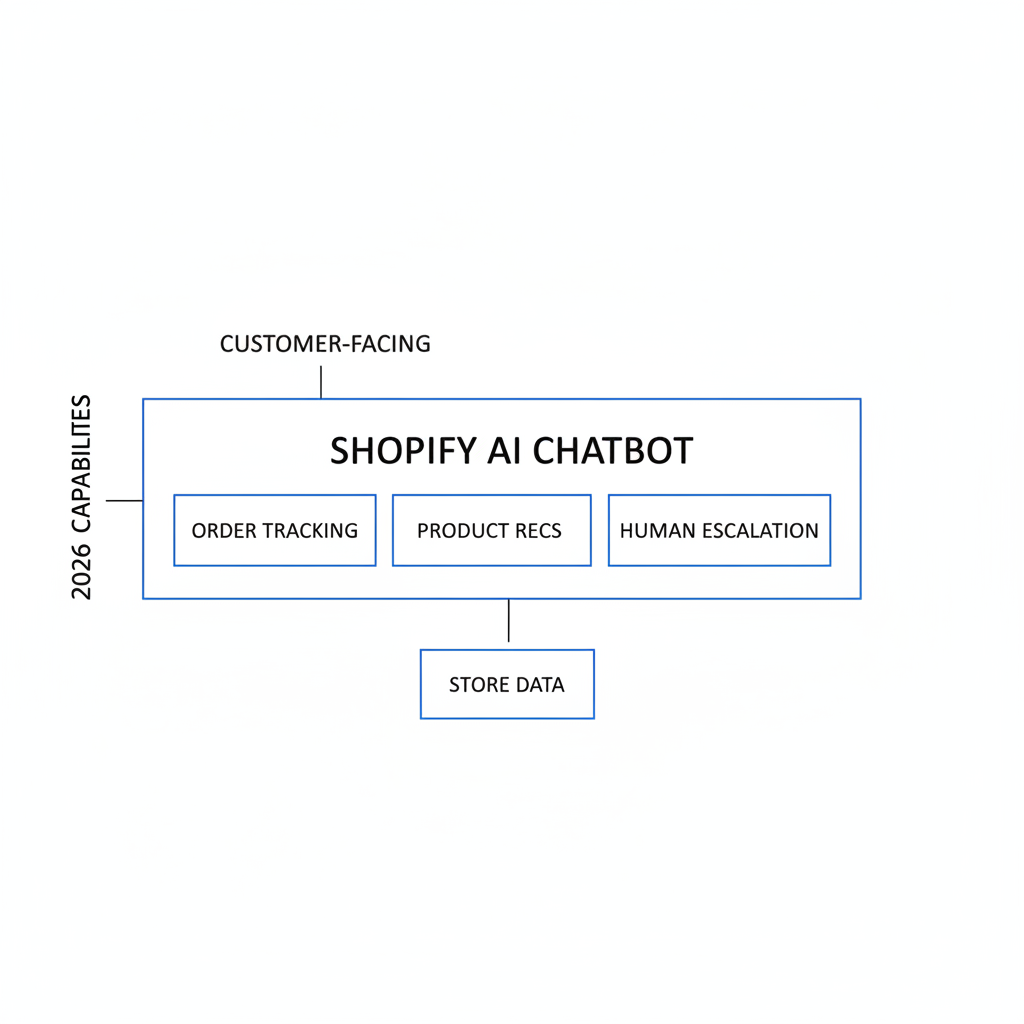
A Shopify AI chatbot is a customer-facing assistant that lives on your storefront and answers shopper questions using your store data. In 2026, the best tools do much more than basic FAQ replies - they can track orders, recommend products, and escalate complex issues to a human agent.
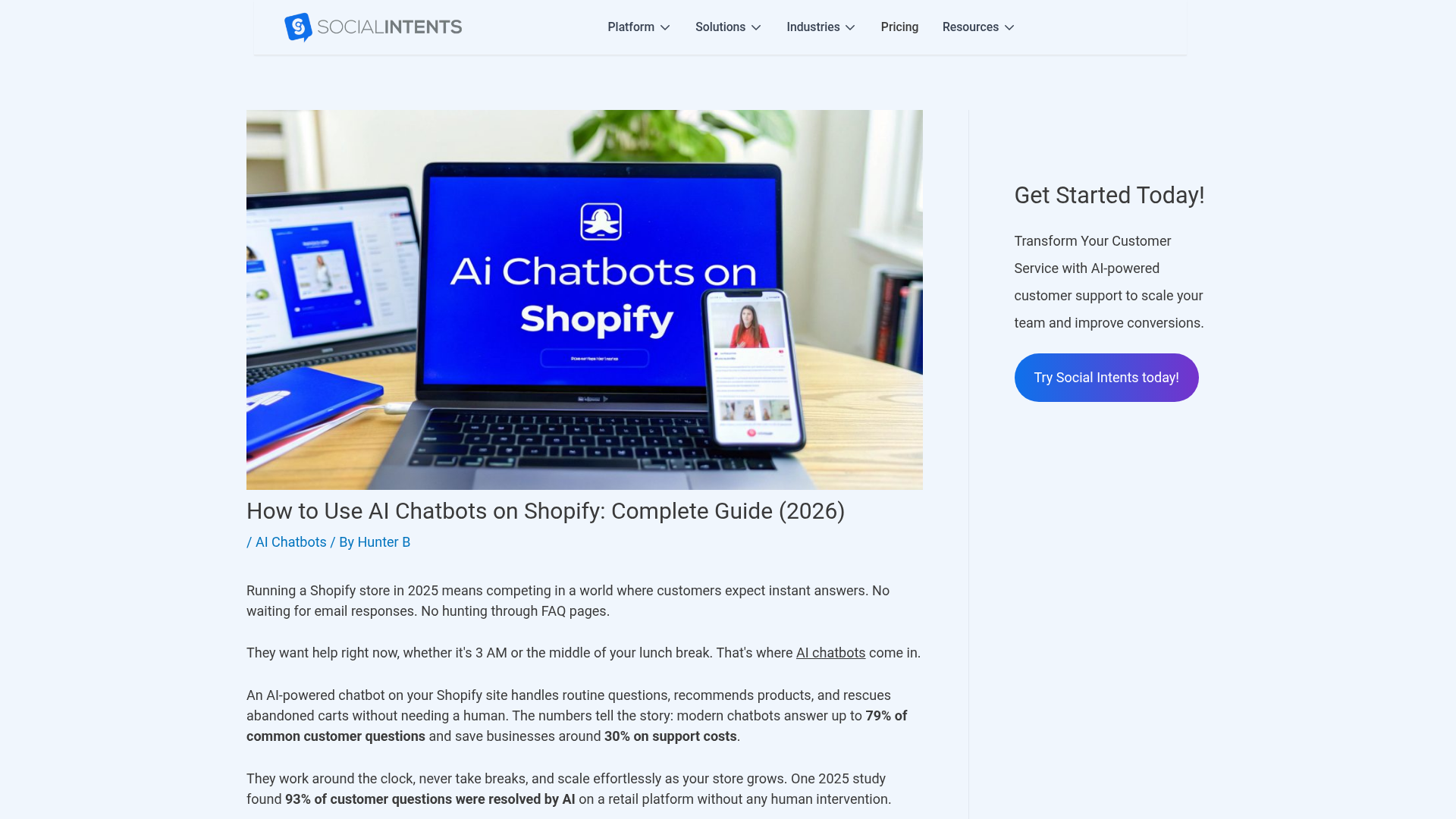
Shopify itself has AI tools for merchants, but there is still no universal built-in customer support bot that every store can switch on and forget. In practice, most merchants use third-party apps from the Shopify App Store that sync products, policies, and order data. That makes setup much faster than custom development, especially for lean teams.
In my experience building Shopify apps, the best chatbot implementations are not the flashiest ones. They are the ones that answer real purchase-blocking questions fast, such as delivery timing, returns, product compatibility, and order status.
Does Shopify have a built-in AI chatbot for customers?
No, Shopify does not currently offer a default customer-facing AI chatbot for every store. Merchants usually add one through a Shopify app or a custom integration.
This matters because your setup process depends heavily on the app you choose. Some tools focus on support deflection, some focus on sales conversations, and others are closer to autonomous support agents. If you want broader AI readiness across your store, I would also read How to Optimize Your Shopify Store for AI Shopping Agents (Not Just Google), because chatbot performance improves when your store content is structured clearly.
What is the best Shopify chatbot setup approach in 2026?
The best setup approach is to start with a no-code Shopify chatbot app, connect your store data, train it on policies and FAQs, and then review unanswered queries weekly. Most stores can launch a working version in 10 to 30 minutes, but the real gains come from optimization over the first few weeks.
I generally recommend a hybrid model. Let AI handle repetitive questions, but make sure handoff to email, live chat, or a human support tool is easy. A chatbot should reduce friction, not trap frustrated customers in a loop.
Which chatbot apps are worth considering?
The best chatbot app depends on whether you care more about support automation, product recommendations, omnichannel messaging, or custom actions. For most Shopify stores, I would shortlist Chatbase, Social Intents, and a few newer ecommerce-focused tools.
| App | Best for | Typical setup time | Notes |
|---|---|---|---|
| Chatbase | Fast no-code setup | Minutes | Good for syncing store data and getting live quickly |
| Social Intents | Hybrid AI and human handoff | One-click install | Useful if you want AI plus live support workflows |
| Zipchat | Sales chat and sentiment escalation | About 10 minutes | Good for proactive triggers and WhatsApp-style flows |
| ChatMaxima | Deep training from site content | 20-30 minutes | Useful when your FAQ and help content are already strong |
| Moose | Multilingual support | Fast | Worth considering for stores with international traffic |
If your store also relies heavily on guided selling, quizzes, or personalized product discovery, there is overlap between chatbot logic and quiz funnels. That is why merchants often pair support AI with tools discussed in How to Add a Quiz to Shopify in 2026: Best Methods, Apps and Setup Steps.
How do I set up a Shopify AI chatbot step by step?
The setup process is usually simple: install the app, sync store data, configure the widget, train the bot, test key scenarios, and then go live. The difference between a weak setup and a strong one is usually data quality, prompt rules, and ongoing review.
1. How do I choose and install the chatbot app?
Start by choosing a chatbot that has a real Shopify integration, not just a generic website widget. The best tools can read products, orders, and policy content without custom code.
- Go to the Shopify App Store.
- Search for your chosen app or search for "AI chatbot".
- Click Add app.
- Review requested permissions carefully.
- Approve installation and open the app dashboard.
As a rule, I avoid tools that are vague about permissions or cannot explain how they use order data. In 2026, merchants are rightly more careful about privacy, customer data, and AI-generated responses.
2. How do I sync products, orders, and store content?
You should sync your product catalog, FAQs, shipping policy, return policy, and order data as early as possible. This is what gives the chatbot context and helps it answer questions accurately.
Most modern tools can crawl your storefront and import help content automatically. Some also sync inventory and order status in real time. If the chatbot cannot access current product availability or policy content, it will sound smart but give weak answers.
- Sync product titles, descriptions, variants, and inventory
- Import shipping and returns pages
- Import FAQ content and contact details
- Enable order lookup if supported
- Connect channels like WhatsApp or Messenger if relevant
This is also where strong product content matters. If your product pages are thin, the chatbot has less to work with. I have seen stores improve chatbot answer quality simply by rewriting product copy and FAQs. If that is a weak point for your store, this guide on How to Generate Powerful Shopify Product Descriptions Using AI in 2026 can help.
3. How do I configure the chat widget?
Your widget should match your brand and appear where customers expect it. For most stores, the default bottom-right placement works best.
Keep the welcome message short and useful. I prefer something simple like: "Hi, I can help with products, shipping, returns, and order tracking." That sets expectations immediately and nudges customers toward high-value use cases.
| Setting | Recommended starting point | Why it matters |
|---|---|---|
| Position | Bottom-right | Familiar placement and high visibility |
| Welcome message | Products, shipping, returns, tracking | Sets clear expectations |
| Brand color | Use primary theme color | Keeps the widget visually consistent |
| Launcher timing | Visible immediately, prompt after 30-40 seconds | Balances discoverability and interruption |
| Escalation option | Always available | Prevents dead-end conversations |
4. How do I train the chatbot for instant resolution?
You train a Shopify chatbot by feeding it the exact content customers ask about most often. The highest-impact topics are usually shipping, returns, sizing, discounts, and order tracking.
In my experience, merchants often over-focus on brand voice and under-focus on resolution paths. A chatbot does not need to sound clever. It needs to answer clearly, ask a useful follow-up question, and know when to escalate.
Start with these training assets:
- FAQ page
- Shipping policy
- Return and refund policy
- Product pages and collection pages
- Contact page
- Order tracking instructions
- Common support macros from your inbox or help desk
Then create test prompts for real customer language:
- "Where is my order?"
- "Do you ship to Canada?"
- "Will this fit a 13-inch laptop?"
- "Can I return sale items?"
- "Show me something similar but cheaper"
If you want AI support content that feels more consistent, I also recommend documenting your ideal support tone and approved policy wording. The fewer gray areas you leave, the less likely the bot is to improvise badly.
5. How do I test before going live?
You should test the bot with real customer scenarios before publishing it sitewide. A chatbot that works for easy questions but fails on edge cases can create more tickets, not fewer.
- Test order tracking requests
- Test refund and return questions
- Test product recommendation prompts
- Test angry or vague customer messages
- Test mobile behavior and widget overlap
- Test escalation to a human or contact form
I like to review chatbot transcripts with the same standard I use for app onboarding flows: can a first-time user get the answer in under a minute, without confusion? If not, the setup is not ready.
What should my Shopify chatbot actually answer?
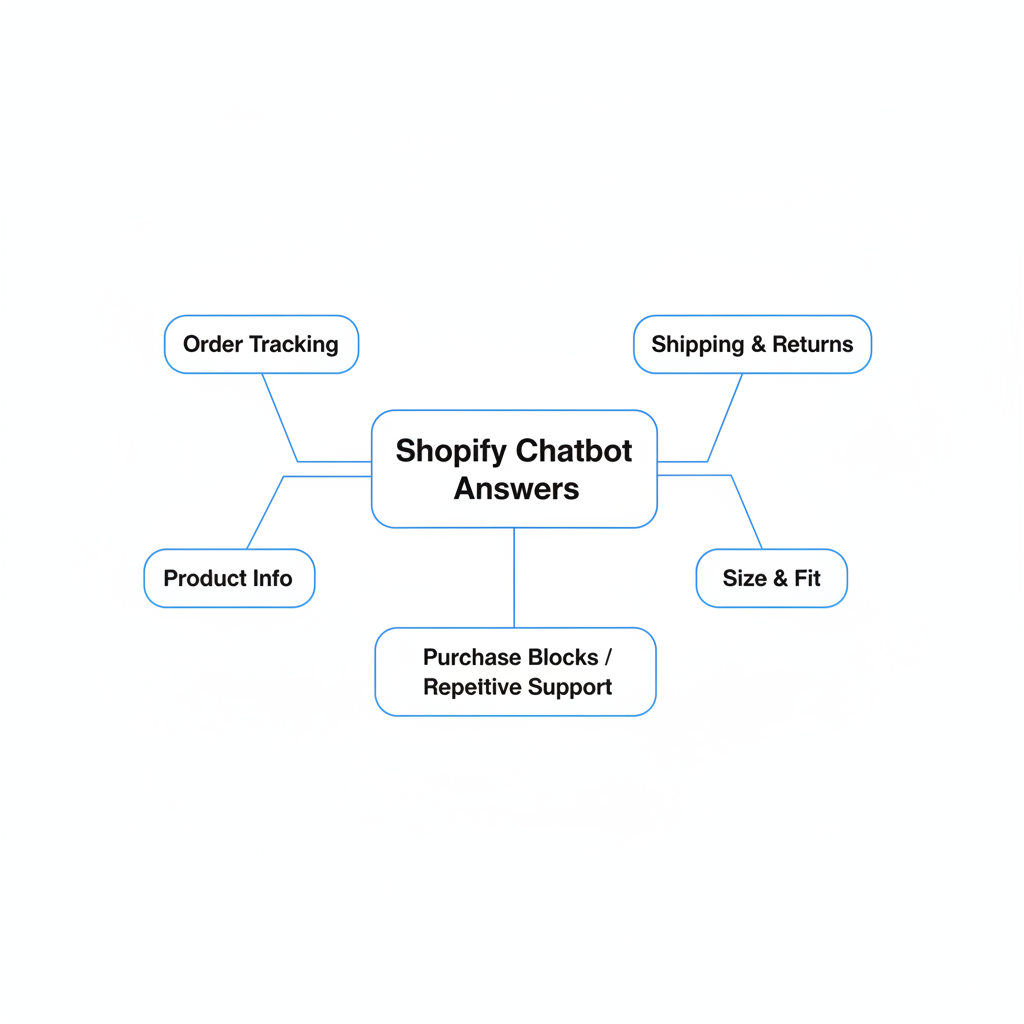
Your chatbot should answer the questions that block purchases or create repetitive support load. The best use cases are practical, high-frequency, and easy to verify from store data.
For most stores, these are the best starting use cases:
- Order tracking
- Shipping times and delivery windows
- Return and refund eligibility
- Product recommendations
- Size, fit, and compatibility questions
- Discount and bundle clarification
- Stock availability
If your store has a strong upsell strategy, chatbots can also support AOV growth by recommending complementary products. That overlaps with a lot of what I cover in How to upsell on Shopify leveraging AI and AI-powered upsells: the future of ecommerce conversion.
How do I make sure the chatbot resolves queries instead of just deflecting them?
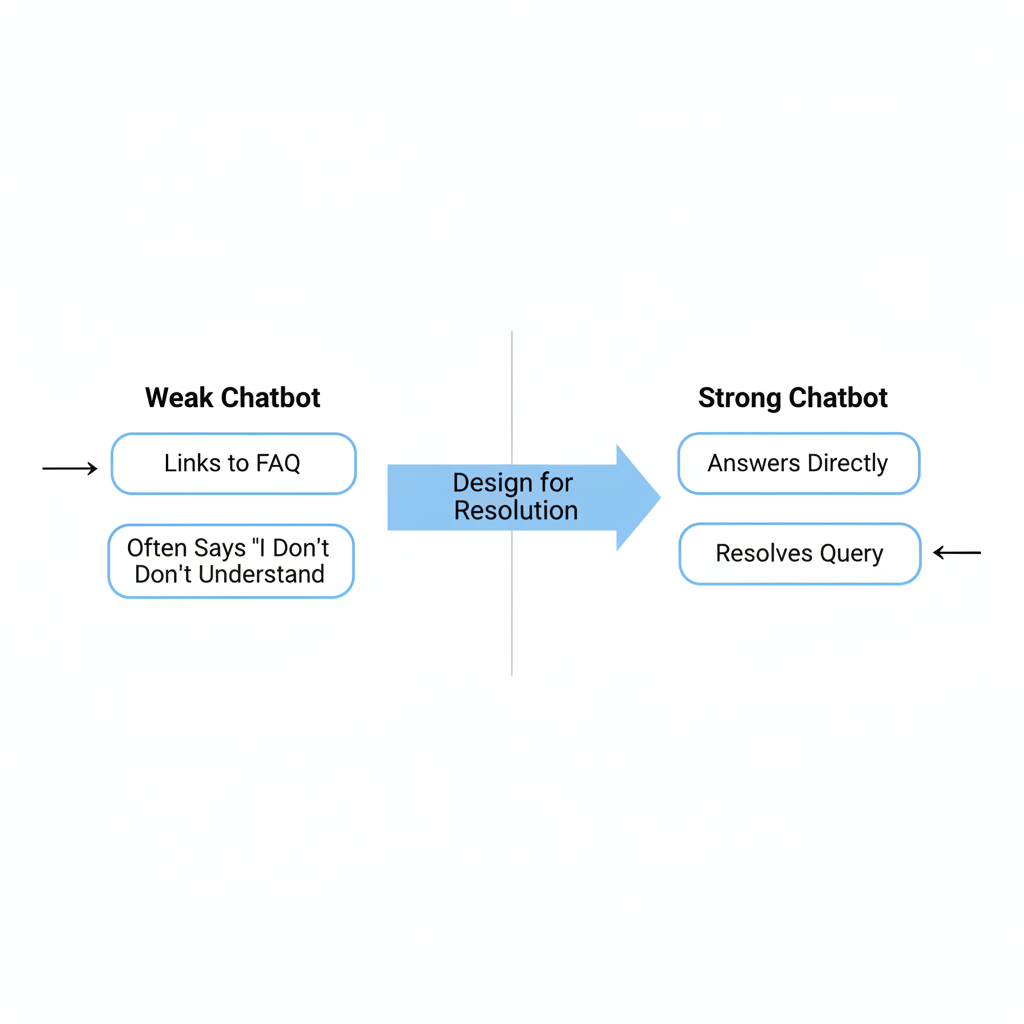
The key is to design for resolution, not just response. A chatbot that says "Please contact support" after every question is not saving time.
Here is the practical difference:
| Weak chatbot behavior | Strong chatbot behavior |
|---|---|
| Links to FAQ for every question | Answers directly and links only when helpful |
| Says "I don't understand" too often | Asks clarifying follow-up questions |
| Does not know store policies | Uses synced returns and shipping content |
| No order context | Can help with tracking or route to support correctly |
| No human handoff | Escalates complex issues quickly |
The benchmark I like is this: if your escalation rate is consistently above 30% for routine queries, your knowledge base or prompt setup probably needs work. Review unanswered queries every week for the first month.
What metrics should I track after launch?
You should track resolution rate, escalation rate, conversion impact, and unanswered questions. These metrics tell you whether the chatbot is helping customers or just adding another layer of friction.
The most useful post-launch metrics are:
- Resolution rate for routine questions
- Escalation rate to human support
- CSAT or post-chat satisfaction
- Conversion rate for users who interacted with chat
- Cart recovery impact from proactive triggers
- Top unanswered intents
Some vendors claim omnichannel setups can lift conversions by 35%, especially when WhatsApp and onsite chat work together. That can be true for the right store, but I would treat it as a potential upside, not a guaranteed result. In my experience, the biggest early win is usually support efficiency, with conversion gains appearing once product recommendations and proactive prompts are tuned properly.
Should I connect my Shopify chatbot to WhatsApp or other channels?
Yes, if your customers already use those channels. Omnichannel support works best when it extends existing customer behavior, not when it creates extra complexity for your team.
For stores with international traffic or high mobile usage, WhatsApp can be especially effective for support and cart recovery. The important thing is to keep policy answers, product data, and escalation rules consistent across channels. If your chatbot says one thing onsite and another thing in WhatsApp, trust drops quickly.
What mistakes should I avoid during Shopify chatbot setup in 2026?
The biggest mistakes are poor training data, no human fallback, and unrealistic expectations. A chatbot can be excellent at repetitive support, but it still needs guardrails.
- Do not launch with empty or outdated FAQs
- Do not hide the contact option
- Do not let the bot improvise refund policy
- Do not ignore mobile UX
- Do not judge performance after one day
- Do not install and forget
I have also seen merchants choose a chatbot just because it promises a 5-minute setup. Fast setup is nice, but the better question is whether it can answer your top 20 customer questions accurately next week, next month, and during peak season.
How long does Shopify chatbot setup take in 2026?
Most stores can complete the initial setup in 10 to 30 minutes. Reaching a polished, high-resolution setup usually takes 1 to 4 weeks of review and optimization.
That timeline matches what I see across Shopify apps in general. Installation is easy. The real work is refining triggers, improving source content, and reviewing how real customers phrase questions.
A Shopify chatbot is not a one-time install. It is a support and conversion layer that improves as you feed it better content and better rules.
Is Shopify chatbot setup worth it for small stores?
Yes, especially for small stores that cannot staff live support around the clock. Even a basic chatbot can reduce repetitive tickets and give shoppers confidence when they are deciding whether to buy.
For a solo founder or tiny team, the best outcome is not replacing support staff. It is making sure common questions get answered at 11 PM without you opening your laptop. That alone can save hours every week and protect conversion rate.
If you are also thinking about broader AI visibility, support content and structured answers can help beyond onsite chat. I would pair this work with How to Get Your Shopify Store into ChatGPT: Step-By-Step Guide for 2026 so your store becomes easier for AI systems to understand both on and off your site.
What is my recommended Shopify chatbot setup checklist for 2026?
The best checklist is simple: pick the right app, connect the right data, train the right use cases, and review performance every week. That is how you turn a chatbot from a novelty into a real support tool.
- Choose a Shopify-native chatbot app
- Install it from the Shopify App Store
- Sync products, policies, FAQs, and orders
- Customize widget design and welcome message
- Set proactive triggers for product and cart pages
- Train on shipping, returns, tracking, and product questions
- Test mobile, desktop, and escalation paths
- Launch with clear human fallback
- Review unanswered questions weekly
- Optimize based on real transcripts and conversion data
If you follow that process, your shopify chatbot setup 2026 will be far ahead of the average store that simply installs a widget and hopes for the best. In my experience, that gap in execution is where most of the value sits.
For further reading, you can also compare vendor approaches from Social Intents, Stormy AI, and YourGPT. I always recommend testing two or three tools against your real support questions before committing long term.