
Managing orders in Shopify starts in the Orders section of your admin, but most growing stores quickly realize the real challenge is not just viewing orders. It is tracking exceptions, keeping your team aligned, following up on custom requests, and making sure nothing slips through the cracks.
In my experience building Shopify apps for merchants, the stores that struggle with order management are rarely missing a button in Shopify. They are missing a repeatable workflow for notes, tasks, reminders, ownership, and automation. That becomes even more important for teams, high-volume brands, and Shopify Plus stores handling complex fulfillment, customer service, and internal operations.
How do I manage orders in Shopify?
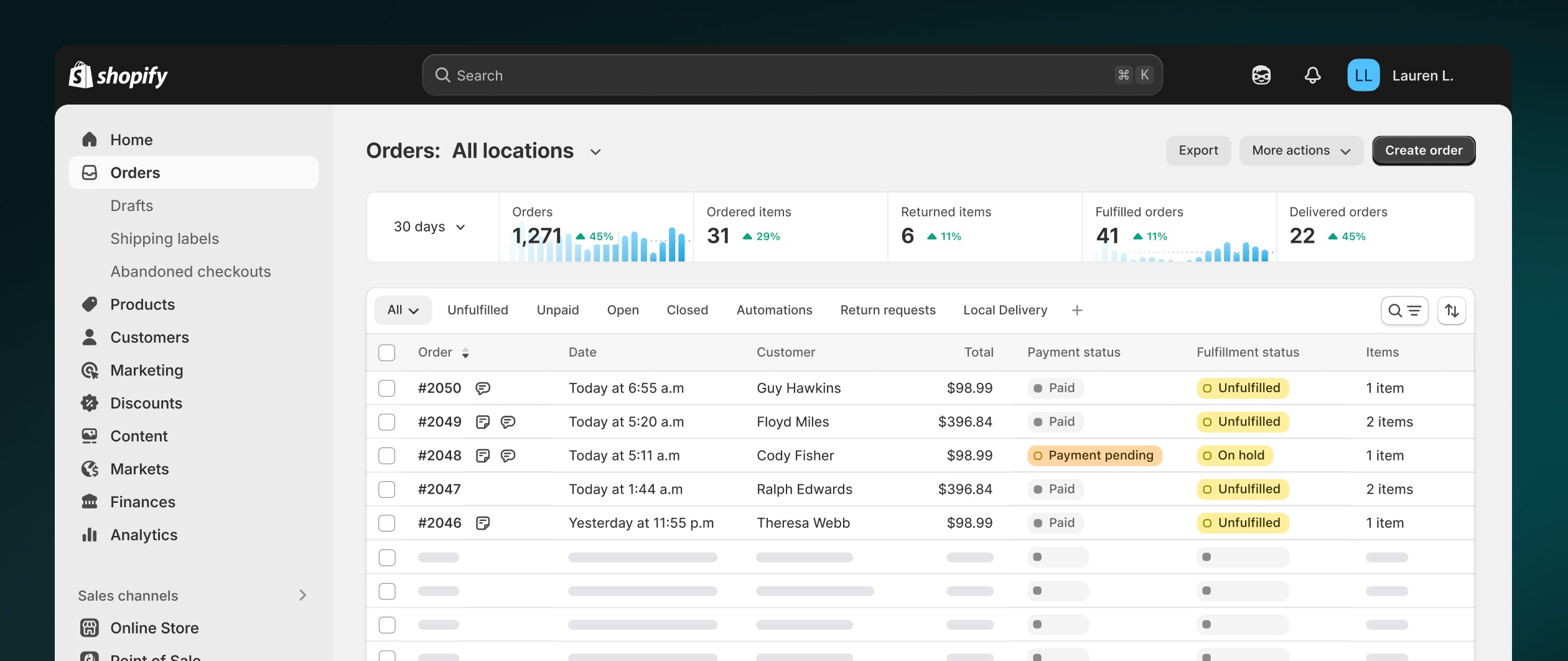
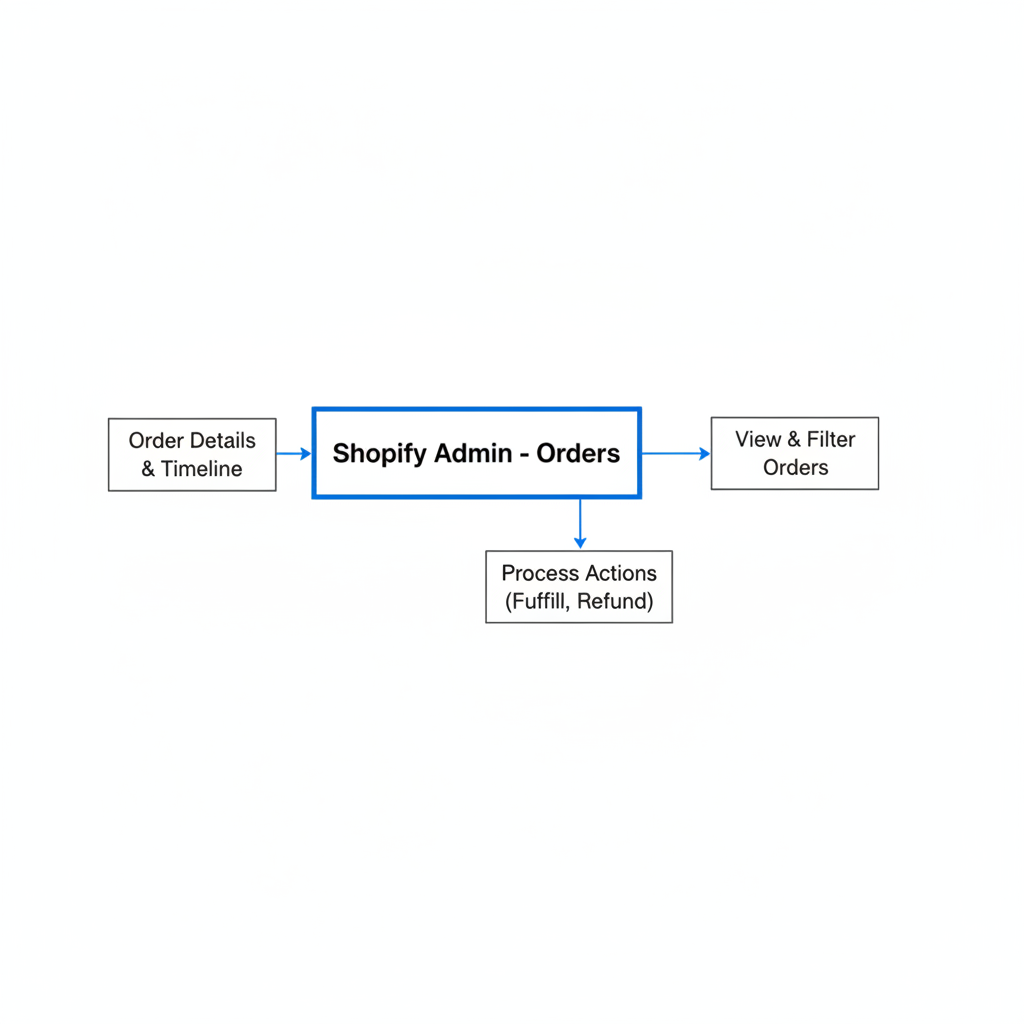
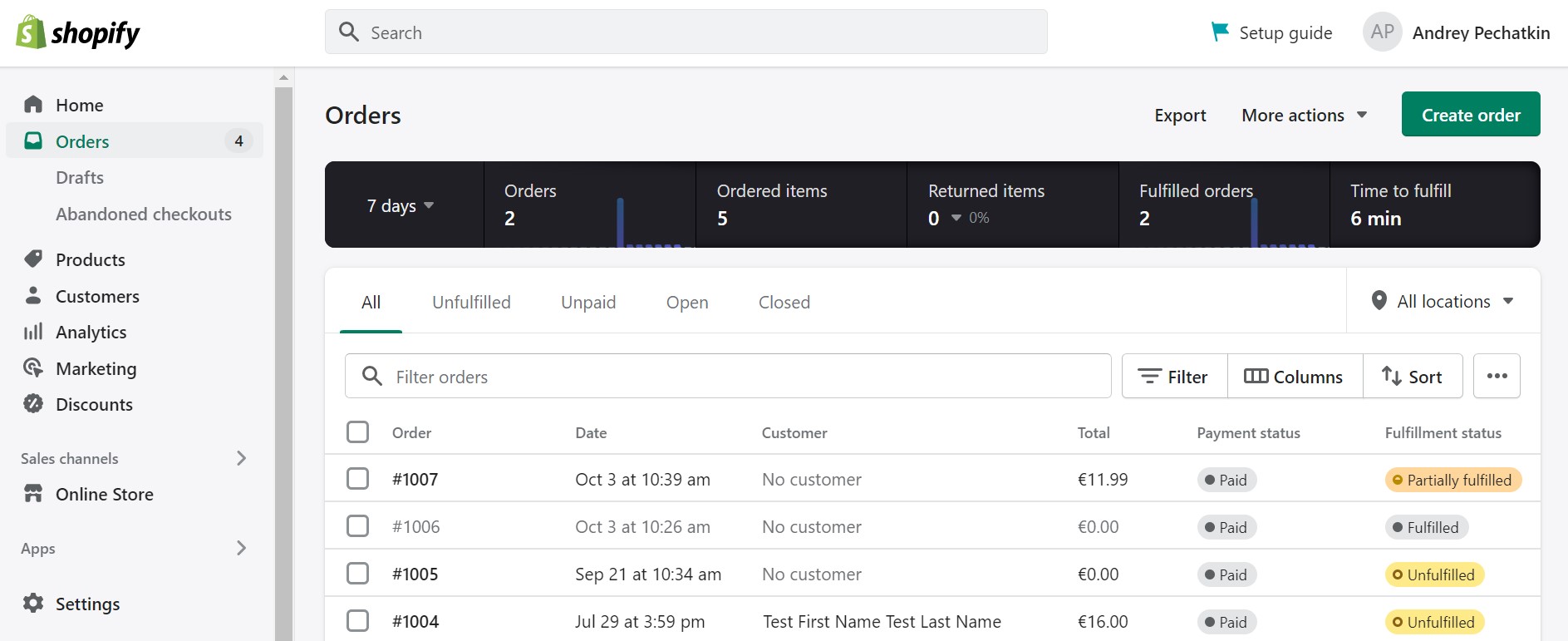
You can manage orders in Shopify from Shopify admin - Orders. There, you can view, search, filter, sort, tag, add notes, capture payments, fulfill orders, edit details, refund, or cancel as needed.
That is the official answer, and it is accurate. Shopify gives you a solid native order management foundation, especially for day-to-day processing. You can review timelines, inspect payment status, check fulfillment progress, and contact customers directly from the order detail screen.
Where many merchants hit friction is after the basic admin actions. A team member sees a special packing request, someone else promises a replacement by email, inventory needs checking, or a VIP order needs escalation. Shopify stores the order, but your team still needs a system to track actions, assign responsibility, and follow through.
If you want the native Shopify overview, the official docs on managing orders and order management and fulfillment are worth bookmarking.
What can you do from the Shopify Orders page?
The Shopify Orders page is your central control panel for incoming and in-progress orders. It lets you find orders fast, review status, and take action without leaving the admin.
At a practical level, here is what most merchants use it for every day:
- Search by order number, customer name, email, or product
- Filter by payment status, fulfillment status, delivery status, sales channel, or date
- Sort orders by newest, oldest, total, or processing priority
- Tag orders for internal organization
- Add notes to record special handling information
- Capture payments if you use manual capture
- Edit orders to adjust items, shipping, or discounts
- Print packing slips and shipping documents
- Issue refunds or cancellations
- Review the order timeline for a record of changes and events
One underrated feature is saved views. If your team repeatedly checks “Unfulfilled today,” “High-risk orders,” or “Local pickup orders,” saved views can cut a lot of clicking. For larger operations, these views become the starting point for daily workflows.
Why is managing orders in Shopify hard for growing stores?
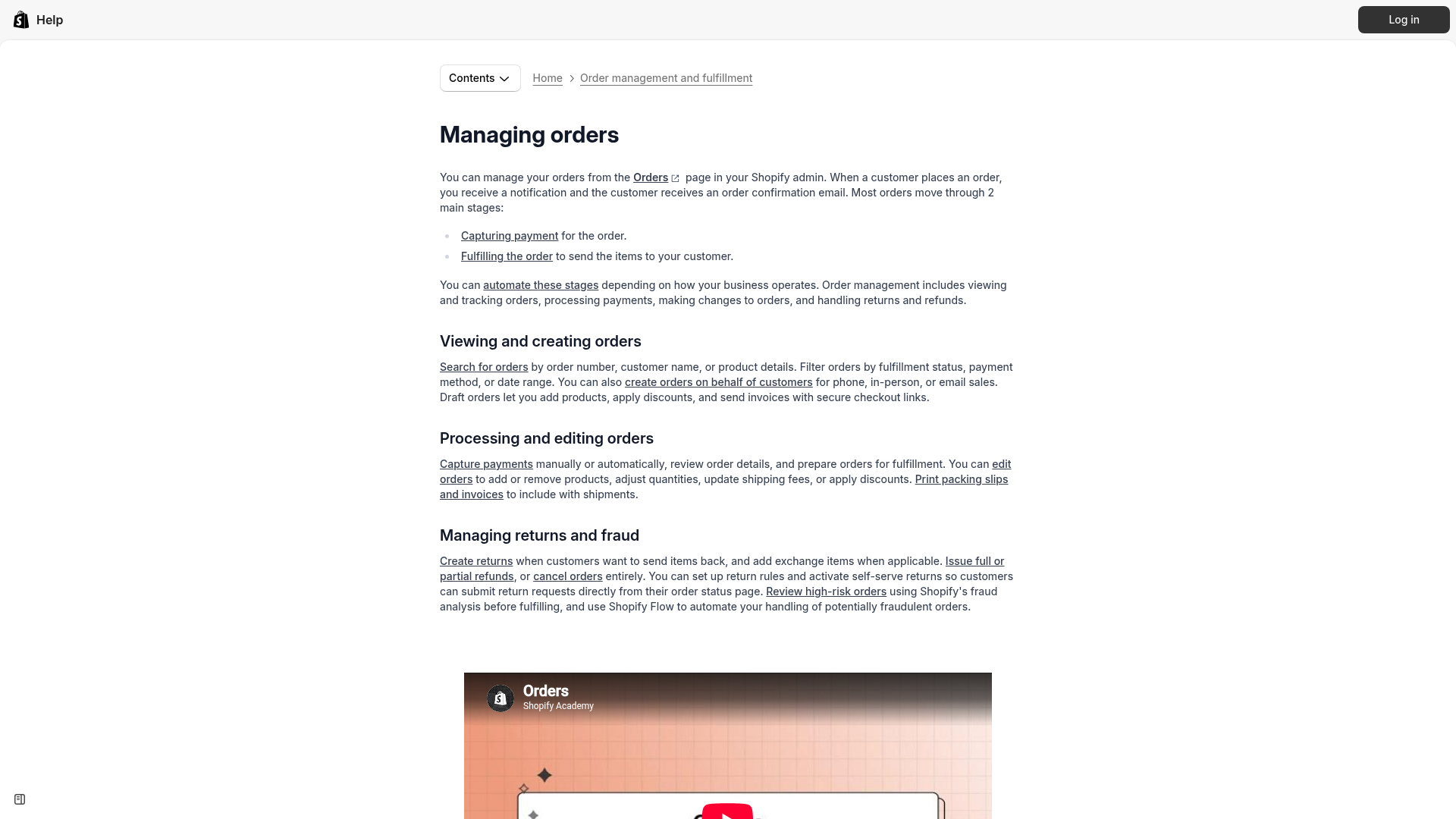
Managing orders in Shopify gets harder as soon as your store has more people, more exceptions, or more channels. The issue is usually not order volume alone. It is the growth in edge cases, handoffs, and internal communication.
I have seen this pattern repeatedly. A small store can manage with tags, internal notes, and Slack messages for a while. Then the business grows and suddenly there are rush orders, backorders, product personalization, address changes, partial shipments, supplier delays, and customer promises spread across inboxes.
Common pain points include:
- No clear owner for a specific order problem
- Important notes buried in order comments or email threads
- No reminders for follow-up tasks
- Customer service and fulfillment teams out of sync
- Manual work for repetitive exceptions
- High-value or urgent orders not prioritized
- Custom orders hard to track across production and support
This is exactly where order management becomes an operations problem, not just an admin problem. If your store is doing serious volume, especially on Shopify Plus, you need more than a list of orders. You need a system of execution.
What is the best way to track specific orders and keep your team in the loop?
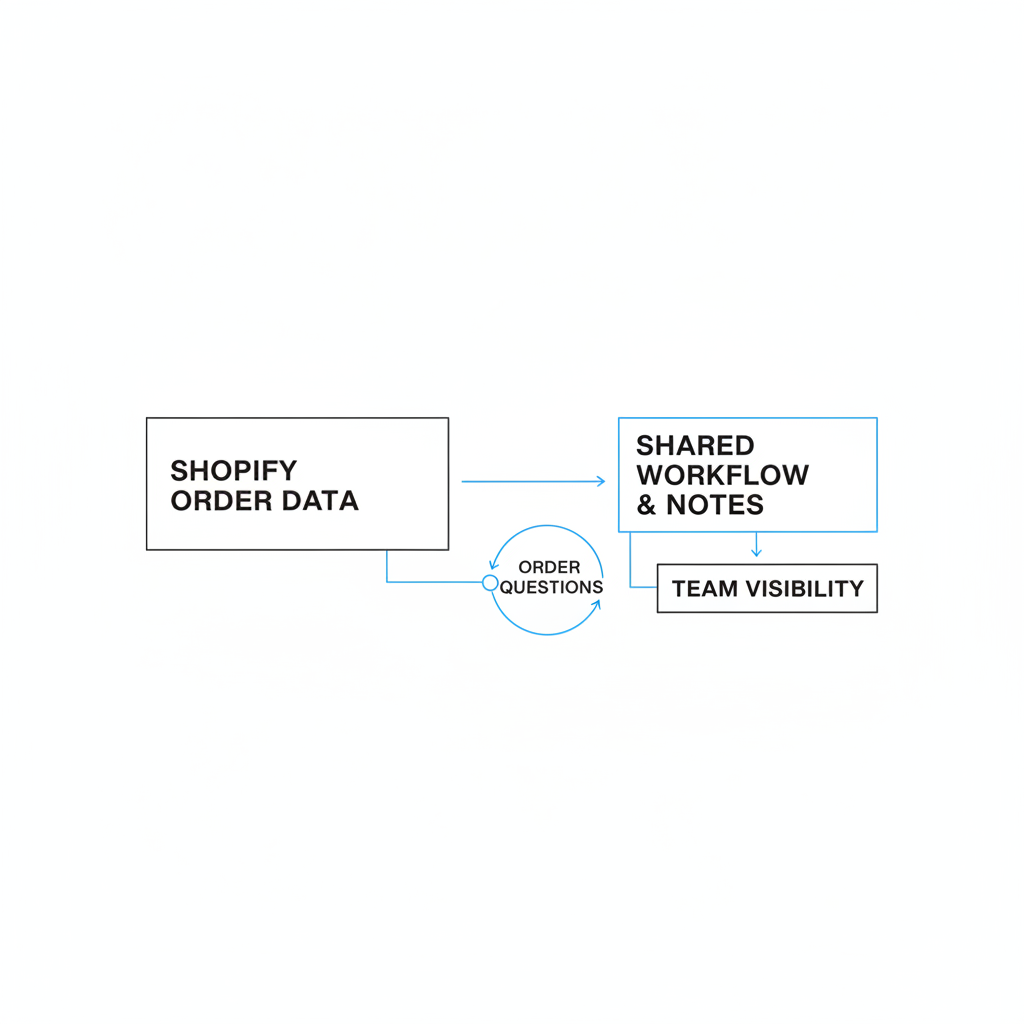
The best way to track specific orders is to combine Shopify’s native order data with a shared task and notes workflow. That means each important order has clear notes, assigned actions, reminders, and visibility for the right team members.
This is the gap I see most often. Merchants can find an order in Shopify, but they cannot easily answer questions like: Who is handling this? What still needs doing? Was the supplier chased? Did support promise a replacement? Is this waiting on stock, artwork approval, or a customer reply?
For stores handling custom products, wholesale requests, pre-orders, or fulfillment exceptions, I strongly recommend building a process around:
- Order tags for categorization
- Internal notes for context
- Assigned tasks for action items
- Automations for repetitive triggers
- Notifications and reminders so deadlines are not missed
- Permissions so the right team sees the right work
If customized or exception-heavy orders are a big part of your business, this guide on tracking customized orders in Shopify goes deeper into workflows, tags, and automation.
What is the best app to manage orders in Shopify?
The best app for many merchants who need structure around order operations is NoteDesk. It adds the missing layer of CRM, task management, team coordination, notes, reminders, and automation around Shopify orders.
As a Shopify app developer, I know firsthand that merchants do not just want another dashboard. They want fewer missed tasks, better visibility, and a way to keep customer service, fulfillment, ops, and management working from the same source of truth. That is exactly why NoteDesk exists.

NoteDesk is an AI CRM and management platform for Shopify that helps stores create tasks from orders, automate workflows, collaborate with teams, and keep customer and order notes organized. It is especially useful for order fulfillment, customer service, inventory tracking, and team coordination.
Its core strengths are simple but powerful:
- Auto-create tasks from Shopify orders with smart workflows
- Track order notes and customer notes in one place
- Assign tasks to team members with permissions
- Set reminders and notifications so follow-ups are not missed
- Use projects and workflow structure for ongoing operational work
- Streamline daily store operations with CRM, task tracking, and automations
For stores trying to manage exceptions at scale, my honest view is that NoteDesk is the practical solution. Native Shopify handles the order record well. NoteDesk handles the work around the order.

How does NoteDesk help you manage orders in Shopify better?
NoteDesk helps you manage orders in Shopify by turning order events into trackable work. Instead of relying on memory, inboxes, or chat messages, your team gets tasks, ownership, notes, reminders, and workflow automation.
Here are a few real-world examples where this matters:
How do I manage rush or priority orders?
The best way to manage rush orders is to flag them automatically, assign them immediately, and notify the team member responsible. That reduces delays and removes ambiguity.
With a workflow tool like NoteDesk, you can create a task when an order includes a rush option, premium shipping method, or specific tag. If rush processing is part of your offer, you might also want to read how to add a rush order or production option to your Shopify store.
How do I manage custom or personalized orders?
Custom orders need more than fulfillment status. They need internal checkpoints for artwork approval, production, QA, and customer communication.
This is where notes, tasks, and reminders become essential. A simple order tag is not enough if multiple people need to act on the same order over several days. NoteDesk gives you a more reliable way to keep those moving.
How do I manage customer service follow-ups?
The best way to manage support-related orders is to attach context directly to the customer or order and assign the next action. That keeps everyone working from the same history.
When I tested workflows like this, the biggest improvement was not speed alone. It was fewer dropped conversations and less duplicated work. For stores trying to improve support operations, this NoteDesk CRM guide is relevant.
How do I manage inventory-related exceptions?
Inventory issues are easier to handle when they trigger tasks automatically. That lets ops teams prioritize replenishment, substitutions, or customer outreach before tickets pile up.
If stock coordination is part of your order workflow, you may also find these useful: sync inventory across multiple Shopify stores and bulk move inventory to a new location.
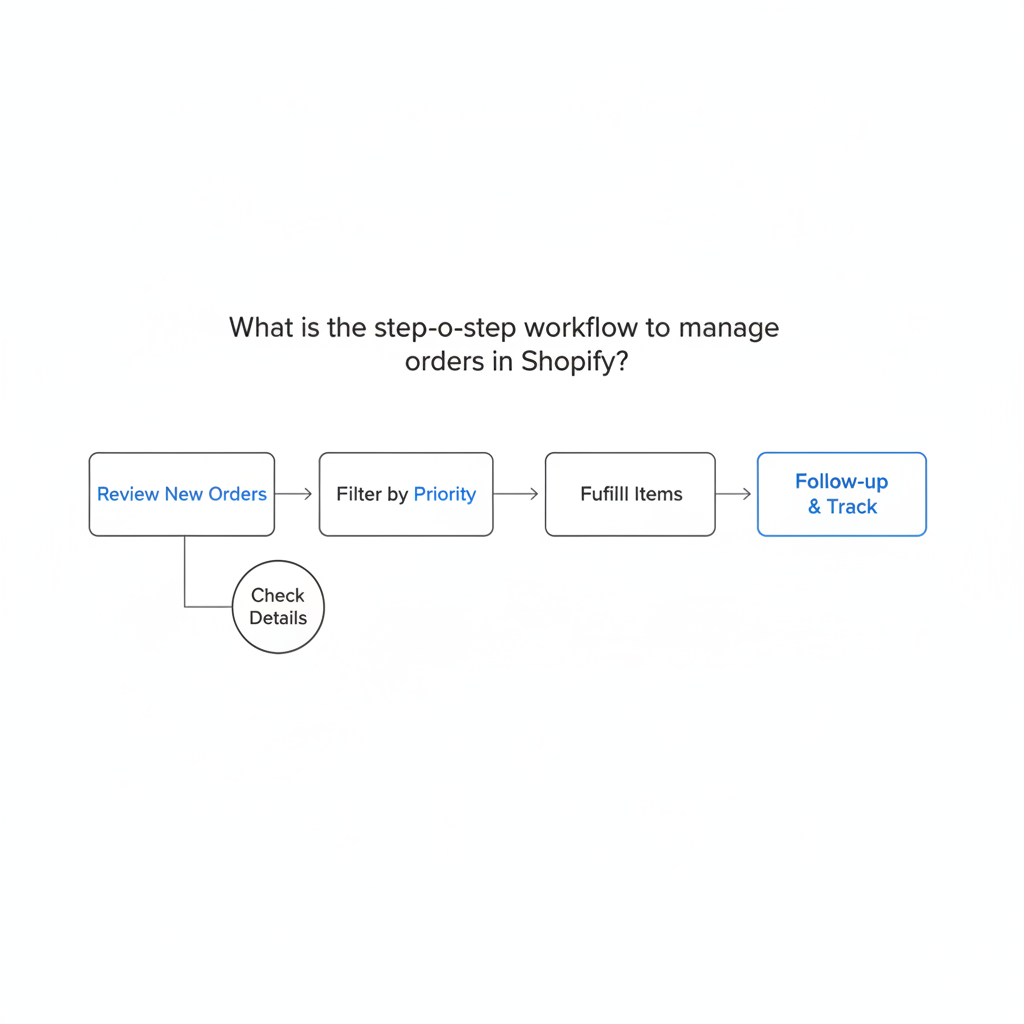
What is the step-by-step workflow to manage orders in Shopify?
The best order workflow in Shopify is a repeatable sequence from review to fulfillment to follow-up. The exact steps vary by store, but the strongest workflows reduce manual checking and make ownership obvious.
Here is the process I recommend for most stores:
-
Review new orders
Check payment status, fraud signals, shipping method, order tags, and any customer notes. -
Filter by priority
Use saved views for high-value, rush, local pickup, international, or exception-based orders. -
Add context
Record internal notes for special handling, packing instructions, or customer promises. -
Create or trigger tasks
Assign actions for review, stock checks, production, support follow-up, or fulfillment exceptions. -
Edit if needed
Adjust quantities, products, shipping charges, or discounts if the customer requested changes. If this is common in your store, see editing customer orders in Shopify. -
Prepare fulfillment
Print packing slips, purchase labels, or send the order to your fulfillment workflow. -
Track completion
Mark tasks complete, confirm shipment, and ensure any promised follow-up is done. -
Handle post-purchase issues
Process refunds, replacements, or returns with clear internal notes and ownership.
For stores with a team, step 4 is usually the difference between chaos and control. If nobody owns the next action, the order just sits there while everyone assumes someone else has it.
Can Shopify native features handle order management on their own?
Yes, Shopify can handle basic order management on its own for many stores. But native features are often not enough when your workflow depends on team collaboration, task tracking, or multi-step exceptions.
I do not think this is a flaw in Shopify. Shopify is intentionally broad and flexible. It covers the core order lifecycle very well, but it does not try to be a full project management or CRM system for every merchant.
That is why many stores layer in an app once they grow. Here is a straightforward comparison:
| Need | Shopify Native | With NoteDesk |
|---|---|---|
| View and search orders | Yes | Yes, plus workflow context |
| Filter, sort, save views | Yes | Yes |
| Add order notes | Yes | Yes, with richer team usage |
| Assign tasks to staff | Limited | Yes |
| Automate follow-up work | Limited without extra tooling | Yes |
| Set reminders for specific orders | No native reminder workflow | Yes |
| Track team ownership | Limited | Yes |
| Manage projects and permissions | Limited | Yes |
| CRM-style customer and order context | Basic | Yes |
If your store is still small and simple, native Shopify may be enough. If you are losing time to internal questions, missed follow-ups, and scattered notes, it is worth adding a dedicated layer like NoteDesk.
How do Shopify Plus stores manage orders more efficiently?
Shopify Plus stores usually manage orders more efficiently by combining native Shopify tools with automation, team permissions, and exception handling workflows. The larger the business, the more important internal coordination becomes.
Plus merchants often deal with multiple locations, B2B workflows, custom fulfillment logic, high-value customers, and separate service or ops teams. In that environment, the biggest gains often come from reducing decision lag. A task should appear automatically when a condition is met. The right person should be notified. The order history should show context clearly.
In my experience, Plus stores benefit most from:
- Saved operational views for each team
- Automated task creation for exceptions and VIP orders
- Clear permissions for support, fulfillment, and management
- Centralized notes so context is not spread across tools
- Reminder-based workflows for unresolved issues
That is why NoteDesk fits well beyond small stores. It is not just for startups trying to get organized. It is also valuable for established teams that need operational discipline without making Shopify harder to use.
How can I automate order management in Shopify?
You can automate order management in Shopify by setting rules that trigger actions when certain order conditions are met. The best automations reduce repetitive admin work and make sure your team sees the right orders at the right time.
Examples of useful automations include:
- Create a task when an order contains a specific product tag
- Assign a follow-up when a high-value order is placed
- Notify fulfillment staff when a rush order comes in
- Set a reminder when an order remains unresolved for 24 hours
- Flag customer service when an order note contains a custom request
- Group orders into projects by campaign, season, or production batch
This is where apps become much more valuable than generic admin actions. The automation itself matters, but so does what happens next. If the result is a visible task, assigned owner, and deadline, your team can actually act on it.
For merchants also thinking about post-purchase communication, this article on customizing the order status page on Shopify can help reduce confusion and support load.
How do I reduce missed tasks and order mistakes in Shopify?
The best way to reduce missed tasks and order mistakes is to stop relying on memory and informal communication. Use documented workflows, shared notes, task ownership, and automation wherever possible.
Most order mistakes are not caused by people being careless. They happen because the process is weak. A message lives in email, a note is too vague, a handoff is verbal, or a team member assumes someone else handled it.
Here are the improvements I recommend first:
- Create standard tags for order types and exceptions
- Use consistent note templates for internal communication
- Assign every exception to a named person
- Add reminders for unresolved orders
- Review saved views daily by department
- Automate repetitive actions instead of relying on manual checks
If your support team is overloaded with status questions, you should also read how to reduce WISMO tickets on Shopify. Better order visibility and internal coordination usually improve customer-facing support at the same time.
Does Shopify have an order management system?
Yes, Shopify has a built-in order management system. It lets merchants view orders, track status, capture payments, fulfill items, edit orders, and handle refunds or cancellations from the admin.
That said, a built-in order management system is not always the same as a full operations platform. If your needs are straightforward, Shopify alone may be enough. If your business depends on teamwork, follow-ups, and process control, you will likely want to extend it with apps and automations.
Shopify itself highlights filtering, sorting, searching, tagging, and notes as core parts of order management, and that aligns with what merchants use every day. You can also learn more from Shopify’s own order management and delivery page.
What is my recommended setup for managing orders in Shopify?
My recommended setup is simple: use Shopify for the order record and fulfillment actions, then use NoteDesk for tasks, notes, reminders, automations, and team coordination. That combination works well for small stores, growing brands, and Shopify Plus teams.
If I were setting this up for a merchant today, I would start with:
- Saved views in Shopify for the main order queues
- Standard tags for rush, VIP, custom, backorder, and review-needed orders
- NoteDesk workflows that auto-create tasks from key order triggers
- Team permissions so each department sees its own work
- Reminder rules for any order that sits unresolved too long
- Shared note standards so order context is easy to scan
This setup gives you the best of both worlds. Shopify remains your operational center, while NoteDesk adds the accountability layer that most teams need once order volume and complexity increase.
For merchants who want to improve order handling without switching platforms or forcing staff into clunky external systems, that is the approach I would take. It is practical, scalable, and much easier to maintain as your store grows.