

As a Shopify merchant, you know that managing customer relationships is crucial to growing your business. But when you’re just starting out or watching your budget, paying for a CRM can feel like a stretch. The good news? There are free CRM options available that can help you organize customer data, track interactions, and build stronger relationships without breaking the bank.
In this guide, we’ll walk you through the five best free CRM app options for Shopify, explain what ‘free’ really means, and help you understand when it might be time to upgrade to a paid plan.
Understanding ‘Free’ CRM Apps: What You Actually Get
Before we dive into specific apps, let’s clarify what ‘free’ means in the CRM world. Not all free offerings are created equal, and understanding the difference will help you make the right choice for your business.
Truly Free Plans vs. Free Trials
Truly Free Plans are available indefinitely with no credit card required. These typically have limitations on features, storage, or the number of users, but you can use them as long as you need without ever paying.
Free Trials give you full or partial access to premium features for a limited time (usually 7-14 days). After the trial ends, you’ll need to choose a paid plan or lose access to the CRM.
Both options have their place. If you’re exploring CRMs for the first time, a free trial lets you test drive premium features. If you’re bootstrapping your business, a truly free plan provides ongoing value without the pressure to upgrade.
The 5 Best Free CRM Options for Shopify
1. NoteDesk (Free Plan Available)
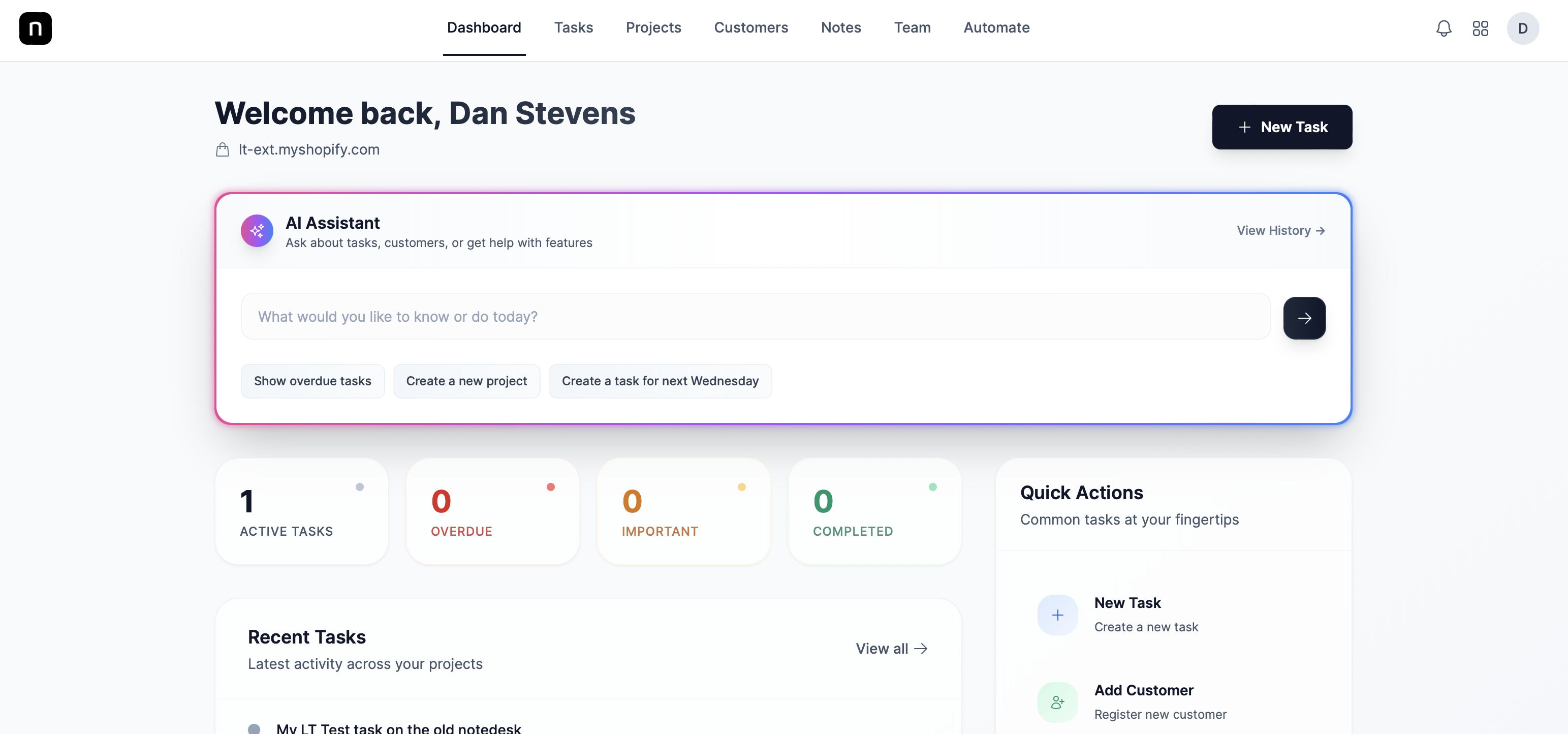
Best for: Shopify merchants who want a native solution built specifically for their platform
NoteDesk stands out as the only truly native CRM solution designed exclusively for Shopify merchants. Unlike generic CRMs that require workarounds and integrations, NoteDesk understands your Shopify data from the ground up. You can track customer notes, purchase history, and interactions all within your familiar Shopify environment. The free plan gives you access to essential CRM features without the complexity of external platforms. Learn more at https://apps.shopify.com/notedesk.
Key Features:
- Native Shopify integration with no setup hassle
- Customer notes and timeline tracking
- Purchase history at your fingertips
- Simple, intuitive interface built for ecommerce
What’s Included in Free: Basic customer management features with limited storage and user access.
2. Monday.com (7-Day Free Trial)
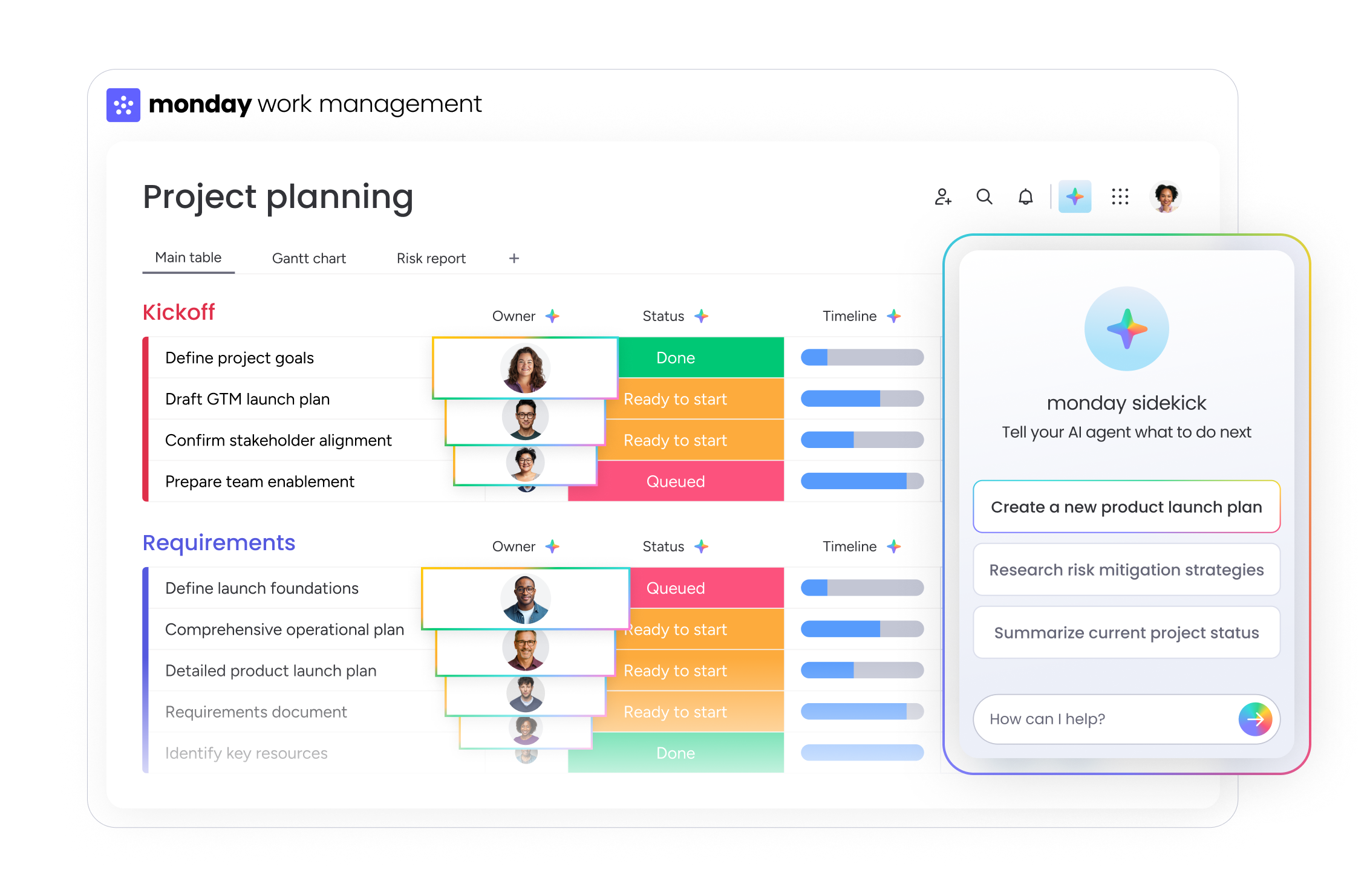
Best for: Teams who want a visual, customizable workspace
Monday.com offers a colorful, board-based approach to CRM. While it’s not Shopify-specific, its flexibility allows you to create custom workflows for customer management. The 7-day trial gives you a taste of its powerful automation and collaboration features.
Key Features:
- Visual boards for tracking customer interactions
- Customizable workflows and automation
- Team collaboration tools
- Multiple integrations available
Trial Limitations: After 7 days, you’ll need to select a paid plan starting at around $10 per user per month.
3. Zoho CRM (7-Day Free Trial)
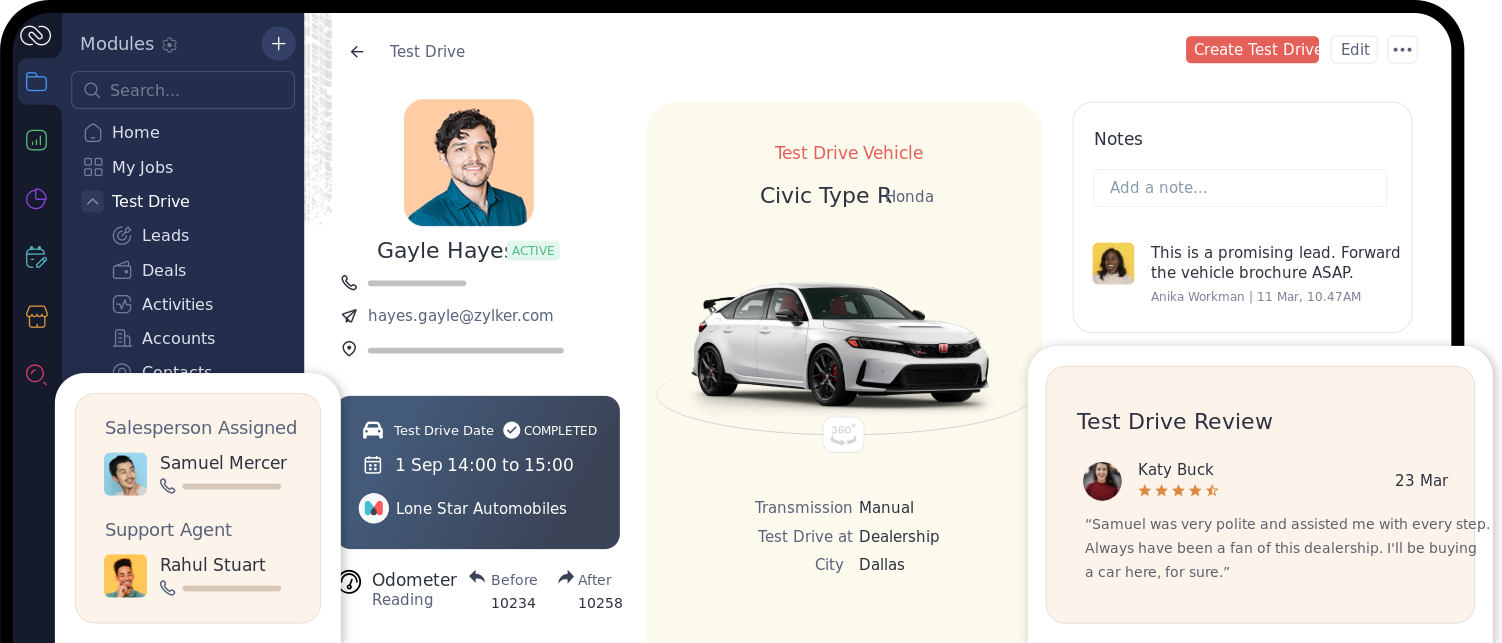
Best for: Merchants who need traditional CRM features with sales pipeline management
Zoho CRM is a comprehensive platform that brings enterprise-level features to small businesses. During your 7-day trial, you’ll have access to contact management, deal tracking, and basic automation. It’s a solid choice if you’re looking for a more traditional CRM experience.
Key Features:
- Contact and lead management
- Sales pipeline visualization
- Email integration
- Workflow automation
Trial Limitations: Trial includes most features, but you’ll need a paid plan after 7 days. Pricing starts at around $14 per user per month.
4. CRM Perks: Salesforce Sync (7-Day Free Trial)
Best for: Merchants already using Salesforce who need Shopify integration
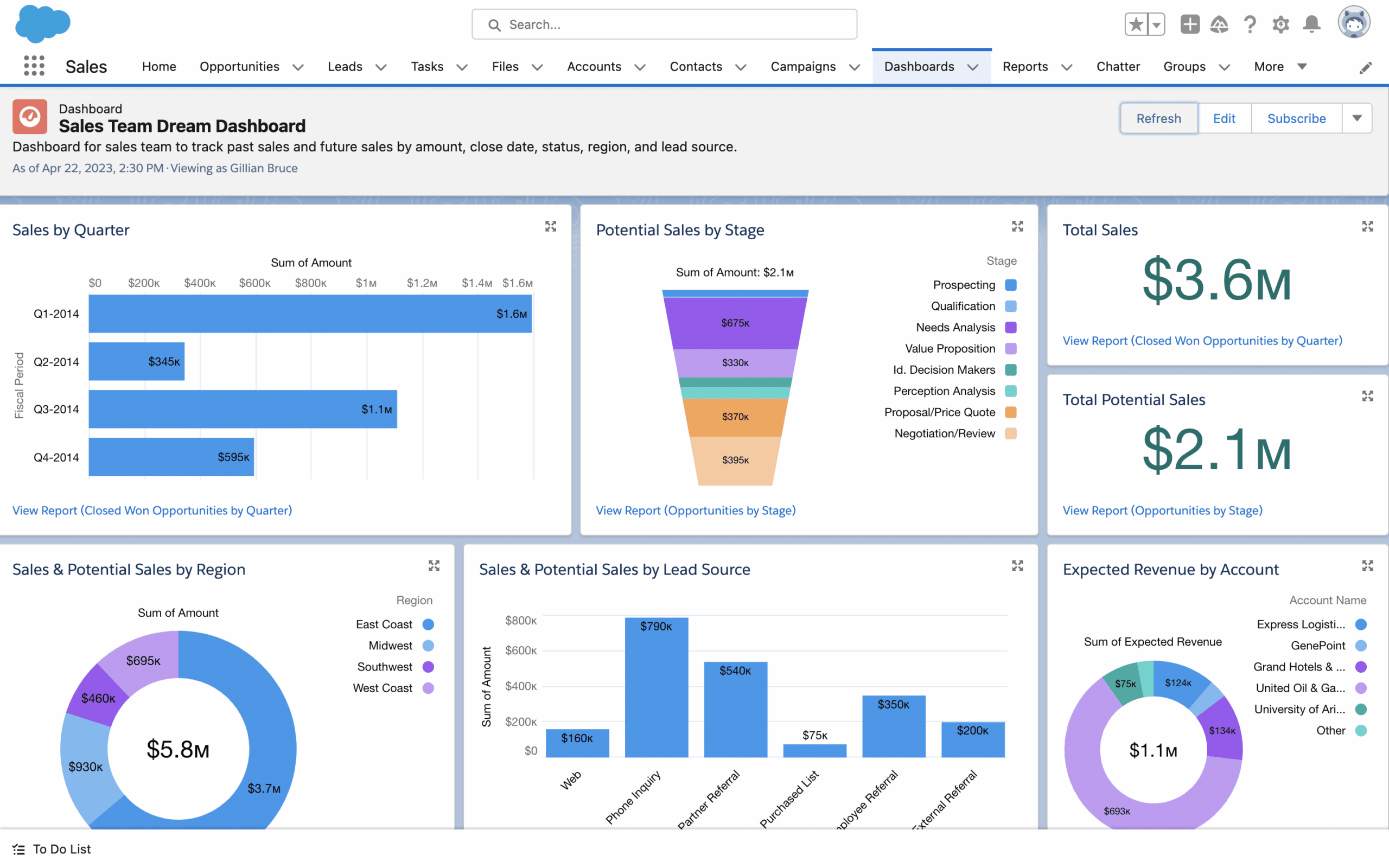
If you’re already invested in the Salesforce ecosystem, CRM Perks bridges the gap between your Shopify store and Salesforce CRM. The 7-day trial lets you test the synchronization between platforms before committing.
Key Features:
- Two-way sync between Shopify and Salesforce
- Customer data synchronization
- Order history integration
- Real-time updates
Trial Limitations: Requires an existing Salesforce account. After trial, pricing varies based on sync volume.
5. EngageBay CRM (Free to Install)
Best for: All-in-one marketing and CRM needs
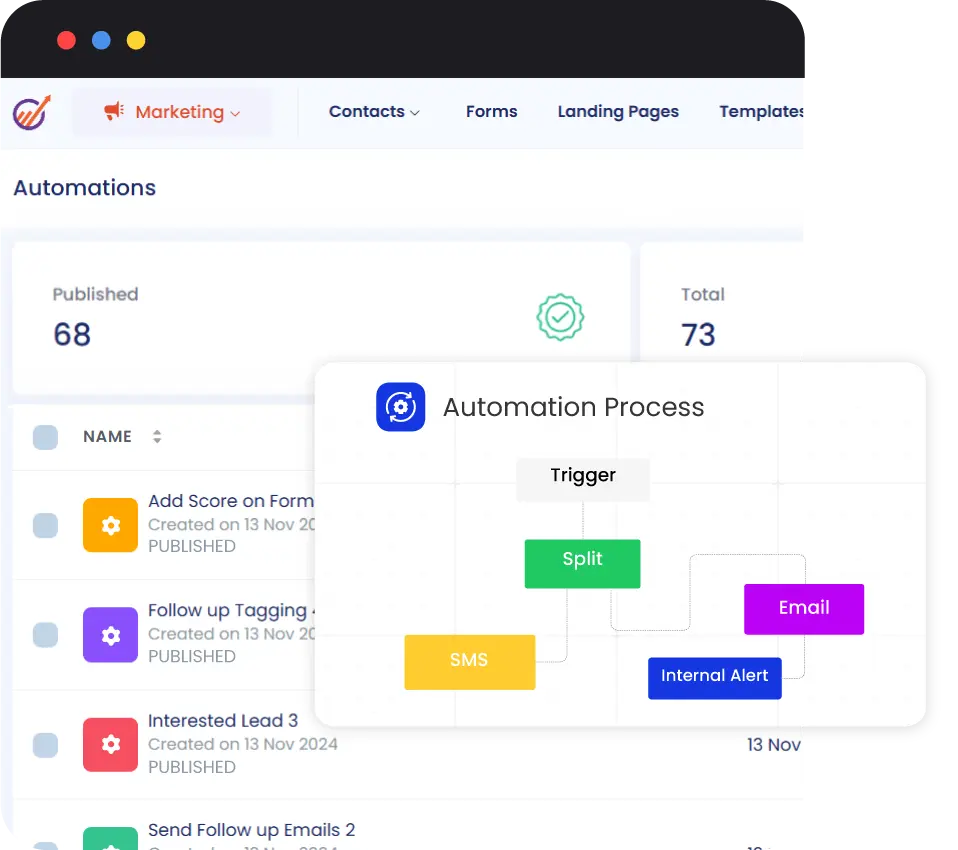
EngageBay combines CRM with marketing automation and helpdesk features. While it offers a free plan, be aware that some advanced features require upgrading. It’s a good option if you want marketing tools alongside your CRM.
Key Features:
- Contact management
- Email marketing tools
- Deal tracking
- Marketing automation
What’s Included in Free: Free plan includes up to 15 users but limits contacts and features. Marketing automation features are limited.
Common Limitations of Free CRM Plans
While free CRM options can be incredibly valuable, they typically come with some restrictions. Understanding these limitations helps you set realistic expectations and plan for future needs.
User Limits
Most free plans restrict the number of users who can access the CRM. You might be limited to 1-3 users, which works fine for solo entrepreneurs or very small teams but becomes problematic as you grow.
Contact and Storage Caps
Free plans often limit how many customer contacts you can store or how much data you can save. For a growing Shopify store, these restrictions might become tight faster than you expect.
Feature Restrictions
Advanced features like automation, detailed reporting, custom fields, and integrations are frequently locked behind paid plans. You’ll have the basics, but sophisticated workflows might be out of reach.
Support Access
Free plan users typically receive limited customer support, often restricted to email or community forums. If you need urgent help, you might find yourself waiting longer than paid users.
Branding and Customization
Some free CRMs display their branding on your customer-facing communications or limit how much you can customize the interface to match your brand.
When Should You Upgrade to a Paid Plan?
Knowing when to transition from free to paid is crucial for maintaining business momentum. Here are the clear signals that it’s time to invest in a paid CRM plan.
You’re Hitting Your Contact Limit
If you’re constantly having to delete old contacts to make room for new ones, you’re working against yourself. This is a clear sign you’ve outgrown your free plan and need more capacity.
Your Team is Growing
When you hire additional team members who need CRM access, free plans with user restrictions become a bottleneck. Paid plans allow your entire team to collaborate effectively.
You Need Automation
As your customer base grows, manually managing every interaction becomes impossible. If you’re spending hours on repetitive tasks that could be automated, it’s time to upgrade for features like automated email sequences, workflow triggers, and smart segmentation.
You Require Better Reporting
When you need deeper insights into customer behavior, sales trends, and marketing performance, free plan analytics won’t cut it. Paid plans offer advanced reporting and custom dashboards that help you make data-driven decisions.
Integration Needs are Complex
If you’re using multiple tools and need them to work together seamlessly, premium integrations available in paid plans become essential. This includes connecting your CRM with email marketing, accounting software, and other business tools.
Making the Right Choice for Your Shopify Store
Choosing the right free CRM app depends on your specific needs, current business size, and growth plans. Here’s how to decide:
Start with NoteDesk if:
- You want a solution built specifically for Shopify
- You prefer simplicity over complexity
- You value native integration without setup headaches
- You’re looking for a truly free option to start
Consider trial options (Monday.com, Zoho, CRM Perks) if:
- You want to test premium features before committing
- You already use related tools (like Salesforce)
- You need specific advanced features from day one
- You have budget allocated for CRM after trial
Try EngageBay if:
- You want marketing automation alongside CRM
- You’re building a larger team (up to 15 users)
- You need an all-in-one platform
Remember, the best CRM is the one you’ll actually use. Start with a free option that matches your workflow, and upgrade when your business demands more capability.
Next Steps: Dive Deeper into CRM Comparisons
This guide focused on free options, but there’s much more to explore when it comes to CRMs for Shopify. For a comprehensive comparison of all available CRM apps, including paid options with advanced features, check out our main comparison post where we break down pricing, features, and use cases in detail.
Ready to take control of your customer relationships? Start with NoteDesk’s free plan today and experience what a native Shopify CRM can do for your business. Visit the Shopify App Store to install NoteDesk and begin building stronger customer connections immediately.
Final Thoughts
A free CRM app won’t solve every business challenge, but it’s an excellent starting point for Shopify merchants who want to organize customer data and build relationships without upfront costs. Whether you choose a truly free plan like NoteDesk or EngageBay, or test drive premium features with a trial from Monday.com, Zoho, or CRM Perks, you’re taking an important step toward better customer management.
The key is to start somewhere, learn what works for your business, and scale up as you grow. Your customers will notice the difference when you can remember their preferences, track their journey, and provide personalized service that turns one-time buyers into loyal fans.


