Tracking custom orders in Shopify may become chaotic quickly. You have unique specs, due dates all rolling together. Linking each order to simple tasks, notes and basic workflows keeps everything in sight from purchase to delivery. Auto‑creating tasks from orders with workflows cut manual entry and lower mistakes.
Permissions, project boards and notifications keep the team on the same page. Automations push each order through intake, fulfillment and follow‑up, while reminders aim to hit each milestone. An AI‑assisted manager can suggest task owners, schedule work and watch inventory, so risks might be spotted early and acted on fast.
Having all tasks and notes in one spot appears to speed responses and stop missed steps. The set‑up offers a process that can grow order volume rises.
How To Track Customized Orders In Shopify
- Structure customized order data in Shopify:
- Line item properties for specs (e.g., engraving_text, size, color)
- Cart attributes for buyer inputs (e.g., deadline, event_date)
- Order tags for routing (e.g., custom, rush, proof_required)
- Auto-create and link tasks from tagged/orders with specific properties; connect to order, customer, and due date. (check out Notedesk)
- Use a stage-based workflow (Design → Proof → Production → QA → Fulfillment); advance tasks as approvals/checks complete.
- Capture unstructured details as linked notes (files, artwork, proofs, change logs) tied to the order and current stage.
- Assign owners with role-based permissions; notify on stage changes and due date updates.
- Automate stage transitions (auto-assign designers, request customer approval on Proof entry, notify fulfillment after QA).
- Track inventory for custom components (deduct on task start; reconcile on cancel/changes).
- Use AI to parse specs and auto-generate checklists/subtasks (proof creation, material prep, packaging).
- Monitor SLAs with timestamps per stage; flag rush/custom tasks that exceed thresholds.
- Sync all customer communications to the order; attach approvals before moving to Production.
- Enforce required fields to standardize handoffs (approved proof, paid status, material availability).
- Maintain audit logs for spec changes, approvals, and stage moves; export for disputes and tuning.
- Coordinate teams via shared projects and targeted notifications; group by store/product line/campaign.
- Schedule reminders for proofs, materials, and ship-by dates; escalate overdue items.
- Visualize progress with boards/lists and filters (by rush, designer, stage) to surface blockers.
Set Up Your Store For Custom Order Tracking
Configure native tracking, a lookup page, and clear internal data to track custom work end to end. Enable carrier notifications in Settings > Shipping and Delivery, then add a Tracking Lookup Page so customers check status by order number and email.
Custom Statuses And Tags
Use order tags with a tracking app to surface precise stages for made‑to‑order workflows. Tracktor supports custom statuses on the order status page to show progress like “Awaiting Customization”, “In Production”, “Ready to Ship”.
- Create stage taxonomy, if you manage custom production in 3 to 6 steps.
- Map each stage to a tag, if you apply automation to move orders across phases.
- Tag orders at key events, if your team logs approvals or artwork proofs.
- Display status to customers, if transparency reduces support tickets.
Statuses, examples:
- Pre‑production, “Awaiting Customization”, “Artwork Pending”, “Materials Sourcing”
- Production, “In Production”, “Quality Check”, “Assembly”
- Fulfillment, “Ready to Ship”, “Label Created”, “In Transit”
- Exception, “On Hold”, “Revision Required”, “Backorder”
Metafields For Requirements And Proofs
Add Shopify Order Metafields to capture requirements, proofs, and approvals. Manage fields in Shopify Admin, then automate updates with Shopify Flow on Plus or use a powerful CRM app like Notedesk.
- Define fields, “custom_requirements”, “artwork_url”, “approval_timestamp”
- Standardize inputs, JSON for multi‑line specs, URLs for proofs, booleans for approvals
- Secure visibility, internal metafields via Liquid or JavaScript on admin views
- Automate writes, Flow triggers on tag changes, file uploads, or payment status
Examples, use cases:
- Store engraving text and font, if customers enter line item properties at checkout
- Link proof URLs from your design tool, if staff uploads revised files for review
- Log customer approval as a timestamp, if email or portal confirmation arrives
- Record size, color, and component SKUs, if custom builds pull tracked inventory
Order Timeline, Notes, And Internal Comments
Leverage the order timeline for auditable activity, notes, and staff comments. Keep customer‑facing updates separate from internal remarks to protect sensitive details.
- Log events, design approval, production start, quality check, ship date
- Assign owners, role‑based permissions by stage, project, or team
- Trigger tasks, auto‑create work items from new orders and tag changes
- Notify teams, stage transitions, due dates, and exceptions via smart alerts
Data, touchpoints:
- Shopify admin order dashboard, add tracking numbers and carriers on fulfillment
- Native emails, send tracking notifications from carrier configurations
- Tracking Lookup Page, expose live carrier status by order number and email
- Internal notes, centralize conversations so support sees the full history
| Aspect | Shopify Feature / Tool | Purpose |
|---|---|---|
| Carrier notifications | Settings > Shipping and Delivery | Send tracking emails on fulfillment |
| Tracking lookup | Public page with order number + email | Let customers self‑serve status checks |
| Custom statuses | Order tags + Tracktor | Show stage progress on status pages |
| Requirements storage | Order Metafields + Flow (Plus) | Persist and automate custom data |
| Internal coordination | Order timeline, notes, staff comments | Track work, approvals, and exceptions |
Keep Customers In The Loop
Keep customers in the loop to track customized orders in Shopify. Use the order status page and notifications to give clear real time updates.
Customize The Order Status Page
Customize the order status page to reflect custom work stages.
Go to Settings > Checkout > Order status page > Additional scripts.
Add branding elements and post purchase messages that reference line item properties like engraving text or fabric code.
Embed tracking pixels like Google Analytics and Meta Pixel for attribution across custom workflows. Render dynamic messages with Liquid and JavaScript based on shipping method or customer location or product tags. Surface custom requirements like proofs approved or color confirmed using order metafields
Automated Notifications And Milestones
Automate notifications to reduce uncertainty for bespoke timelines. Enable automatic fulfillment notifications if your carrier app confirms tracking. Trigger manual or partial notifications if you stage production internally. Map internal stages with tags and metafields like Awaiting Customization or In Production or Proof Sent or Queued for Assembly. Fire emails or SMS when a stage changes using Shopify Flow or app automations. Auto create internal tasks from orders to keep production and customer service aligned if you manage handoffs across teams.
Shopify supports automatic fulfillment options and customer notifications. Shopify supports manual and partial flows for flexible control.
Milestones for custom order tracking
| Milestone | Trigger source | Customer update on status page |
|---|---|---|
| Order placed | Checkout complete | Order received and customization queued |
| Production started | Tag or metafield set | In production message with ETA window |
| Shipment created | Fulfillment with tracking attached | Carrier and tracking link shown |
| Out for delivery | Carrier webhook | Out for delivery banner |
| Delivered | Carrier delivery event | Delivered confirmation shown |
Handling Partial Fulfillment And Split Shipments
Handle partial fulfillment to match real inventory and lead times. Fulfill ready line items first and attach tracking per package. Leave remaining items unfulfilled and keep the order open for future shipments. Add a per item message on the order status page to show remaining items and next ship date. Use clear labels like Ships separately or Made to order when custom components lag. Send separate notifications for each fulfillment so customers see progress instead of silence.
Shopify Help Center confirms partial fulfillment and split shipments with distinct tracking numbers. Shopify Help Center confirms customer notifications for each fulfillment event.
Tools And Integrations That Make It Easier
Use focused tools to track customized orders across capture, production, and delivery. Connect product options, order workflows, and tracking pages to create one continuous view.
Product Options And Customizer Apps
- Capture precise specs on the product page using line item properties. Add option sets for size, color, material, monogram, engraving, upload.
- Enforce completeness with required fields and validation. Gate checkout when buyers skip mandatory inputs.
- Reduce ambiguity with structured inputs. Use dropdowns, radios, checkboxes, text, date, and file uploads.
- Enable complex logic without code. Surface dependent options when buyers select certain variants.
- Standardize data for downstream steps. Map inputs to metafields for production and QA.
- Deploy proven apps for flexibility. Use Product Options by Bold, and Infinite Options for no-code configuration.
Order And Production Management Apps
- Organize work with native statuses. Use unfulfilled, fulfilled, partially fulfilled to reflect progress.
- Track custom stages with tags and custom statuses. Apply awaiting customization, in production, awaiting approval examples.
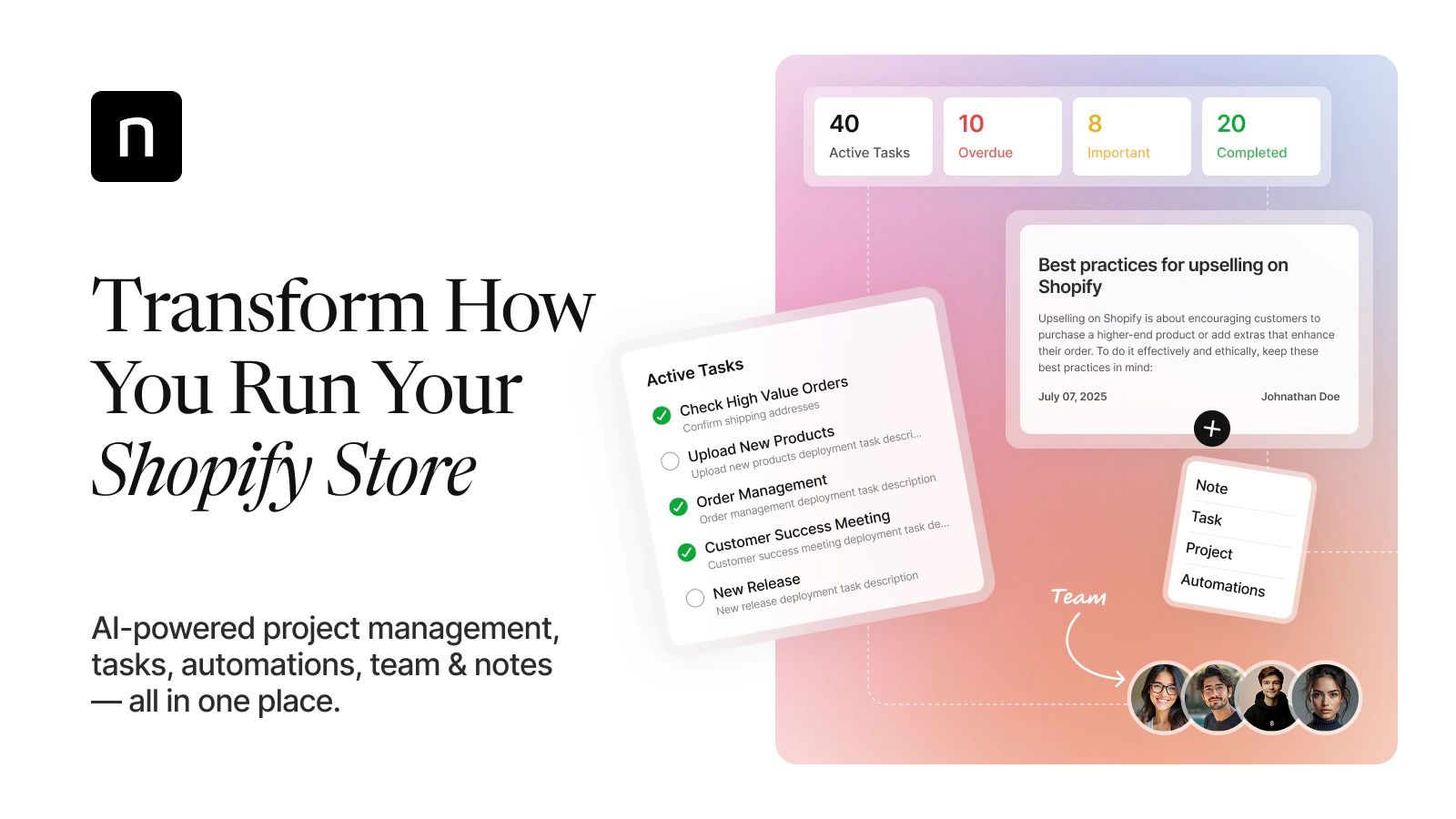
- Automate task creation from orders with smart workflows. Generate assignments, due dates, and reminders on import with NoteDesk’s powerful CRM task management platform.
- Coordinate teams with projects, permissions, and notifications. Limit access by role, and notify owners on stage change.
- Centralize context with notes linked to each order. Store proofs, approvals, and change requests for audit.
- Parse specs with AI assistance to reduce manual entry. Extract size, color, monogram, and due date from buyer inputs.
- Sync operational data with ERP for inventory and capacity. Update component stock, and block oversells during spikes.
- Manage volume with bulk actions and real-time updates. Use third-party apps like AfterShip and Tracktor to monitor stages for made-to-order items.
Shipping And Tracking Integrations
- Enter tracking numbers and carriers in Shopify. Trigger automated emails with tracking links to the customer.
- Offer a branded tracking page inside your navigation. Embed real-time status so buyers track without leaving your site.
- Support global delivery with multi-carrier coverage. Use Tracktor for over 1,000 carriers worldwide with automatic push to emails.
- Link carrier specifics for precision. Add UPS, FedEx, USPS tracking URLs for direct handoffs.
- Handle partial fulfillment cleanly. Attach separate tracking to split shipments and update line items independently.
- Reduce tickets with proactive notifications. Send email updates on label created, in transit, out for delivery, delivered.
| Capability | Data point | Source |
|---|---|---|
| Shopify order lifecycle | Statuses include unfulfilled, fulfilled, partially fulfilled | Shopify platform |
| Native tracking | Manual entry of tracking number and carrier with automated emails | Shopify platform |
| Branded tracking | Store hosted tracking pages with real time updates | Shopify apps |
| Multi carrier coverage | Tracktor supports 1,000+ carriers globally | Tracktor app data |
| Production monitoring | AfterShip and Tracktor support bulk management, stage tracking for custom goods | App docs |
Monitor, Optimize, And Troubleshoot
Track customized orders in Shopify with clear monitors, fast optimizations, and precise troubleshooting. Use native order data, smart automations, and structured tasks to keep every custom line item visible end to end.
Saved Views, Filters, And Reports
- Create saved views that isolate customized orders by tag, variant, or line item properties for specifications. Use the Orders list in Shopify’s admin and save filters that match your custom workflow stages.
- Tag orders on intake with “Awaiting Customization”, “In Production”, or “Proof Pending” so filters reflect real progress. Apply tags automatically from order properties for consistency at scale.
- Build reports that group by fulfillment status, shipping carrier, or custom attributes when orders carry consistent tags. Export data for stage duration tracking and SLA audits.
- Automate task creation from new orders so each custom SKU spawns tasks with owners, due dates, and notes. Sync status changes back to the order with notifications for handoffs.
- Standardize permissions on projects so production, support, and shipping teams access only their queues. Track edits with event logs for accountable changes.
- Configure the Orders Dashboard to capture tracking numbers and carriers at fulfillment. Trigger shipment notifications that reference the exact custom items in the shipment.
Common Pitfalls And Fixes
Use the Orders Dashboard, omnichannel tracking, and a dedicated tracking page to close communication gaps. Add tracking promptly, if you manage multi-warehouse or complex variants.
| Pitfall | Fix |
|---|---|
| Missing or delayed tracking updates | Add tracking numbers promptly via the Orders Dashboard or trusted apps |
| Shopify’s limited native inventory tools | Use third-party apps or integrations for complex variants and multi-warehouse tracking |
| Duplicate content affecting tracking pages | Apply canonical tags in your theme to resolve SEO and URL duplication |
| Difficulty integrating tracking pages | Create a custom Track Your Order page with embedded tracking scripts or widgets |
| Managing multi-channel order information | Use an omnichannel solution that unifies communications and tracking across platforms |
- Put an HTML widget from a tracking service onto the Track Your Order page. It might link from the menu and footer so shoppers check status themselves.
- Change emails. Add carrier links and details for each item. Send a note at production start, at proof approval, at partial ship, and at final ship.
- Try often to fix sync delays between warehouses. Centralizing the updates inside Shopify and the apps that talk to it could help. Make sure carrier name, tracking code, and line items all line up properly for each fulfillment.
- Keep proof files, approvals, and any change requests as notes attached to the order and its tasks. That gives one place to look for audits or SLA checks.
- Use boards to see queues for customization, making, and packing. When a task gets stuck, smart alerts go out as the due date draws near.
Conclusion
You now have a clear path to track customized orders with confidence. Turn your plan into action. Pick one workflow to pilot this week. Set owners. Define success measures. Then iterate fast based on real results.
Keep your system simple and consistent. Document how you work. Train your team. Review progress on a set cadence. Fix gaps before they grow.
Your customers expect clarity and speed. Give them updates that arrive before questions do. Use your tools to create trust at every step.
Ready to move forward. Start with one product or one stage. Prove the value. Then scale across your catalog. The sooner you begin the sooner you unlock faster fulfillment and stronger loyalty.