
If you want the short answer, Shopify does not generate official UPC codes for you. If you need valid UPCs for Amazon, major retailers, or broad marketplace compatibility, the safest route is buying them directly from GS1 and then adding them to the barcode field in Shopify.
That is the practical reality I keep seeing as a Shopify app developer. Merchants often assume Shopify can issue UPCs, or that any cheap barcode online will work everywhere. In my experience, that is where listing errors, Google Merchant Centre issues, and Amazon suppression start.
A UPC, or Universal Product Code, is a 12-digit identifier tied to a product. It usually appears as a barcode on packaging, but for ecommerce merchants the important bit is the unique product identifier itself, because that is what marketplaces and inventory systems use to recognise what you are selling.
If you are selling only through your own Shopify storefront, you may not need UPCs for every product straight away. But if you plan to expand into Google Shopping, Amazon, eBay, Walmart, retail distribution, or warehouse scanning workflows, getting your barcode strategy right early saves a lot of pain later.

What is a UPC code and does Shopify provide one?
A UPC code is a 12-digit product identifier used in retail and ecommerce. Shopify does not issue official UPCs, but it does give you a barcode field where you can store a UPC, EAN, or ISBN for each product or variant.
This distinction matters. Shopify is your commerce platform, not the global standards body. When you open a product in Shopify admin, you will see a field labelled Barcode (ISBN, UPC, GTIN, etc.), but that field is only a place to enter a code you already own.
In other words, Shopify can store barcodes, print labels, and help with internal scanning, but it cannot magically create a globally recognised UPC tied to your brand. If you generate a random number yourself, it may look like a barcode, but it will not be a legitimate UPC for marketplace use.
This is one of the most common points of confusion I see from new merchants. They search for a barcode generator, create something scannable, and then wonder why Amazon or Google does not accept it.
Why do Shopify merchants need UPC codes?
Shopify merchants need UPC codes mainly for marketplace compliance, product identification, and inventory accuracy. The more channels you sell on, the more useful proper UPCs become.
For many small stores, UPCs are not urgent on day one. But once you start pushing products to Google, syncing catalogues across channels, or preparing for wholesale, they become much more important.
Do I need UPCs for Amazon, Google Shopping, and other channels?
Yes, in many cases you do. Amazon is especially strict about GS1 verification, while Google Shopping often relies on GTIN data for product matching and feed quality.
Amazon has tightened identifier checks over the past few years. If the UPC you submit does not align with the brand information expected from GS1, your listing can be rejected, suppressed, or flagged for review. That is why cheap reseller codes are risky if Amazon is part of your plan.
Google Merchant Centre can be more flexible depending on the product category and feed setup, but valid GTIN data can improve matching, approval, and ad performance. If you are working on product feed quality, this sits alongside the other basics I cover in our Shopify SEO guide.
Other channels such as eBay, Walmart, retail POS environments, and distributor systems also frequently expect standardised product identifiers. UPCs are not just for barcodes on boxes. They are part of the data layer that makes multichannel selling work.
How do UPCs help with inventory and operations?
UPCs help you identify products consistently across systems. That means fewer mistakes when syncing stock, printing labels, receiving inventory, or mapping products to external sales channels.
In my experience building Shopify apps, stores often start with messy SKUs, duplicate titles, and manual workarounds. As soon as they introduce standard identifiers, stock workflows usually get cleaner. That is especially true when a store has multiple variants, bundles, or warehouse staff using scanners.
UPCs also help when you are working with third-party logistics providers or retail partners. They want a standard identifier, not your internal naming convention. A proper UPC makes your catalogue easier for other systems to trust.
What is the best way to get UPC codes for your Shopify store?
The best way to get UPC codes for a Shopify store is to buy them directly from GS1. That is the official standards body and the option most likely to be accepted everywhere.
If you only need barcodes for internal use, or for a less strict channel, apps and resellers can be cheaper. But if you want the most future-proof option, GS1 is the benchmark.
How do I buy UPCs from GS1?
You buy UPCs from GS1 by estimating how many you need, choosing either a single GTIN or a company prefix, then completing the purchase through the GS1 site. Each unique product variant needs its own code.
Start with the official GS1 barcode estimator or the guidance on how to get a UPC barcode. This is where many merchants underestimate their needs. A product in three sizes and four colours is not one barcode. It is 12 unique variants, so 12 barcodes.
GS1 US currently offers a single UPC for $30 with no annual renewal fee. If you need more than a few codes, a GS1 Company Prefix is usually the better long-term option because it lets you create and manage multiple GTINs under your own brand identity.
Here is the rough process:
- Count how many unique products and variants need identifiers.
- Choose a single UPC or a GS1 Company Prefix.
- Enter your company and product details.
- Complete payment and access your codes.
- Add each code to the correct product or variant in Shopify.
If you expect your catalogue to grow, buying for the next 12 to 24 months of product launches is usually smarter than solving this one SKU at a time.
How many UPCs do I need?
You need one UPC per unique sellable variant. Size, colour, pack size, and sometimes packaging configuration all affect how many codes you need.
This catches merchants out all the time. If you sell a candle in two scents and three sizes, that is six variants and six UPCs. If you later add a gift box version, that is a separate sellable unit and may need its own identifier too.
As a rule, if a customer can choose it as a distinct product variant, or if a warehouse would pick it differently, it should usually have its own barcode.
Can I use cheap reseller UPCs instead of GS1?
Yes, you can in some cases, but there is more risk. Cheap reseller UPCs may work for internal use or some channels, but they are not the best choice for Amazon or major retail expansion.
This is where search results can be a bit misleading. You will see apps and sites selling very low-cost UPCs, and some merchants do use them successfully. But there is a big difference between a barcode that scans and a barcode that is trusted by strict marketplaces.
In my experience, the decision comes down to your growth plan. If you are building a brand and want broad compatibility, GS1 is worth the extra cost. If you are testing products, only need identifiers for a limited feed, or only care about internal cataloguing, a reseller can be acceptable after careful verification.
| Option | Best for | Pros | Cons |
|---|---|---|---|
| GS1 direct | Amazon, retail, long-term brand building | Most trusted, brand-linked, globally recognised | Higher cost than resellers |
| Shopify apps selling codes | Convenience, smaller stores, specific channels | Easy workflow inside Shopify, low upfront cost | Acceptance varies by marketplace |
| Third-party reseller sites | Budget-conscious merchants | Very cheap per code | Higher rejection risk, weaker brand ownership linkage |
My view: if you are asking whether you should save money on barcodes, the better question is whether a rejected listing or account issue would cost you more later. For most serious brands, the answer is yes.
What are the best Shopify apps for UPC codes?
The best Shopify UPC apps help with assigning, managing, generating labels, or sourcing codes. They are useful for workflow, but they do not replace the need for valid identifiers from a trusted source.
If your goal is operational efficiency inside Shopify, apps can save a lot of time. If your goal is marketplace-safe ownership, check exactly what kind of codes the app provides before you rely on it.
| App | Best for | Pricing | Verdict |
|---|---|---|---|
| MS Barcode Labels & Generator | Barcode label creation and internal management | Varies by plan | Best for store operations |
| GS1 Assistant | Merchants already using a GS1 prefix | Varies by plan | Best for scaling brands |
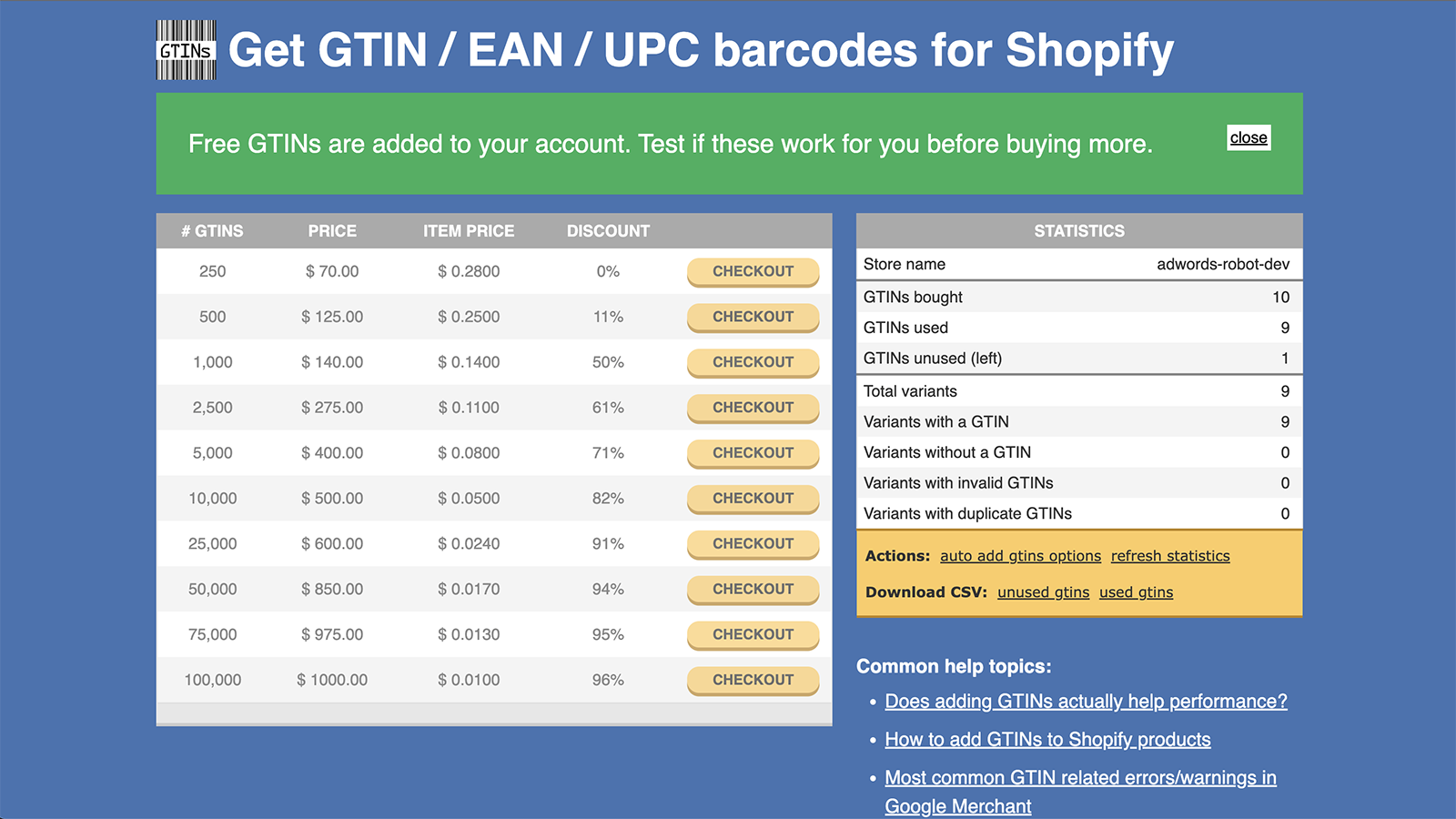
| AR: Buy GTINs/UPC/EAN Barcodes | Low-cost GTIN sourcing for selected channels | Free to install, extra charges may apply | Useful, but verify channel acceptance |
Is MS Barcode Labels & Generator worth using?
Yes, if you need a practical barcode workflow inside Shopify. MS Barcode Labels & Generator is useful for generating labels, printing barcodes, and managing product identifiers operationally.

For merchants running stock rooms, events, or retail setups, this kind of app can be a big time-saver. It is especially helpful when you already have codes and need to assign them cleanly, print labels, and reduce manual admin.
I would not treat it as your source of barcode legitimacy though. Think of it as the workflow layer, not the authority layer.
When should I use GS1 Assistant?
Use GS1 Assistant when you already have a GS1 Company Prefix and want to assign codes properly across products and variants in Shopify. It is most useful for merchants with growing catalogues.
This is the kind of setup I like for brands that are becoming more operationally mature. Once you have dozens or hundreds of variants, manual barcode management gets messy fast. An app that helps prevent duplicates and keeps assignments structured is genuinely valuable.
Best for small stores? Probably not if you only have one or two products. Best for scaling brands? Yes, much more so.
Should I use AR: Buy GTINs/UPC/EAN Barcodes?
AR: Buy GTINs/UPC/EAN Barcodes is a convenient low-cost option, but it is not my first choice for Amazon-focused brands. It can make sense for merchants who need affordable identifiers for less strict channels.
The app listing shows a strong 4.8-star rating and a free to install model, which is attractive for startups. But the key issue is not convenience. It is whether the codes meet the acceptance rules of the channels you care about.
If your main target is Google Shopping or internal catalogue management, it may be perfectly workable. If your roadmap includes Amazon or large retail partners, I would still lean heavily towards GS1.
View AR: Buy GTINs/UPC/EAN Barcodes on the Shopify App Store.
How do I add UPC codes to products in Shopify?
You add UPCs in Shopify by opening the product or variant and pasting the code into the Barcode field. If your product has variants, each variant should have its own correct barcode.
This is straightforward once you know where Shopify stores the value.
- Go to Products in your Shopify admin.
- Open the product you want to edit.
- If the product has variants, open the specific variant.
- Find the Barcode field.
- Paste the UPC, GTIN, EAN, or ISBN.
- Click Save.
That is all you need to do at the product level. The more important part is making sure the right code is assigned to the right variant.
If you are bulk editing lots of products, an app can help. For larger catalogues, I usually recommend using a structured import process or app-based sync rather than editing everything manually one by one.
Can I generate my own UPC code?
No, not if you need a legitimate globally recognised UPC. You can generate a barcode image or an internal number sequence, but you cannot invent your own official UPC and expect marketplaces to accept it.
This is another common misunderstanding caused by barcode tools online. A barcode image is just a visual representation of data. It does not grant ownership or registry status. The number behind it is what matters.
If you only need an internal scannable code for your own warehouse process, that can be fine. But if you are asking about official product identifiers for commerce channels, buy them from GS1 or a carefully vetted source.
Does Shopify have a barcode generator?
Shopify can help with barcode labels and barcode storage, but it does not create official UPC ownership for your brand. That is why people often confuse Shopify barcode tools with official UPC issuance.
There are Shopify tools and apps that let you print barcode labels for products. Those are useful for internal operations and retail workflows. They are not the same thing as securing a GS1-issued UPC tied to your company.
If your need is operational, a barcode app may be enough. If your need is compliance, you still need a valid source for the underlying code.
What mistakes should you avoid when getting UPCs for Shopify?
The biggest mistakes are buying the wrong type of codes, underestimating variant counts, and assigning barcodes inconsistently. These issues are easy to fix early and annoying to fix later.
- Do not buy random cheap UPCs if you plan to sell on Amazon.
- Do not reuse one UPC across multiple variants.
- Do not create your own fake UPCs for marketplace listings.
- Do not forget packaging changes that may require separate identifiers.
- Do not leave barcode fields blank if your sales channel relies on product identifiers.
In my experience, catalogue data quality has a direct effect on channel performance. It is similar to what happens with upsells and merchandising. If the underlying product setup is messy, everything on top becomes harder to optimise. If you are also improving product merchandising, you might find our guide to upselling on Shopify and our conversion rate optimisation guide useful alongside this.
What is the best UPC option for small Shopify stores?
The best UPC option for most small Shopify stores is GS1 single UPCs if you need legitimacy, or a low-cost app or reseller only if your channel requirements allow it. The right answer depends on where you plan to sell next.
If you have one to three products and want to test a market properly, GS1's $30 single UPC is now much easier to justify than it used to be. It removes doubt and gives you a clean foundation.
If you are running a very lean operation and only need identifiers for a less strict feed, then an app-based route can be cost-effective. I just would not build a serious Amazon strategy on the cheapest possible barcode source.
| Store situation | Recommended route | Why |
|---|---|---|
| 1-3 products, selling on Amazon | GS1 single UPCs | Lowest-risk option |
| Growing catalogue with many variants | GS1 Company Prefix + GS1 Assistant | Best for scale and control |
| Internal inventory only | Barcode management app | Cheaper and simpler |
| Google Shopping testing on a budget | Low-cost app or reseller after verification | May be sufficient for limited use cases |
How do I decide between GS1 and a Shopify app?
Choose GS1 if you care about broad acceptance, long-term brand ownership, and fewer marketplace issues. Choose a Shopify app if you mainly need convenience, workflow help, or lower-cost identifiers for specific use cases.
My rule of thumb is simple:
- If the barcode decision could affect revenue-critical channels, do not cut corners.
- If the barcode is mainly for internal operations, optimise for workflow and cost.
That split usually gives merchants the clearest decision. It also avoids overbuying enterprise-style solutions before they are needed.
Where do I get the UPC code for my product if I already have one?
If you already have a UPC, you can usually find it on your packaging, in your supplier documentation, or in your existing product data system. Then you simply enter it into Shopify's barcode field.
If you manufacture your own products, the code should come from your GS1 records or your barcode management process. If you resell branded goods, the manufacturer may already provide valid UPCs. In that case, use the manufacturer-issued code rather than creating your own.
And if you are cleaning up a large catalogue, this is a good moment to audit other product data too. Structured product information tends to improve everything from feeds to merchandising to custom URL workflows. On that front, our guide to custom URLs on Shopify and our guide to add-to-cart URLs are useful next reads.
Conclusion: what should most Shopify merchants do?
Most Shopify merchants should use GS1 for official UPCs and use Shopify apps to manage, assign, or print those codes more efficiently. That is the cleanest setup if you want flexibility later.
In my experience, the best long-term decision is usually the least ambiguous one. If you are building a real brand, planning to sell on Amazon, or thinking about wholesale, buy legitimate codes from GS1 and treat barcodes as part of your product infrastructure, not just a box-ticking task.
If you only need internal barcodes or a short-term low-cost solution, apps like MS Barcode Labels & Generator, GS1 Assistant, and AR: Buy GTINs/UPC/EAN Barcodes can absolutely help. Just match the tool to the job.
The key takeaway is simple: Shopify stores UPCs, but GS1 creates legitimacy. Once you understand that, the rest of the decision becomes much easier.


