If you're searching for the best shopify ar try on apps 2026, the short answer is this: Banuba, Pictofit, Looksy, and Fittingbox are the four Shopify apps I would shortlist first for fashion brands. They each solve a slightly different problem, which matters a lot because virtual try-on for apparel, beauty, and eyewear is not the same thing.
In my experience building Shopify apps, merchants often group AR, AI try-on, size guidance, and 3D product visualization into one bucket. That usually leads to picking the wrong tool. A cosmetics brand needs face tracking accuracy, an eyewear store needs frame placement realism, and an apparel brand needs avatar-based outfit visualization or a lightweight browser try-on flow that does not kill conversion speed.
For this roundup, I focused on four apps that are Shopify-specific, clearly relevant to fashion and accessories, and commercially viable for merchants comparing tools in 2026. I looked at pricing, ratings, niche fit, setup complexity, and whether the app feels practical for real stores rather than just impressive in a demo.
What are the best Shopify AR try-on apps for fashion brands in 2026?
The best Shopify AR try-on apps for fashion brands in 2026 are Banuba, Pictofit, Looksy, and Fittingbox. The right choice depends on whether you sell beauty products, apparel, or eyewear.
If you want the fastest recommendation by niche, I would put it this way: Banuba is best for beauty and face-based accessories, Pictofit is best for immersive apparel visualization, Looksy is best for budget-conscious apparel brands, and Fittingbox is best for eyewear stores. That niche alignment matters more than flashy marketing copy.
| App | Best For | Starting Price | Rating | Quick Verdict |
|---|---|---|---|---|
| Banuba | Beauty, makeup, eyewear | Free for 1,000 uses | 5.0/5 | Best overall for face-based AR try-on |
| Pictofit | Apparel brands | $500/month | Not listed | Best for premium apparel experiences |
| Looksy | Affordable apparel try-on | $29.99/month | Not listed | Best for smaller fashion brands |
| Fittingbox | Eyewear | $99/month | 4.6/5 | Best for glasses and sunglasses stores |
Before getting into the apps, one important note: virtual try-on is not the same as size prediction. Some tools help shoppers visualize a product, while others help them estimate fit. If your main problem is product page conversion, try-on can help. If your main problem is returns caused by poor sizing, you may also need sizing tools, reviews, or better PDP content.
That is why I often tell merchants to pair try-on tech with stronger product pages and social proof. If you are also optimizing the rest of the buying journey, my guides to product page apps for Shopify and UGC Shopify apps are worth reading alongside this one.
How did I choose these Shopify AR try-on apps?
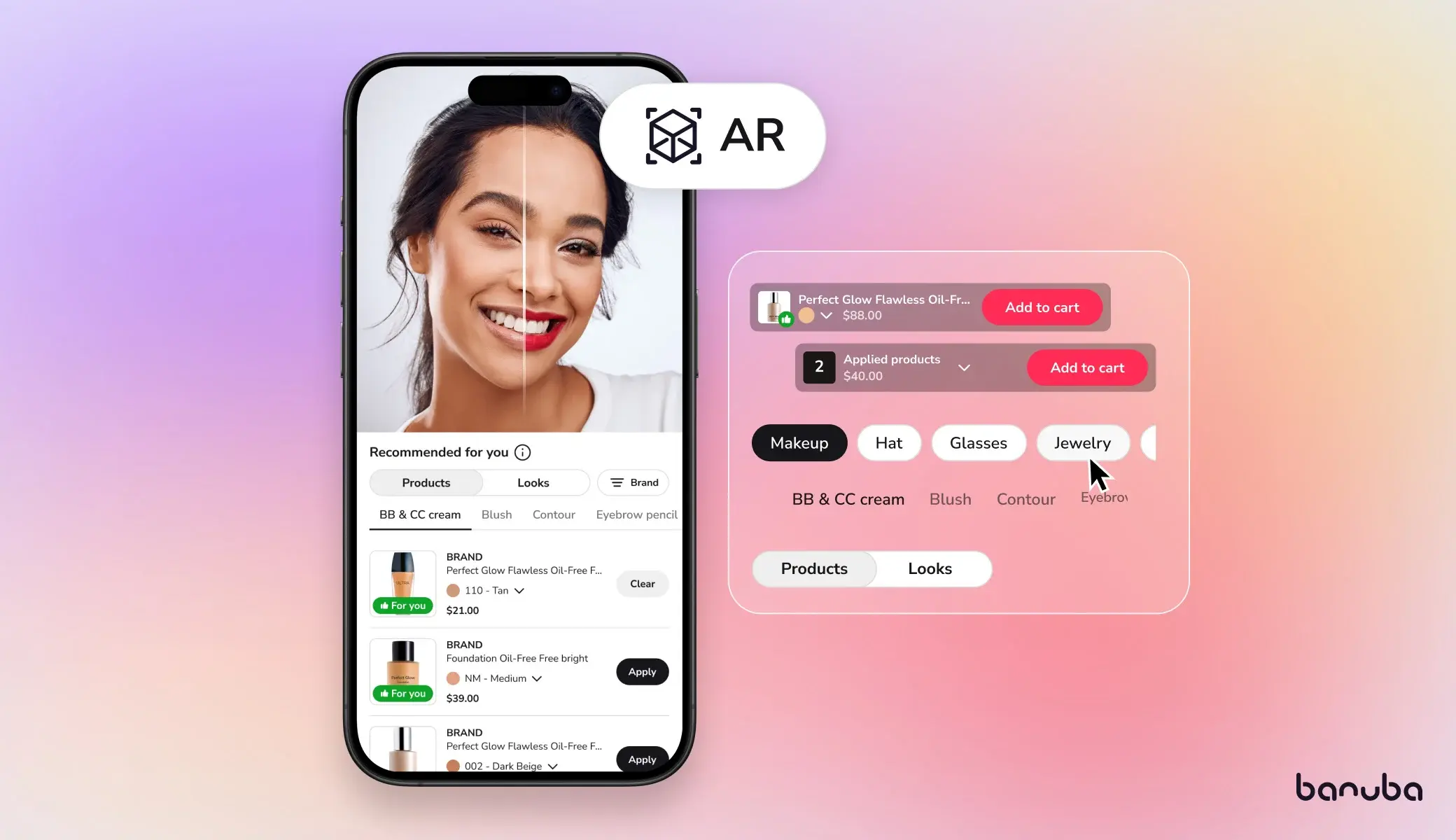
I chose these apps based on fashion relevance, Shopify integration, pricing transparency, and whether the product solves a real merchant problem. I excluded tools that are mostly built for furniture, generic 3D viewers, or enterprise demos with weak Shopify relevance.
When I review apps as a developer, I care about what happens after the sales page. Does the app have a realistic onboarding path? Does it fit a merchant's budget? Does it solve a narrow problem really well, or does it try to be everything at once? Those questions usually reveal more than a polished landing page.
- Shopify fit - the app needed a real Shopify presence or clear Shopify integration path
- Fashion use case - apparel, beauty, accessories, or eyewear only
- Commercial intent - useful for merchants actually evaluating vendors in 2026
- Practical pricing - at least some pricing guidance available
- Niche strength - better to be excellent in one category than mediocre across all of fashion
I also weighted tools differently depending on merchant size. A $29.99/month app that works well for a smaller store can be more valuable than a more advanced platform that starts at $500/month. That is especially true for independent brands still validating demand.
Banuba
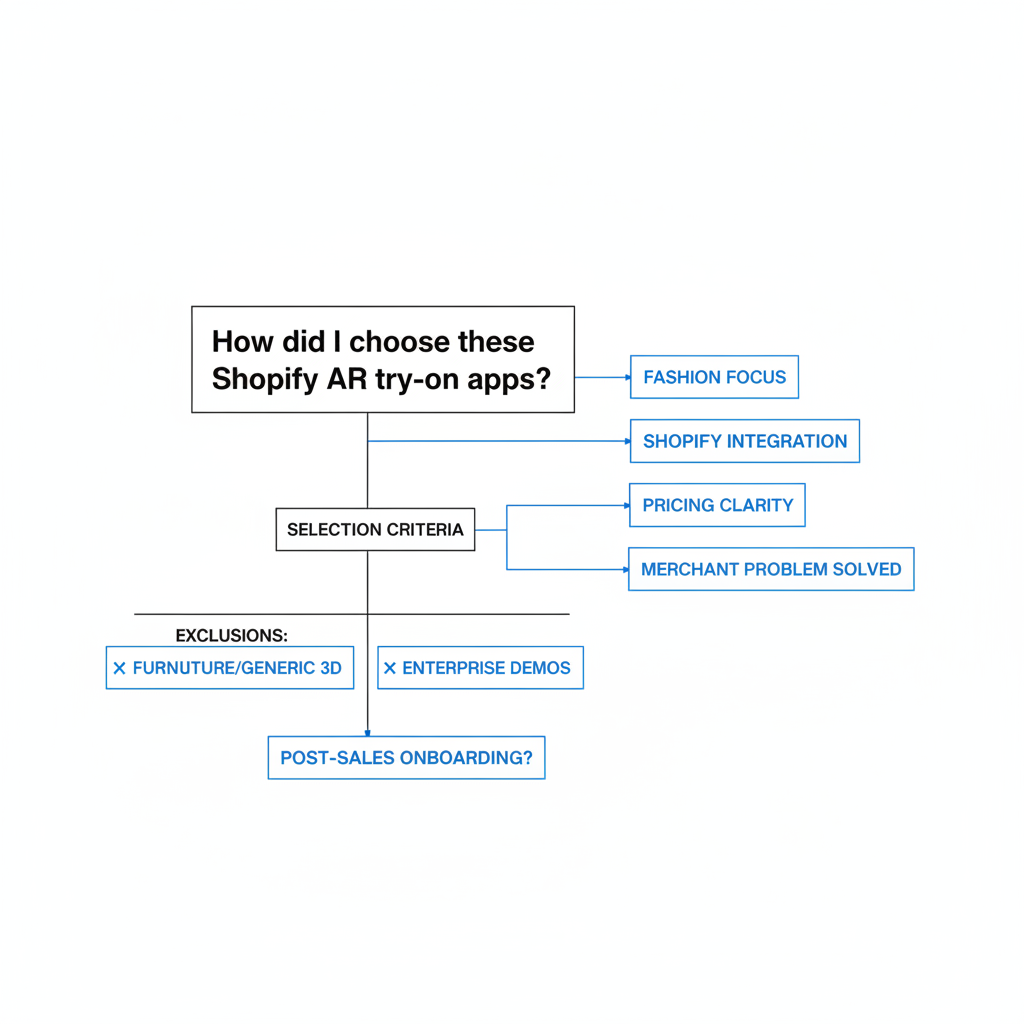
Banuba is the best Shopify AR try-on app in this list for beauty brands and face-based accessories. It is especially strong for makeup, lipstick, and eyewear experiences where tracking accuracy makes or breaks the user experience.
Banuba appears in Shopify discussions under its virtual try-on offering and stands out because it combines real-time AR rendering, AI recommendations, and a relatively accessible starting point with a free usage tier. For merchants testing AR before fully committing, that matters a lot.
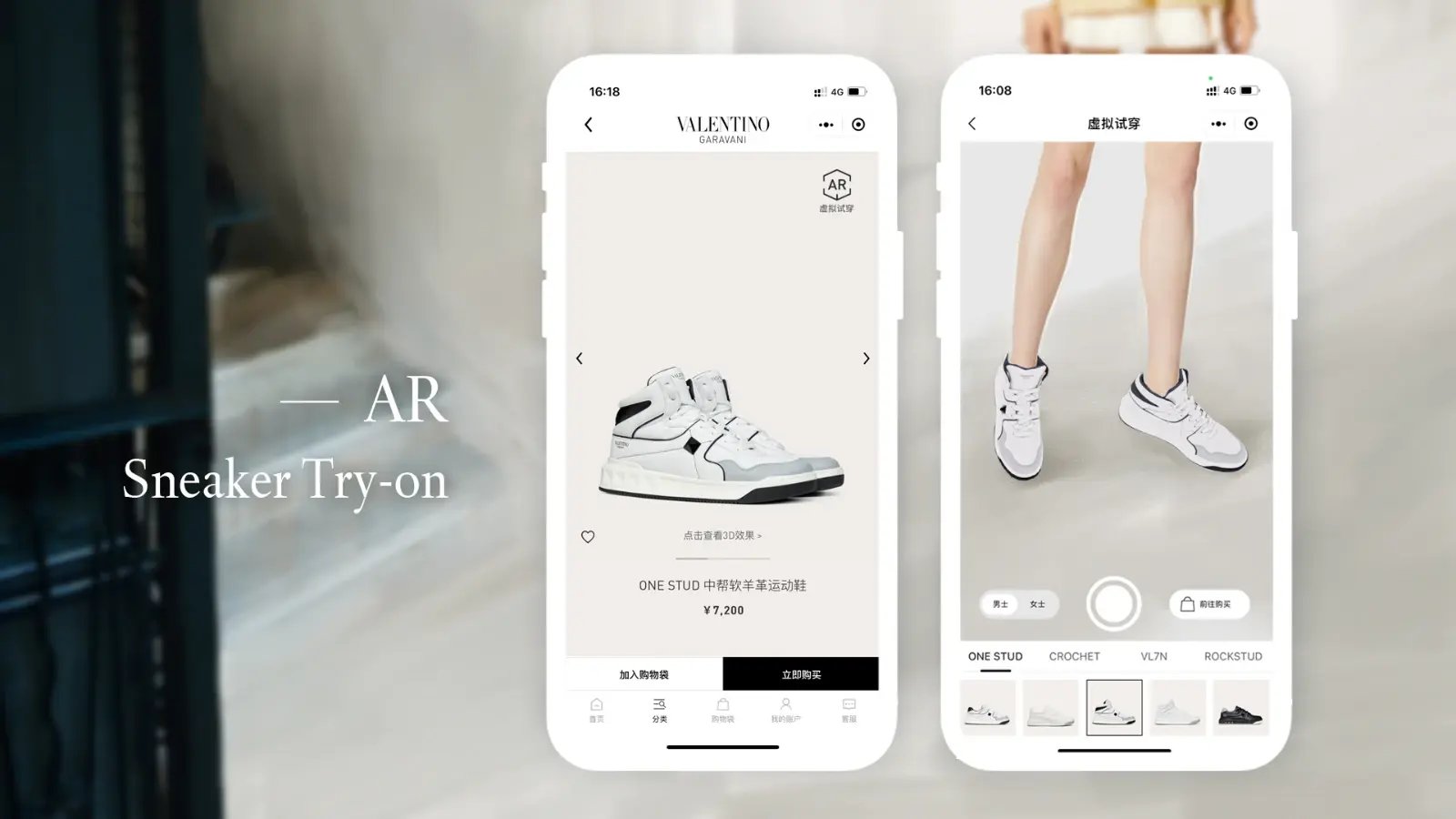
What is Banuba best for?
Banuba is best for beauty merchants, cosmetics brands, and some eyewear sellers that need high-quality face tracking. It is the strongest option here if your products sit on the face and shoppers need instant visual feedback.
In practical terms, Banuba is a much better fit for lipstick than for denim. If your catalog includes shades, finishes, or facial accessories, the visual payoff is obvious. If you sell dresses or outerwear, you should probably skip to Pictofit or Looksy.
Key features
Banuba's core value is accurate AR try-on with merchant-friendly setup. The app is built around realistic face mapping and broad device compatibility.
- Real-time AR try-on for cosmetics and eyewear
- AI product recommendations layered into the try-on experience
- No-code product upload workflow
- Advanced face tracking with 3,308 vertices
- Works across devices, which is critical for mobile-heavy traffic
- Analytics dashboard for usage and interaction tracking
How much does Banuba cost?
Banuba offers a free plan for up to 1,000 uses, with paid tiers for higher volume. That makes it one of the easiest tools in this list to test before you commit to a larger rollout.
For smaller brands, this is a major advantage. AR can be expensive to implement badly. A usage-based or trial-friendly model lets you validate whether shoppers actually engage with try-on before you build it into your broader merchandising strategy.
What do I think of Banuba as a Shopify app developer?
My view is that Banuba is the safest recommendation in this roundup if you sell face-based products. A lot of AR tools look great in controlled demos, but once you factor in mobile traffic, lighting conditions, and customer patience, weak tracking becomes painfully obvious.
Banuba seems to understand that the experience has to feel immediate. If there is lag, poor alignment, or awkward calibration, shoppers leave. In my experience building Shopify apps, the best conversion features are the ones that feel almost invisible. Banuba gets closer to that standard than most flashy AR tools.
Tip: if you use Banuba, do not hide it deep on the product page. Put the try-on CTA near shade selectors, variant options, or above the fold on mobile. Visibility matters as much as the technology itself.
Pictofit
Pictofit is the best choice in this list for apparel brands that want a more immersive virtual try-on experience. It is geared toward merchants who want shoppers to visualize outfits, not just inspect static product photos.
Pictofit by Reactive Reality is one of the more ambitious options in this category. It focuses on AI-powered garment visualization, avatar creation from selfies, and mix-and-match outfit styling. That makes it more of a strategic merchandising tool than a simple widget.
What is Pictofit best for?
Pictofit is best for mid-market and premium apparel brands that need a richer shopping experience. It is especially relevant for stores selling coordinated looks, capsule wardrobes, or collections where styling across multiple products drives higher order values.
If your average order value depends on getting shoppers to picture a full outfit, Pictofit is compelling. It is less about a quick gimmick and more about helping customers imagine how pieces work together.
Key features
Pictofit offers more than basic visualization. Its feature set is designed around apparel-specific shopping journeys.
- AI 2D-to-3D garment conversion
- Personalized avatars created from selfies
- Mix-and-match styling for outfit building
- No-code Shopify installation
- Behavioral analytics to track engagement and shopping patterns
How much does Pictofit cost?
Pictofit starts at $500/month. That puts it firmly in the premium bracket and makes it a better fit for brands with enough margin, traffic, and merchandising complexity to justify the spend.
For a new store, that price will be hard to defend. For an established apparel brand doing serious volume, it can make sense if the tool increases conversion rate, lifts AOV, or reduces hesitation on higher-priced items.
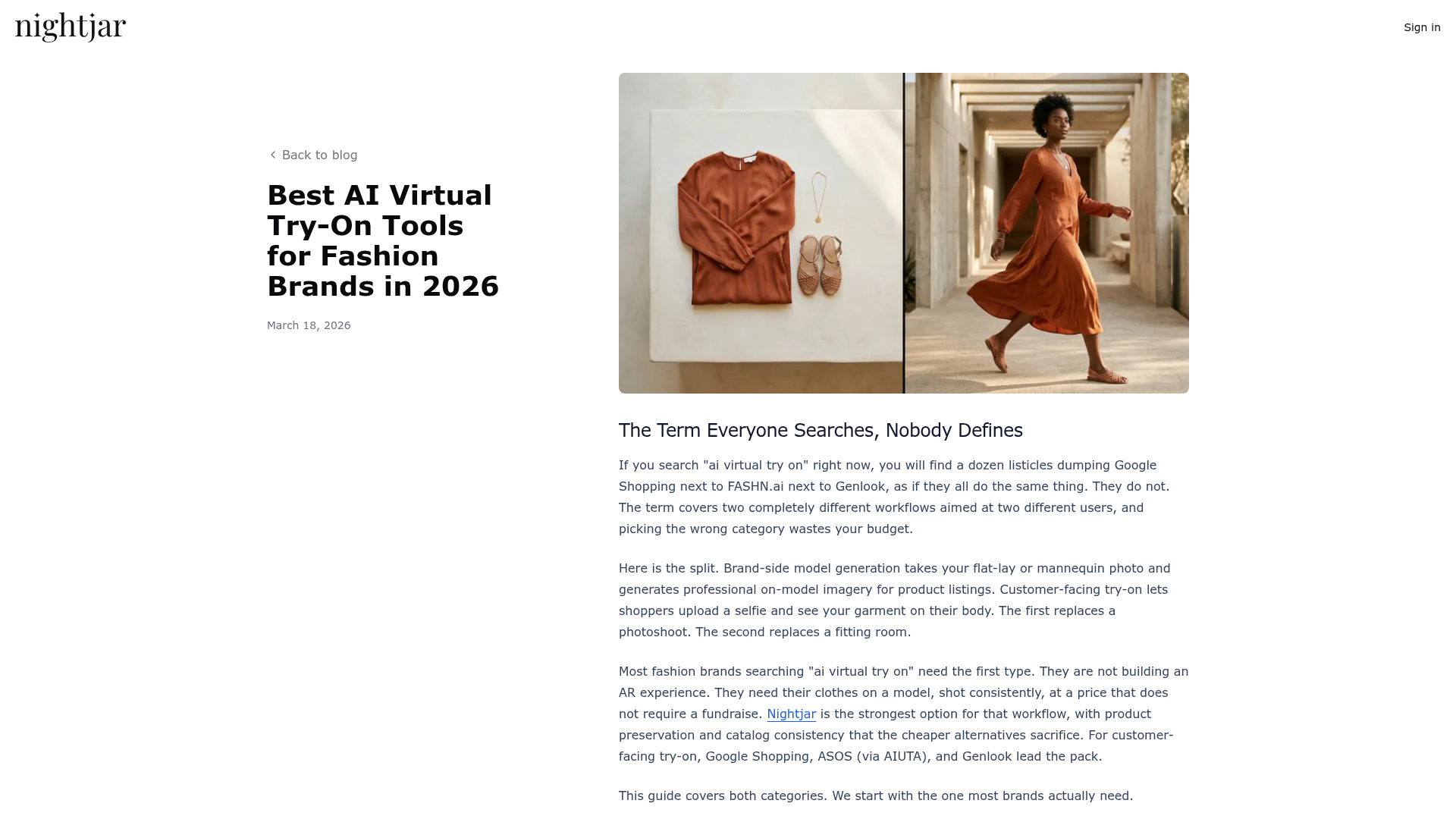
What do I think of Pictofit as a Shopify app developer?
I think Pictofit is promising, but only if your store can support the complexity. Apparel try-on is much harder than beauty try-on because drape, body shape, fit perception, and shopper expectations all become more subjective.
That means you need to treat this as part of your merchandising stack, not a magic fix. If your product photography is weak, your sizing info is vague, or your PDPs are cluttered, a premium try-on layer will not save you. But if your brand presentation is already strong, Pictofit can add a real premium feel.
Tip: use Pictofit most aggressively on higher-consideration products like dresses, jackets, or coordinated sets. That is usually where visualization has the biggest payoff.
Looksy
Looksy is the best budget-friendly AR try-on app in this list for apparel merchants. It is a good fit for brands that want a lightweight try-on experience without enterprise pricing or a long implementation cycle.
Looksy is positioned as a fast, browser-based AI try-on tool with private processing. On paper, that is exactly the kind of product many Shopify fashion merchants want: simple setup, lower monthly cost, and no need for a complex custom build.
What is Looksy best for?
Looksy is best for small to mid-sized apparel stores that want to experiment with virtual try-on at a manageable cost. It is also a sensible option for brands that are not ready to commit to a premium platform like Pictofit.
In other words, this is the app I would look at first if you are curious about try-on but still need to protect cash flow. A lot of Shopify stores need practical tools, not enterprise theater.
Key features
Looksy focuses on speed and accessibility rather than heavyweight customization. That can actually be a strength for many merchants.
- Browser-based AI try-ons
- Fast setup without a complicated technical rollout
- Private processing for apparel try-on workflows
- Lower entry price than most apparel-focused competitors
How much does Looksy cost?
Looksy starts at $29.99/month. That makes it the most affordable option in this roundup by a wide margin.
Price alone should not decide the outcome, but it changes the risk profile. At this level, a merchant can actually test try-on behavior, monitor engagement, and decide whether the feature deserves a larger budget later.
What do I think of Looksy as a Shopify app developer?
I like tools like Looksy because they match how many Shopify brands actually operate. Most merchants are not choosing between five enterprise vendors. They are choosing between trying something this quarter or postponing it indefinitely.
If Looksy delivers a decent shopper experience, its pricing makes it one of the most interesting picks here. I would still validate performance carefully on mobile and check how well the try-on UI fits your theme, but for many smaller brands this is the best entry point into AR try-on.
Tip: run try-on on a limited set of bestsellers first. Do not launch it across your whole catalog on day one. Test where it actually changes behavior.
If you run a fashion store and are also reviewing your broader app stack, my post on Shopify apps for selling custom clothing products is a useful companion read.
Fittingbox
Fittingbox is the best Shopify AR try-on app for eyewear brands. If you sell prescription glasses, sunglasses, or fashion frames, this is the most specialized option in the roundup.
Fittingbox Virtual Try-On is built around eyewear fitting and includes a patented frame-removal process for realistic visualization. That specialization matters because eyewear shoppers care about facial proportion, frame width, and style match more than generic AR novelty.
What is Fittingbox best for?
Fittingbox is best for eyewear merchants that need a credible virtual fitting experience. It is especially useful when shoppers are comparing multiple frame styles and want confidence before buying online.
Eyewear is one of the strongest categories for virtual try-on because the visual decision is immediate. Customers can tell very quickly whether a frame shape suits them. That gives specialized tools like Fittingbox a clearer ROI path than many general apparel solutions.
Key features
Fittingbox is focused, which is a positive. It is not trying to solve every visual commerce problem.
- Real-time eyewear fitting
- Patented frame-removal technology
- Built specifically for glasses and sunglasses try-on
- Strong category alignment for optical and fashion eyewear stores
How much does Fittingbox cost?
Fittingbox starts at $99/month. It also carries a visible Shopify rating of 4.6/5, which is useful when comparing it against less transparent alternatives.
That pricing feels reasonable for eyewear merchants if the experience is polished and the catalog is large enough. Frame selection is visual by nature, so a good try-on layer can influence both conversion and buyer confidence.
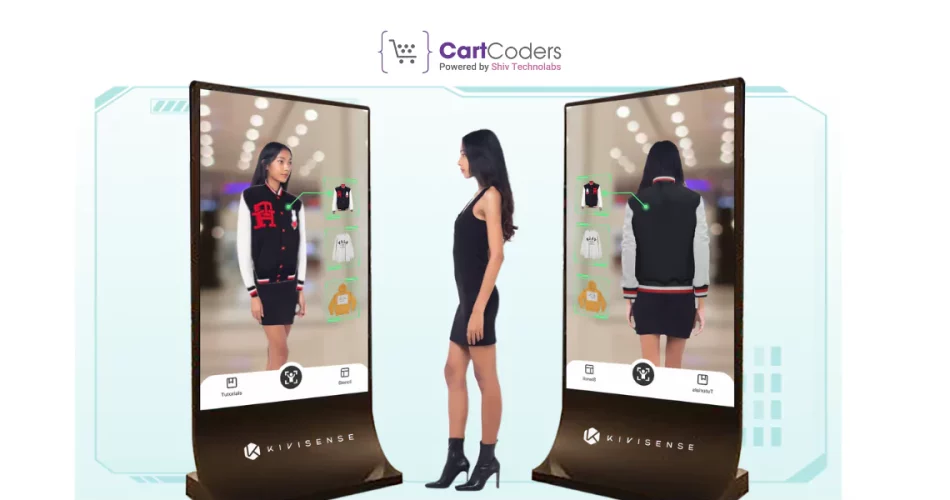
What do I think of Fittingbox as a Shopify app developer?
I generally trust specialized apps over broad category claims, and Fittingbox fits that pattern. Eyewear is a category where dedicated technology usually beats generic visual try-on tools.
If I were advising an eyewear merchant, I would put Fittingbox near the top of the shortlist immediately. The main thing I would verify is how well the app handles your specific frame catalog and mobile UX. But overall, this is the most obvious niche-specific recommendation in the article.
Tip: combine Fittingbox with strong frame filter options and review content. Try-on gets the click, but filters and social proof often close the sale.
What is the best AR try-on app for different fashion niches?
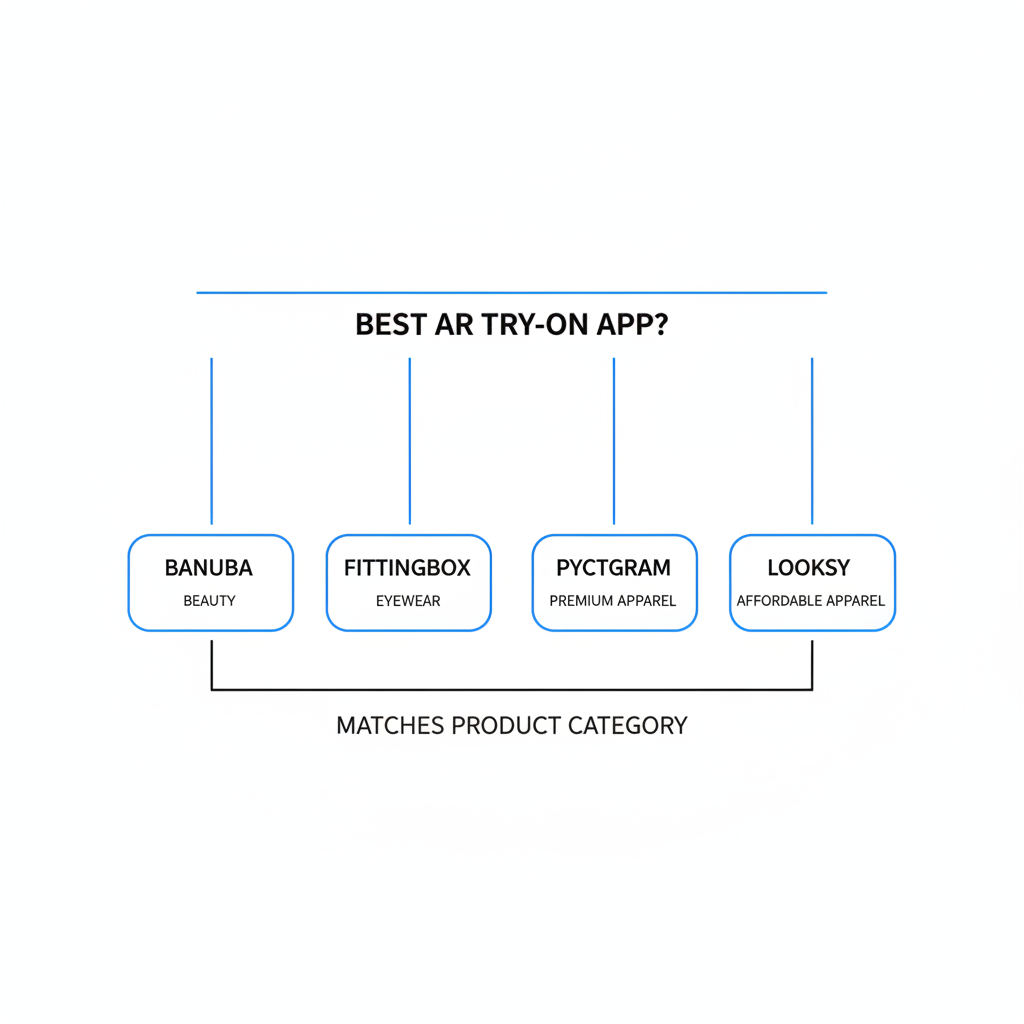
The best AR try-on app depends on your product category. Banuba is best for beauty, Fittingbox is best for eyewear, Pictofit is best for premium apparel, and Looksy is best for affordable apparel testing.
This is where many comparison posts go wrong. They rank apps as if all fashion products behave the same way. They do not. The best app is the one that matches your catalog, budget, and customer expectations.
| Niche | Best App | Why |
|---|---|---|
| Beauty and cosmetics | Banuba | Strong face tracking, real-time AR, free entry tier |
| Eyewear | Fittingbox | Specialized frame try-on, category-specific technology |
| Premium apparel | Pictofit | Avatars, outfit visualization, richer merchandising potential |
| Small apparel brands | Looksy | Lower cost, simpler entry point, practical testing option |
If your store sells jewelry rather than apparel or face-based accessories, AR try-on may not be your first app investment. In that case, you may get better ROI from review tools, product page upgrades, or merchandising apps. I cover that in my guide to Shopify apps for jewelry stores.
How should fashion brands choose a Shopify AR try-on app?
Fashion brands should choose a Shopify AR try-on app based on product category, budget, mobile UX, and implementation effort. The app that looks best in a sales demo is not always the one that performs best in a real storefront.
When I test Shopify apps, I always come back to a few practical questions. Can a merchant launch it quickly? Does it load fast enough on mobile? Does it fit the theme without awkward styling? Can the team actually maintain it after launch?
-
Match the app to the product type
Beauty, apparel, and eyewear need different underlying tech. Do not buy a generic solution for a specialized category. -
Check the price against likely ROI
A $500/month tool needs real traffic and margin. A $29.99/month tool can be a lower-risk experiment. -
Test on mobile first
Most fashion traffic is mobile. If the try-on flow feels clunky on a phone, it will underperform. -
Review onboarding requirements
Some apps are plug-and-play. Others need asset prep, model mapping, or more involved setup. -
Measure engagement, not just novelty
Track clicks, conversion rate, assisted revenue, and product-level impact. A cool feature is not enough.
One more thing I have learned from app development: merchants often overestimate how much new tech can fix weak merchandising. If your product pages are unclear, your photos are poor, or your reviews are thin, AR try-on will not solve the underlying trust problem. It works best as an enhancer, not a rescue plan.
If increasing order value is also part of your roadmap, pair try-on with smart merchandising. My guides on best upsell apps for Shopify and Shopify upsell on the product page cover the next layer after product visualization.
Are Shopify AR try-on apps worth it for fashion brands?
Shopify AR try-on apps are worth it when they reduce hesitation on visually driven products and fit naturally into the buying journey. They are most valuable for beauty, eyewear, and selected apparel categories where seeing the product on the shopper creates immediate confidence.
They are not automatically worth it for every store. If your margins are thin, traffic is low, or your customers already convert well from standard PDPs, the ROI may be weak. On the other hand, if shoppers need help imagining color, style, or facial fit, try-on can be a meaningful conversion lever.
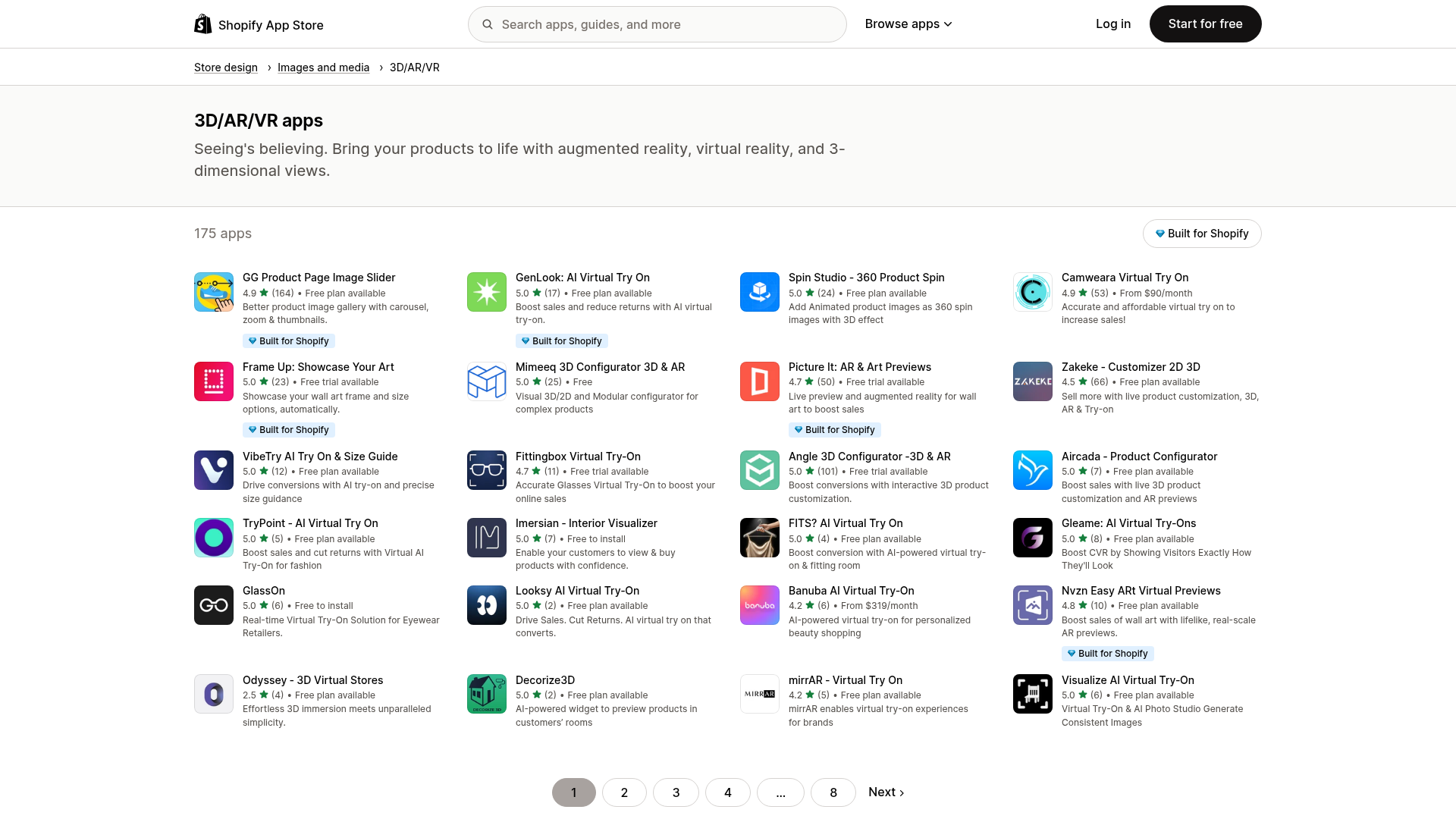
For broader context, Shopify itself highlights 3D/AR/VR apps as a growing category, and the market keeps expanding with both AI and AR-led tools. I also recommend reviewing category-specific vendor material like Banuba's virtual try-on comparisons and general ecommerce analysis from sources such as Claid when you are validating vendors.
The big caveat is expectation management. Visual try-on is not perfect fit prediction. If you position it correctly and measure it honestly, it can be powerful. If you oversell it internally as a silver bullet, it will disappoint.
Which AR product try-on app would I pick for a Shopify store in 2026?
If I had to pick one app per category, I would choose Banuba for beauty, Fittingbox for eyewear, Pictofit for premium apparel, and Looksy for smaller apparel brands. There is no single winner for every fashion store.
That is the honest answer, and it is more useful than forcing a universal ranking. In my experience building Shopify apps, the best merchants make better software decisions when they optimize for fit rather than hype.
| App | Best For | Pros | Cons | My Verdict |
|---|---|---|---|---|
| Banuba | Beauty, makeup, face accessories | Free tier, strong tracking, analytics, polished AR use case | Less suited to full apparel catalogs | Best overall for face-based try-on |
| Pictofit | Premium apparel brands | Avatar creation, outfit styling, rich apparel visualization | High starting price | Best for immersive apparel experiences |
| Looksy | Smaller apparel stores | Affordable, browser-based, lower-risk test option | Less proven publicly than bigger names | Best for budget-conscious brands |
| Fittingbox | Eyewear | Specialized category focus, real-time fitting, visible rating | Narrow use case outside eyewear | Best for glasses and sunglasses stores |
If you are comparing the best shopify ar try on apps 2026, start by narrowing your use case first. That one step will save you more time than reading ten generic listicles. Once you know whether you need beauty AR, eyewear fitting, or apparel visualization, the shortlist becomes much clearer.
And if you are still building out your stack, remember that try-on is only one part of conversion optimization. The best results usually come from combining it with strong product pages, clear reviews, and smart merchandising rather than treating it as a standalone fix.