
在 Shopify 中,是否可以在客户完成付款后将其重定向到某个页面?还是必须使用应用?
我们来详细聊聊。
重要更新:Shopify Checkout Extensibility 变更(2025)
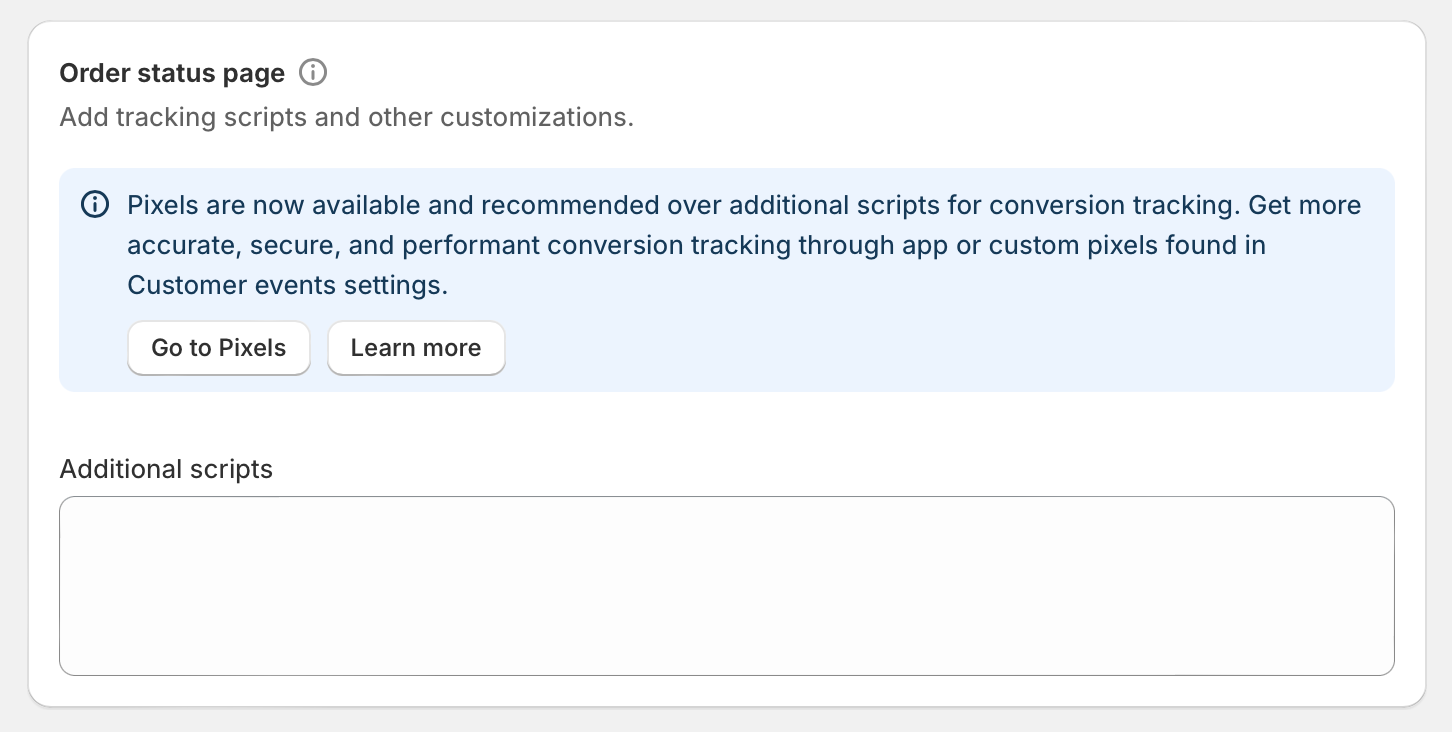
自 2025 年 8 月 28 日起,Shopify 已弃用“Thank You”和“Order Status”页面的 Additional Scripts(附加脚本)区域。如果你想在付款后重定向客户,需要使用下方列出的新方法之一。传统的 Additional Scripts 中 JavaScript 方法目前仅可查看,并将在 2026 年 1 月停止生效。
如何在付款后将客户重定向到某个页面
目前在 Shopify 中,实现结账后客户重定向有多种方式,具体取决于你店铺的需求和套餐。
方法 1:使用 Shopify Apps(推荐)
最可靠、也最具长期适配性的方案,是从 App Store 使用专门的 Shopify 应用。“Thank You Redirect”等类似的结账自定义应用,现在会基于 Shopify 全新的 Checkout Extensibility 框架运行,并配合 web pixels 与 app blocks。这类应用兼容最新的 Shopify 更新,不会因为 Shopify 的改动而失效。
方法 2:Custom Pixels(适合开发者)
如果你有开发经验,可以在 Shopify 的 Customer Events(客户事件)中创建 Custom Pixel。这是替代 Additional Scripts 的新方式。访问路径如下:
- 进入你的 Shopify 后台
- 前往 Settings > Customer Events
- 添加一个 Custom Pixel,并写入你的重定向逻辑
请注意,Custom Pixels 会在 iframe 中加载,因此代码结构与旧的 Additional Scripts 方法不同。你不能直接把旧脚本复制粘贴到 Custom Pixels 中。
方法 3:Checkout Editor 自定义
如果你想对 Thank You 页面进行可视化自定义,现在可以使用 Shopify Checkout Editor:
- 在 Shopify 后台前往 Settings > Checkout
- 在你的 checkout configuration 旁点击 Customize
- 使用顶部下拉菜单切换到 Thank You 页面
- 添加区块并自定义页面
旧方法(已弃用——仅供参考)
以下使用 Additional Scripts 的方法自 2025 年 8 月 28 日起已不再可用,但仍在此保留作为参考,方便仍可能在店铺中看到这段代码的用户查阅。
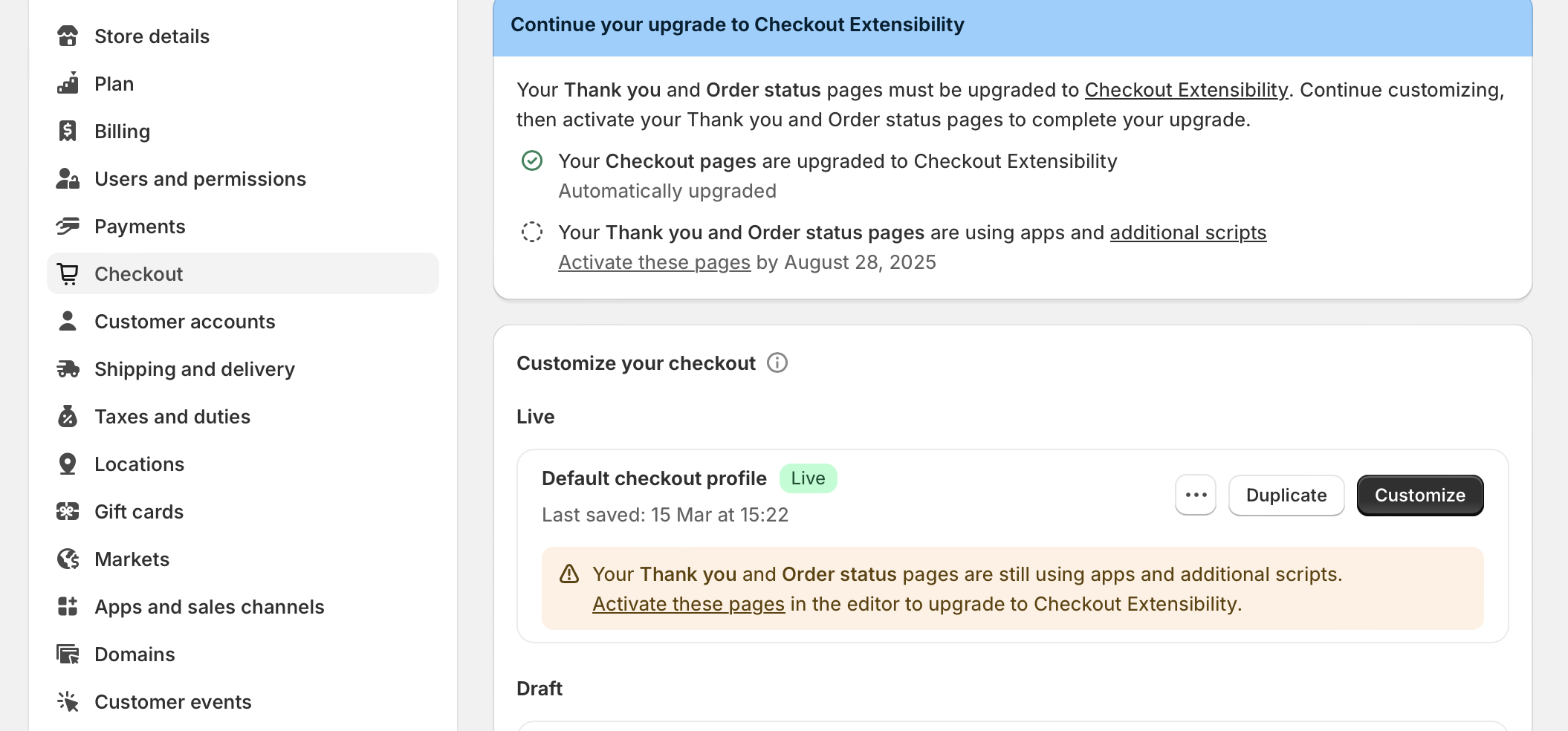
以前,你可以前往 Settings > Checkout,然后滚动到 Additional Scripts 区域。该区域现在仅可查看,放在这里的任何代码都将在 2026 年 1 月停止运行。
try {
   let redirect_url = 'https://example-page-link.com/your-page';
   let redirect_prod_ids = [1651456314292, 1651496847236];
   let order_line_items = Shopify.checkout.line_items;
   for( var i=0; i<order_line_items.length; i++ ){
      if( redirect_prod_ids.includes( order_line_items[i].product_id ) ){
         window.top.location.href = redirect_url;
      }
   }
}catch(err){
   //if errors happen in the above code, do nothing
}
由于 Shopify 的 Checkout Extensibility 更新,自 2025 年 8 月 28 日起,这段代码已不再生效。
你需要做什么
如果你目前在 Additional Scripts 区域中使用了重定向脚本,需要在 2026 年 1 月之前迁移到上述新方法之一,以免失去该功能。Shopify 会在后台的 Settings > Checkout 中提供升级指南,帮助你检查并替换现有的自定义内容。
对大多数店主来说,从 Shopify App Store 安装兼容的应用,是最简单也最可靠的解决方案。


