
Most Shopify stores should use 5-15 apps, not 25, not 40, and definitely not every free trial that looks interesting. In my experience building Shopify apps and reviewing hundreds of merchant stacks, 5-10 apps is the sweet spot for most small and mid-sized stores, while larger Shopify Plus brands can justify 15-30+ apps if they actively manage performance, overlap, and ROI.
That is the short answer, but the real answer depends on your revenue, team size, operational complexity, and how disciplined you are about removing apps you no longer need. A store doing a few hundred pounds a month should not have the same app stack as a store doing seven figures with subscriptions, loyalty, reviews, international shipping, and advanced post-purchase flows.
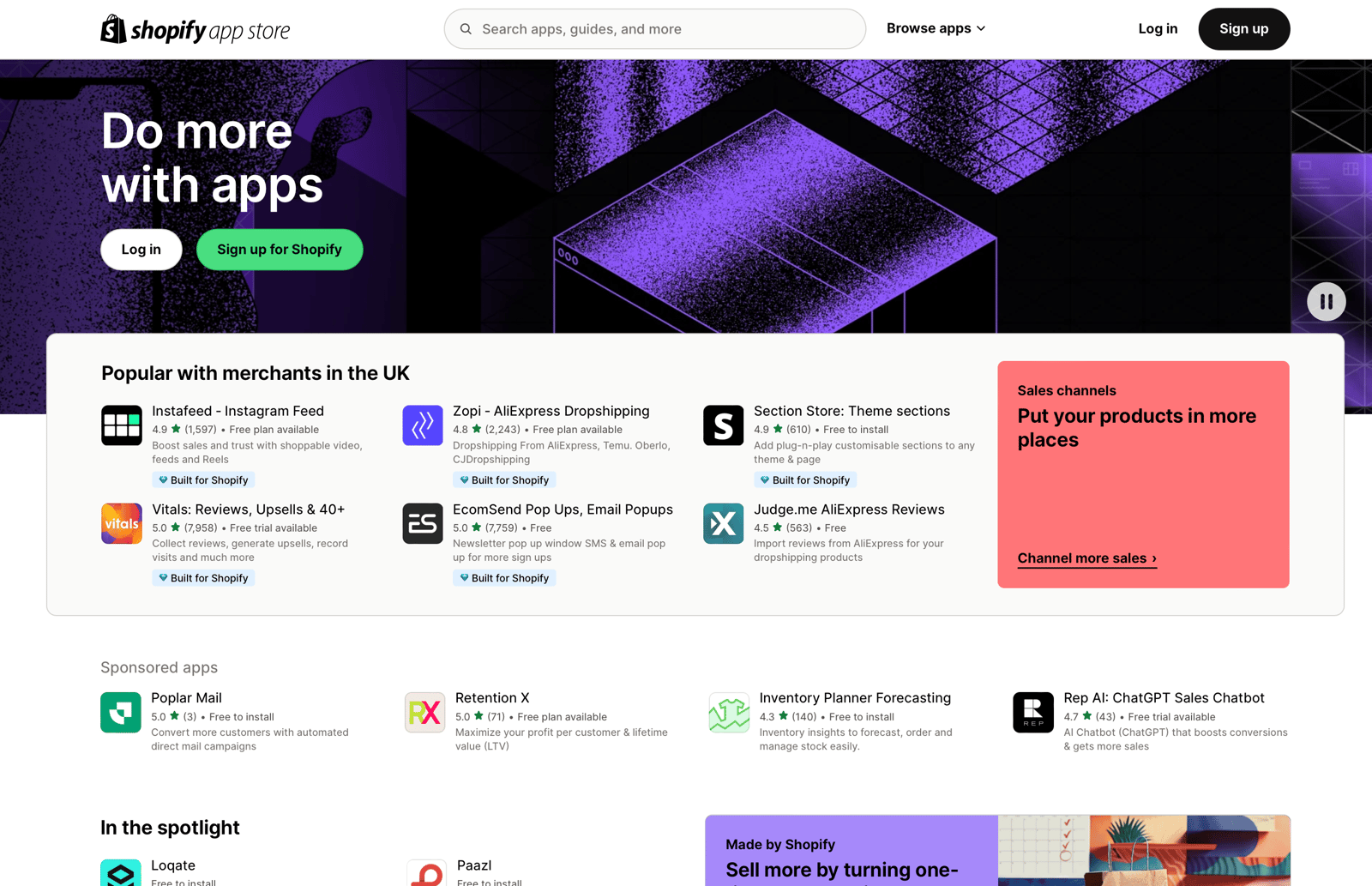
As of 2026, merchants have access to 9,700+ Shopify apps, and that abundance is exactly why app bloat happens. It is easy to install one app for reviews, another for upsells, another for bundles, another for popups, and then realise three of them are doing roughly the same thing while quietly slowing your storefront and adding another £80-£200 per month in software spend.
This guide explains how many apps a Shopify store should use, what a sensible app count looks like by store size, when you have too many, and how I would build a lean app stack today if I were launching from scratch.
How many apps should a Shopify store use?
The best range for most Shopify stores is 5-15 apps. Start with 5-7 core apps if you are a newer store, grow to 8-15 as operations become more complex, and only go beyond that if each app has a clear job and measurable return.
The average merchant is often cited as using around 6 apps, and that broadly matches what I see in the ecosystem. But averages can be misleading. A one-product store with a simple funnel may only need 4 or 5 well-chosen apps, while a high-volume brand may need 20 because it is managing reviews, subscriptions, returns, shipping rules, loyalty, merchandising, support, analytics, and upsells across several markets.
What matters is not the raw number. What matters is whether each app earns its place. If an app improves conversion rate, saves hours each week, or replaces manual work, keep it. If it duplicates another tool, injects heavy scripts, or has not been touched in months, it is probably a candidate for removal.
What is a healthy app count by store size?
A healthy app count depends on store stage. For most merchants, the safest benchmark is 1-7 apps for startups, 8-15 apps for growing stores, and 15-30+ apps for enterprise stores with governance.
I like to think of app count in zones rather than hard limits. That reflects how stores actually operate in the real world, and it aligns with the advice merchants are sharing across Reddit, agencies, and Shopify communities right now.
| App count | Performance zone | Best fit | My view |
|---|---|---|---|
| 1-7 | Safe and fast | New stores, one-product brands, lean DTC shops | Ideal starting point |
| 8-15 | Caution zone | Growing stores with more channels and workflows | Normal for serious merchants |
| 15+ | High risk | Large brands, Shopify Plus, complex operations | Only if managed carefully |
| 30+ | Very high risk | Enterprise stores with custom governance | Usually too many for most stores |
For smaller stores, I usually recommend a minimum viable stack rather than a maximum. That means choosing the fewest apps needed to support sales, trust, fulfilment, and retention. If you want ideas for a lean launch stack, my guide to must-have apps for new Shopify stores is a good companion read.
When do you have too many Shopify apps?
You have too many Shopify apps when they start hurting speed, margins, or manageability. In practice, that often happens somewhere after 10-15 apps for a typical SMB, especially when several apps load storefront scripts.
There is no official Shopify limit that says a store breaks at 12 apps. The problem is cumulative. One app adds a widget, another injects tracking scripts, another loads CSS, another adds a popup, and soon your theme is carrying extra code on every page. Even if each app seems harmless on its own, the combined effect can be expensive.
Current research suggests that stores with 5-15 apps can see 40% faster load times than bloated setups, and a 1 second delay can increase bounce rates by 32%. That matters even more because 81% of purchases happen on mobile, where heavy pages are less forgiving.
In my experience, a store with 37 apps is rarely running 37 genuinely essential tools. It usually includes forgotten trials, duplicate functionality, old experiments, or apps installed by previous freelancers that were never properly removed.
Why is using fewer Shopify apps often better?
Fewer, better apps usually mean a faster store, lower monthly costs, and fewer technical conflicts. A lean app stack is easier to manage and easier to scale.
Every app introduces trade-offs. Some are tiny and well-built. Others add multiple scripts, app blocks, webhook activity, and theme changes. As a developer, I have seen stores where uninstalling two redundant apps improved page speed more than weeks of theme tweaking. Optimising your app stack is often the fastest performance win available.
There is also the cost angle. A lot of merchants underestimate how quickly app spend grows. A review app here, an upsell app there, shipping software, loyalty, analytics, and email can easily push a store to $120-$220 per month or more. That is fine if the tools are producing measurable value. It is not fine if they are just nice-to-have extras.
Finally, fewer apps reduce operational mess. Support is simpler, onboarding new staff is easier, and there is less chance of one app conflicting with another during theme updates or checkout changes.
Which apps are actually essential for most Shopify stores?
Most Shopify stores only need a handful of core app categories. The essentials are usually reviews, shipping or tracking, upsells or bundles, email/SMS, and sometimes loyalty.
I would not install all of these on day one without a reason, but these are the categories I see delivering the most practical value across stores.
Do you need a reviews app?
Yes, most stores benefit from a reviews app because social proof improves trust and conversion. If you are selling physical products, reviews are one of the first app categories I would prioritise.
Judge.me is popular because it is affordable and feature-rich, while Reviews.io is a stronger fit for some larger brands that want broader review collection and syndication features.


If you are comparing options, keep an eye on widget speed, review request automation, photo reviews, and whether the app supports your theme cleanly. For stores where trust is a bigger challenge, reviews can outperform flashy design apps by a mile.
Do you need an upsell or bundle app?
Yes, if you want to increase average order value, an upsell or bundle app is often worth it. This is one of the few app categories that can pay for itself very quickly.
I am slightly biased because I build in this area, but the maths is hard to ignore. If an upsell tool lifts AOV by even 5-10%, the monthly fee is usually trivial compared with the revenue gain. For simple offers, SellUp works well, while ReConvert focuses more on post-purchase and thank you page opportunities. Shopify Bundles is also worth considering if bundled product offers are central to your strategy.



If upselling is a priority for your store, I have a fuller breakdown in this guide to the best upsell apps for Shopify.
Do you need shipping and tracking apps?
Yes, if Shopify's native shipping setup does not fully cover your workflow. Shipping apps become more important as order volume, carrier complexity, or customer expectations increase.
ShipStation, Shippo, and AfterShip all solve slightly different problems. One merchant may need label generation and carrier management, another may care more about branded tracking and post-purchase communication.



For stores where fulfilment is becoming messy, these tools can save real time and reduce support tickets. I covered this area in more detail in my post on the best Shopify shipping apps.
Do you need a loyalty app?
Maybe, but not always at launch. Loyalty apps make more sense once you have repeat purchase behaviour worth amplifying.
Smile.io and LoyaltyLion are both established options. They can be excellent for retention, but I would not put them ahead of reviews, email capture, or upsells for a brand that is still trying to get its first consistent sales.


If your store has healthy repeat purchase rates already, a loyalty app can be a smart addition. If not, it may be another monthly subscription without enough volume to justify it yet.
What app stack should a new Shopify store start with?
A new Shopify store should usually start with 5-7 apps. That is enough to cover the basics without creating unnecessary bloat.
Here is the lean starter stack I would recommend for many new merchants:
- Reviews app for trust and social proof
- Email or SMS tool for capture and retention
- Upsell or bundle app for AOV growth
- Shipping or tracking app if native Shopify tools are not enough
- SEO or image optimisation tool if you need help with basics
- Analytics app if you need clearer reporting
- Customer support app if support volume justifies it
This is not a checklist where every store must install all seven. It is a menu. If you are selling one hero product, you may be better off with a smaller setup. My post on apps for a one product Shopify store covers that scenario specifically.
How do I know if an app is worth keeping?
An app is worth keeping if it produces measurable ROI, saves time, or solves a problem Shopify cannot solve natively. If you cannot explain its value in one sentence, review it.
When I test app stacks, I use a simple scorecard. I look at revenue impact, operational value, speed impact, monthly cost, and overlap. An app that drives conversions but slows the store badly may still be worth it, but it needs to earn that cost. An app that duplicates another tool should usually go.
| Question | If yes | If no |
|---|---|---|
| Does it increase revenue or conversion? | Keep testing and optimise | Check if it is really necessary |
| Does it save manual work each week? | Likely worth keeping | Consider removing |
| Does it duplicate another app? | Consolidate where possible | No issue |
| Does it affect speed or mobile UX? | Audit carefully | Lower technical risk |
| Has it been unused for 30+ days? | Strong removal candidate | Review again next month |
How do I audit my Shopify apps properly?
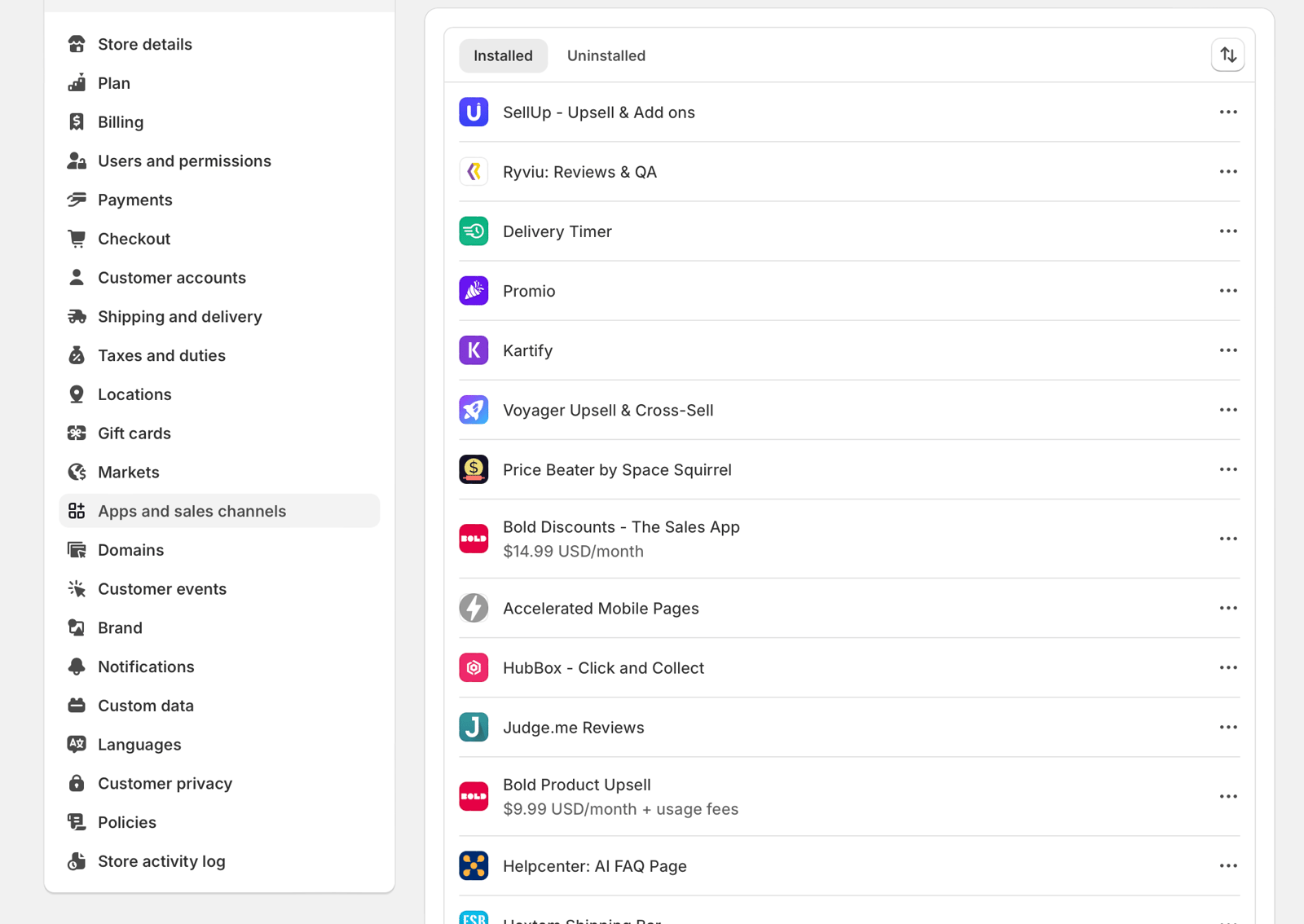
You should audit your Shopify apps at least monthly, and weekly if your store changes often. A quick audit helps you catch redundant apps, speed issues, and forgotten subscriptions before they become expensive.
My basic audit process looks like this:
- List every installed app and its monthly cost.
- Write down the job each app does in one sentence.
- Mark overlaps such as two apps handling popups, bundles, or analytics.
- Check storefront speed with Google PageSpeed Insights and Shopify's own performance reporting.
- Review mobile experience on product, cart, and checkout-related pages.
- Remove anything unused for 30+ days unless it is seasonal.
- Verify uninstall cleanup because some apps leave code behind.
This last point matters more than many merchants realise. Uninstalling an app does not always mean every snippet disappears cleanly. If a store has had several redesigns or agency handovers, I often find leftover code from apps that were removed long ago.
How do too many apps affect Shopify speed and conversions?
Too many apps can slow your store, clutter the interface, and reduce conversion rate. The biggest risk is usually on mobile, where extra scripts and widgets are more noticeable.
Not every app hurts speed equally. Back-end apps that do not load on the storefront are usually less of a concern. The bigger issue is front-end apps that inject JavaScript, popups, badges, sliders, recommendation blocks, or tracking scripts. That is why some agencies recommend keeping front-end apps to five or fewer, even if your total app count is higher.
In my experience, the worst-performing stores are not always the ones with the most apps. They are the ones with too many overlapping front-end apps. A store with 12 carefully chosen apps can outperform a store with 7 messy ones.
Should Shopify Plus stores use more apps?
Yes, Shopify Plus stores often use more apps, but they also need stricter governance. More revenue and complexity justify a larger stack, but not a careless one.
Research suggests that 6,000+ larger stores operate with 15-30+ apps. That sounds high until you consider what enterprise brands are handling: subscriptions, returns, ERP sync, loyalty, advanced merchandising, multiple shipping rules, customer service tooling, B2B workflows, and multiple regions.
The difference is that mature teams treat apps like infrastructure. They assign owners, monitor performance, audit costs, and replace tools when overlap appears. If you are not doing that, a large app stack becomes technical debt very quickly.
What should I look for before installing a Shopify app?
Before installing a Shopify app, check that it solves a real problem, works well on mobile, has strong reviews, and does not duplicate existing tools. Good app selection prevents bloat before it starts.
Here is what I look at as both a developer and merchant-side advisor:
- Clear use case - what exact problem does it solve?
- Built for Shopify status where relevant, as this is often a useful quality signal
- Recent reviews and how the developer responds to support issues
- Mobile presentation on product and cart pages
- Performance footprint and whether it loads scripts site-wide
- Integration quality, including modern Shopify architecture such as GraphQL support where relevant
- Pricing clarity so you do not get trapped by hidden usage fees
If you are a beginner, it is very easy to over-install apps because each one promises a quick win. My advice is simple: install slowly, measure results, and remove ruthlessly. That mindset saves a lot of pain later.
What is the best app strategy for long-term growth?
The best app strategy is to build a lean stack first, then add apps only when a specific bottleneck appears. Growth should make your stack smarter, not just bigger.
For example, do not install a loyalty app before you have repeat customers. Do not install a complex helpdesk before support volume justifies it. Do not install three conversion apps that all target the cart drawer. Add tools in response to real needs, not because a competitor uses them.
In my experience building Shopify apps, the strongest stores are not the ones with the longest app list. They are the ones where every app has a clear owner, a clear purpose, and a clear reason for existing. That is the real benchmark to aim for.
So, how many apps should a Shopify store use in practice?
In practice, most Shopify stores should use 5-10 apps at first and grow towards 10-15 only when complexity demands it. If you are above that, audit regularly and justify each addition.
My rule of thumb is simple:
- New store: 5-7 apps
- Growing store: 8-15 apps
- Large or Plus store: 15-30+ apps with governance
If you remember one thing from this article, let it be this: there is no prize for having the most Shopify apps. The goal is a store that converts well, loads quickly, and stays profitable. Usually, that comes from using fewer apps more intentionally, not collecting more of them.
And if you are looking at your Apps page right now thinking, "I have no idea what half of these do", that is probably your sign to run an audit this week.