Shopify Theme Detector Tool
Identify any Shopify theme in seconds. Just paste a store URL to detect the exact theme and get instant results.
Why check what theme a Shop is using?
Find Inspiration for Your Own Store
Discovering what theme successful Shopify stores are using can provide valuable inspiration for your own e-commerce project. When you come across a store with exceptional design, smooth navigation, or impressive functionality, identifying its theme helps you understand what's possible and what works well in your industry.
Save Time and Money on Development
Rather than investing thousands in custom development, identifying themes used by established stores can help you find pre-built solutions that already deliver the features you need. Many premium themes offer the same professional look and functionality as custom-built sites but at a fraction of the cost.
Analyze Competitor Strategies
Understanding your competitors' technical choices gives you a strategic advantage in the marketplace. By identifying which themes and apps successful stores in your niche are using, you can analyze their approach to user experience, conversion optimization, and overall site performance.
Frequently Asked Questions (FAQ)
What to Do After Detecting a Theme
- Research the theme's features and pricing
- Read user reviews from other store owners
- Check if the theme supports your required apps
- Compare it with similar themes in the marketplace
- Test the demo before making your purchase
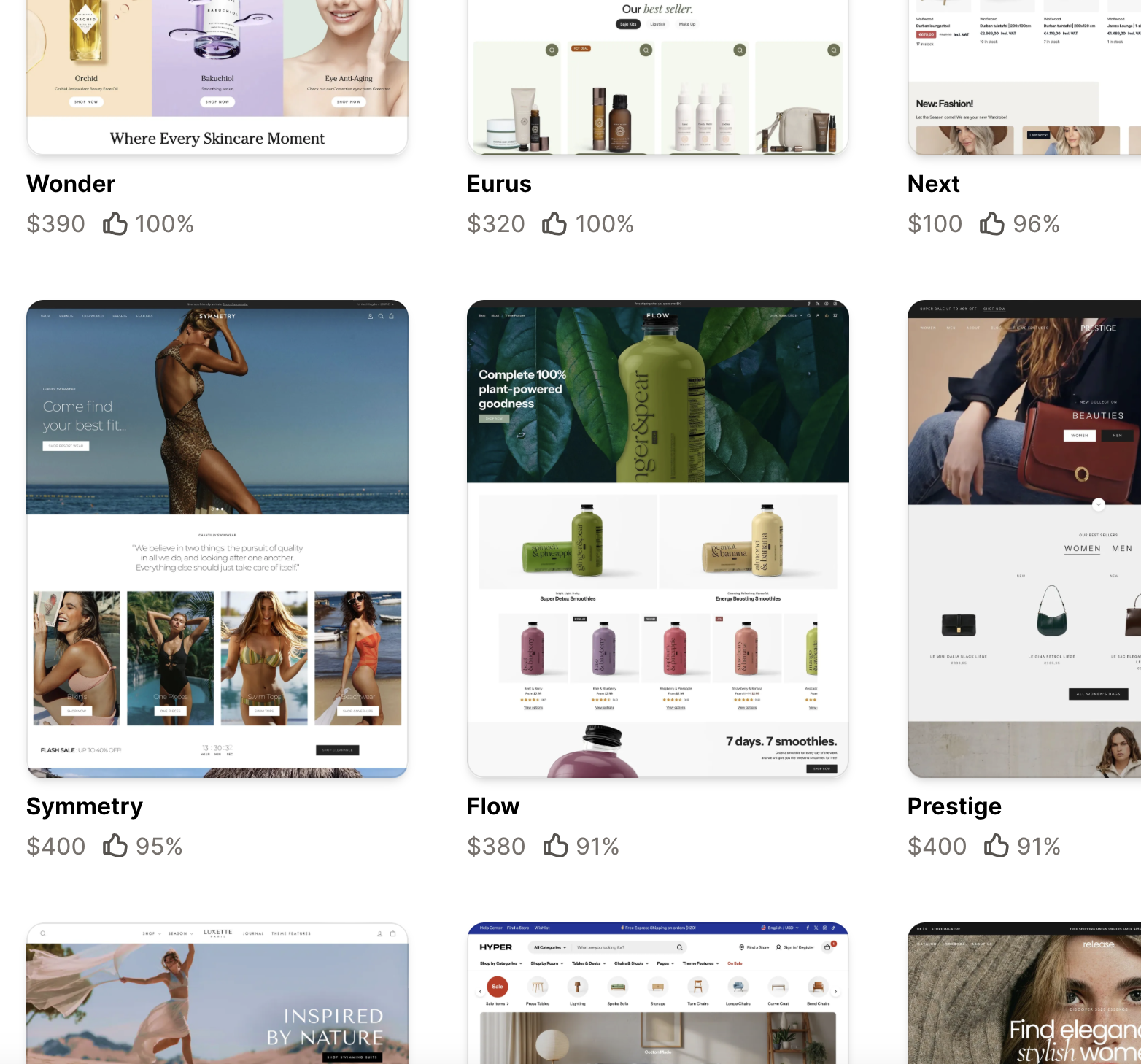
Popular Shopify Themes by Industry
- Fashion and apparel: Dawn, Prestige, Impulse
- Electronics: Electro, Shoptimized, Turbo
- Handmade items: Craft, Brooklyn, Showcase
- Digital products: Minimal, Simple, Express
- Dropshipping stores: Booster, Debutify, Shoptimized